uniladtech homepage
  • News
    • Tech News
    • AI
  • Gadgets
    • Apple
    • iPhone
  • Gaming
    • Playstation
    • Xbox
  • Science
    • News
    • Space
  • Streaming
    • Netflix
  • Vehicles
    • Car News
  • Social Media
    • WhatsApp
    • YouTube
  • Advertise
  • Terms
  • Privacy & Cookies
  • LADbible Group
  • LADbible
  • UNILAD
  • SPORTbible
  • GAMINGbible
  • Tyla
  • FOODbible
  • License Our Content
  • About Us & Contact
  • Jobs
  • Latest
  • Archive
  • Topics A-Z
  • Authors
Facebook
Instagram
X
TikTok
Snapchat
WhatsApp
Submit Your Content
iPhone owners have the 'coolest feature' to look forward to in upcoming iOS update

Home>Apple>iPhone
Published 15:49 7 Jul 2026 GMT+1

iPhone owners have the 'coolest feature' to look forward to in upcoming iOS update

This will definitely be something to try out when it launches

Harry Boulton

Harry Boulton

google discoverFollow us on Google Discover
Featured Image Credit: VW Pics / Contributor / Getty
iOS
Apple
iPhone

Advert

Advert

Advert

Every new iOS update brings at least one feature that'll improve your experience using an iPhone – even if it's just a security fix – but the latest beta version has arrived with what could be the 'coolest feature' available according to some Apple fans.

The feature itself is an extension of the wallpaper overhaul that arrived with iOS 26 alongside the comparatively unpopular implementation of Liquid Glass, as this now lets you see a cutout of your existing lock screen image when you swipe down to view notifications.

Right now swiping down from the top when your iPhone is unlocked simply converts the screen into what you would see when it's locked, unblurring the home screen background and showing you the Notification Center, the time, and any widgets you have placed.

Apple drops new lockscreen feature for iOS 27 Beta 3

With the new change, however, it adapts your wallpaper to show some elements while preserving the information that you're swiping over, creating a double transparent layer that can look great with certain wallpapers if the image is positioned correctly.
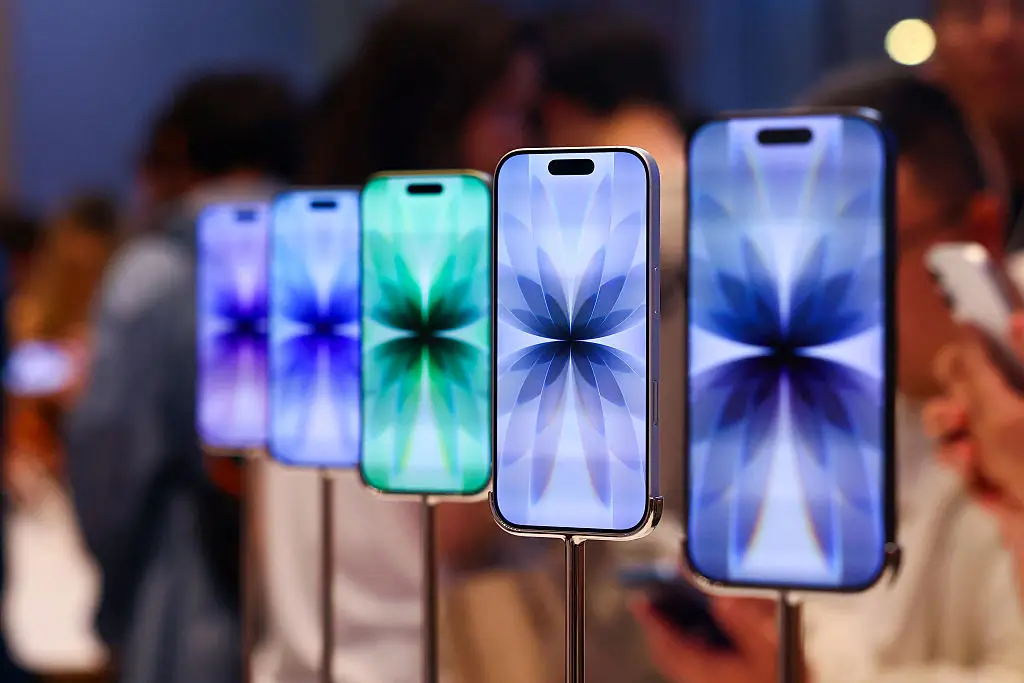
You might want to think about changing your wallpaper to suit this cool new feature (VCG/VCG via Getty Images)

Advert

"I just discovered the coolest feature on iOS 27 Beta 3," wrote Noah Cat on X, sharing a video that shows it off in all its glory.

"Now, when you swipe down on the notification panel, it creates a cutout for the wallpaper which looks SO cool," the user added. Some have even noted that it works with animated wallpapers too, creating an unexpected and impressive effect.


i just discovered the coolest feature on iOS 27 Beta 3

now, when you swipe down on the notification panel, it creates a cutout for the wallpaper which looks SO cool

left: Beta 2
right: Beta 3 pic.twitter.com/PVxtyzq8rl

— Noah Cat (@Cartidise) July 6, 2026

It's unclear exactly how this would work with images that aren't positioned with a subject towards the bottom, or ones that don't have a clear subject to 'cut out' per se, but it's definitely something that you'll want to experiment with and perhaps even tweak your selected image to suit.

Some people definitely aren't going to like it as it serves as another extension of the Liquid Glass aesthetic and can be difficult or messy to read in some situations, but hopefully it's an optional addition that can be turned on and off freely.

When will this feature be available?

Considering it's part of the iOS 27 beta it's unlikely that iPhone owners will be able to take advantage of it until at least September, as that's when Apple usually drops its yearly operating system refresh.

It won't be available for all iPhones that can currently use iOS 26, as Apple is expected to cut off another generation of smartphones from compatibility after years of support, but anyone with a more recent device should be able to take advantage of it.
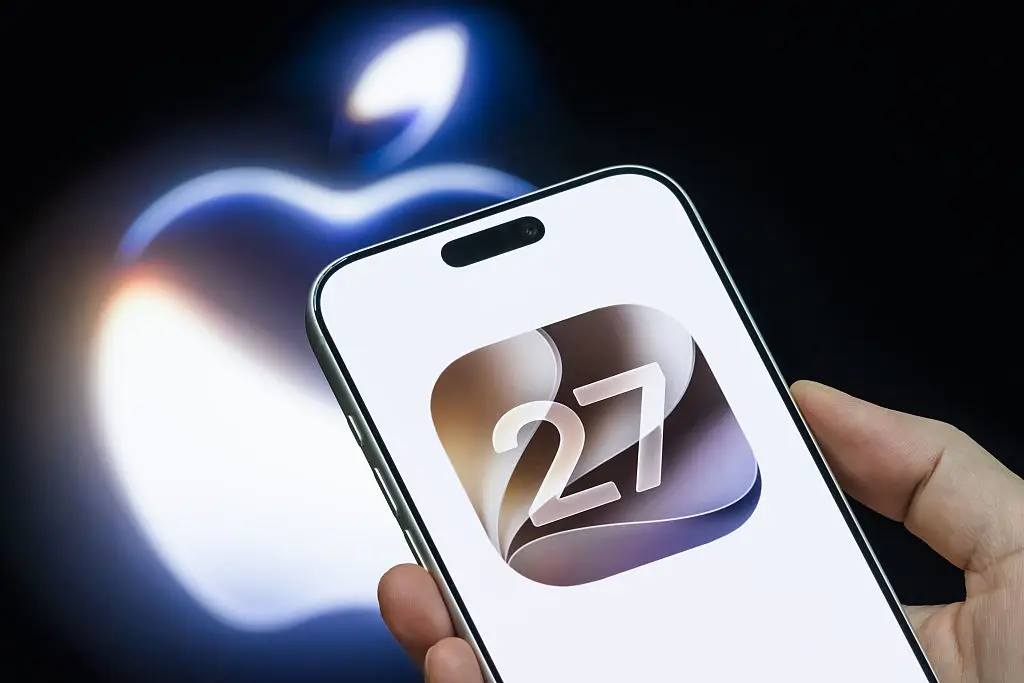
This new feature likely won't be available until iOS 27 releases, which is expected to happen in September (Cheng Xin/Getty Images)

One thing to consider also is that this hasn't necessarily been implemented as an announced change, leading some to speculate that it could be a bug that Apple didn't intend to release.

We won't know for sure until iOS 27 officially releases – or at least until the next beta version – and many will have their fingers crossed that it's real.

Choose your content:

3 hours ago
a day ago
4 days ago
  • NurPhoto / Contributor / Getty
    3 hours ago

    iPhone 18 Pro Max battery leaks claim Apple is finally fixing its biggest problem

    Apple may be closing the gap with Android

    Apple
  • South_agency / Getty
    a day ago

    Change these iPhone message settings right now, according to an expert

    Your iPhone could be keeping more message data than you realise

    Apple
  • Chesnot / Contributor / Getty
    a day ago

    Ex-Apple employee reveals one setting every iPhone user should turn on to save significant battery

    Extending your battery life can be a real game-changer

    Apple
  • Cheng Xin/Getty Images
    4 days ago

    iOS 27 introduces major changes to longtime iPhone and iPad controls which users slam as 'absolutely awful'

    Siri AI will be taking over a major feature of the iPhone screen

    Apple
  • iPhone users have three game-changing features that will transform screenshotting in upcoming iOS 26 update
  • Every new feature that's come to your iPhone with latest iOS 26.5 update
  • Apple's next iOS update could come with an unwelcome new iPhone feature
  • How to revert back to iOS 18 from iOS 26 as iPhone users despair at latest update