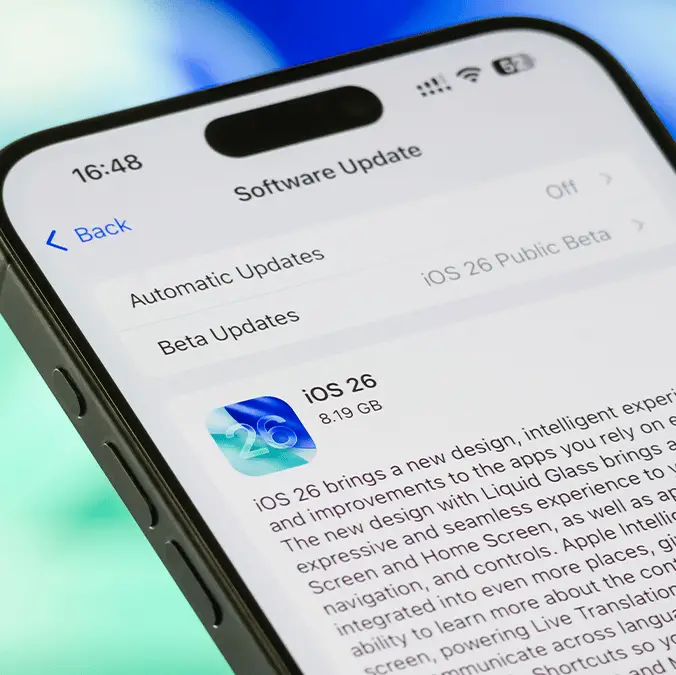
How to revert back to iOS 18 from iOS 26 as iPhone users despair at latest update


It's safe to say that, once again, Apple has left people frustrated and disappointed with a new iOS update, and there's been a significant uptick in iPhone users wondering if its possible to roll back to iOS 18 following the launch of iOS 26.
It seems like every new iPhone update is met with the same response, as the new changes that Apple introduces either leave people angry or aren't good enough to justify the other misgivings, and people are understandably looking for a solution.
One of the biggest qualms with the launch of iOS 26 is the introduction of what Apple is calling 'Liquid Glass', as many have deemed this significant visual overhaul that focuses on transparency and a glass-like look to be a downgrade and regression.
Despite many thinking the exact same when the last major update dropped this time last year, people are now desperate to revert to the iOS 18 that they became familiar with, but you'll need to act quick if you want to go back in time.
Why do people want to revert back to iOS 18?
There are a number of reasons why people aren't too happy with iOS 26 following it's launch this week, but as mentioned the biggest one is definitely the new look that has arrived with it.
Advert
"I wasn't expecting it to look this ugly," proclaims one disappointed iPhone user on Reddit, with plenty of others in the comments below lamenting about how 'cheap' and 's***' it feels to look at.
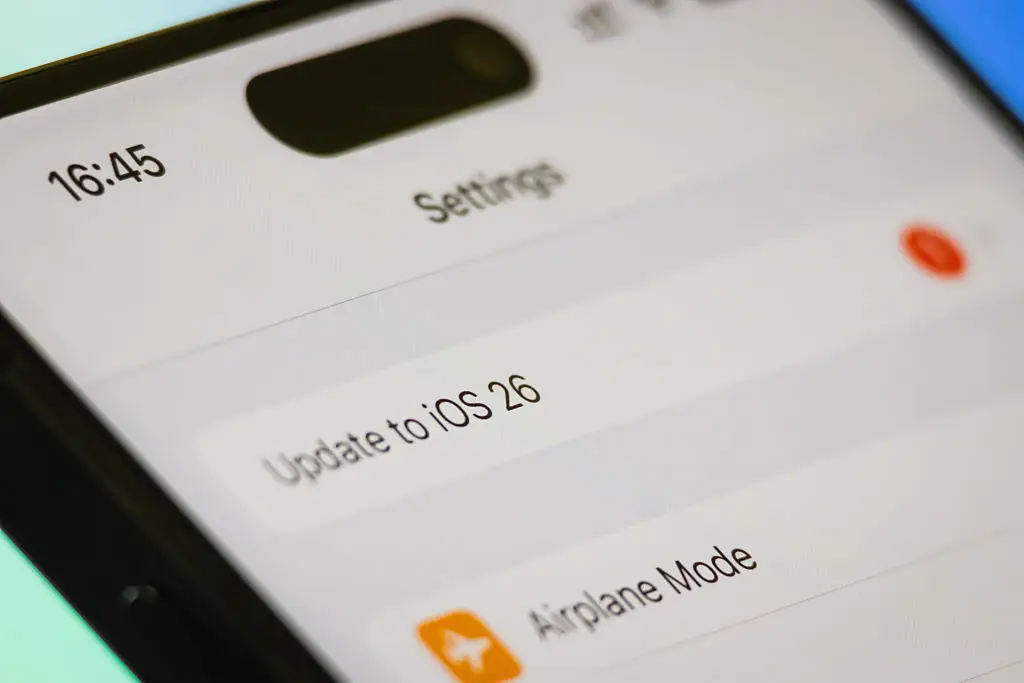
Other complains that have arisen are also to do with performance degradation as a consequence of the update, as people with older iPhones appear to have noticed increased lag and slowdown, despite others indicating that the update has solved issues with overheating.
Three of the most popular iPhones were shut off from support following the release of iOS 26, so if you've got an older iPhone you might want to hold off on downloading the update, and it even might be worth considering an upgrade overall to avoid any issues down the line.
How to revert back to iOS 18
If you simply can't deal with all of the new additions and changes brought alongside iOS 26 then there is a way for you to revert back to the previous version for a short while, although it won't be long before you can't do it anymore.
As reported by the Economic Times, here are the steps you need to take in order to revert back to iOS 18.6.2:
- Back up your iPhones data through iCloud on a Mac or Windows device
- Disable Find My iPhone in your phone's settings
- You can find this by heading into Settings, [Your Name], Find My, Find My iPhone
- Download the IPSW file of iOS 18.6.2 from ipsw.me or Apple's official servers, making sure to pick the one for your exact model
- Connect your iPhone to a Windows PC or Mac and put your device into Device Firmware Update (DFW) Mode
- This can be done by pressing and releasing the Volume Up button, then Volume Down, then hold the Side Button until the screen goes black. Once that has happened, press Side + Volume Down for 5 seconds, release the Side Button and keep holding Volume Down until Finder on your Mac or Windows PC detects the device
- On Finder (Mac) press the Option key and select 'Restore iPhone', and on Windows open iTunes, hold the Shift key, and then select Restore
- Select the iOS 18.6.2 IPSW file when prompted and wait for the process to finish
Once you've completed these steps you will have officially reverted to the previous iOS version, although it will reach a point where you'll likely be forced to update to iOS 26 down the line — especially if you want to make sure that your phone is protected from all cybersecurity threats.
"You can't stay on iOS 17 forever," writes one commenter on the Reddit thread, with "just get used to it" being their piece of advice.