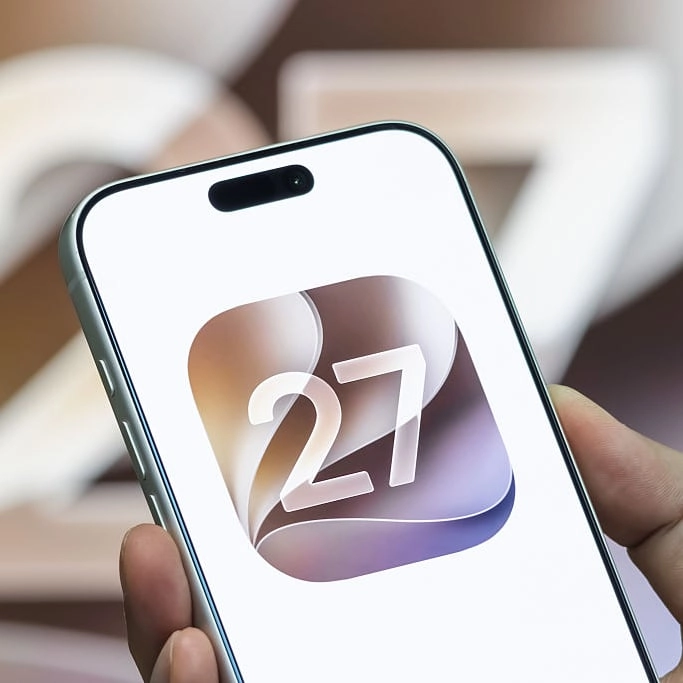
Updating to iOS27 could cause battery drainage for millions but there's easy way to recover


If you've got an iPhone there's a good chance you rushed to download iOS 27 when it became available this week, yet that does seemingly arrive with the usual battery drain issues that can leave you wondering why you even bothered.
It happens with every big update – and even some of the smaller mid-generation ones too – as people suddenly discover that their phones are losing battery a lot quicker than before, and it can leave you confused as to how to 'fix' the issue.
While this can be a permanent change in some circumstances, as older iPhone models in particular might struggle with the more intensive features available in the update, experts have advised that it's an issue you're likely to only deal with on a temporary basis, with recovery likely on its way in the near future.
That unfortunately doesn't really help you now though, so you might want to try out some battery-extending tricks to get a little bit extra out of your phone while you wait for everything to fix itself.
How to fix battery issues after downloading iOS 27
Tthe simple truth is that your phone needs time after a big update in order to sort out all of the new features and processes, and this can result in temporarily degraded battery life as it works away in the background.
Advert
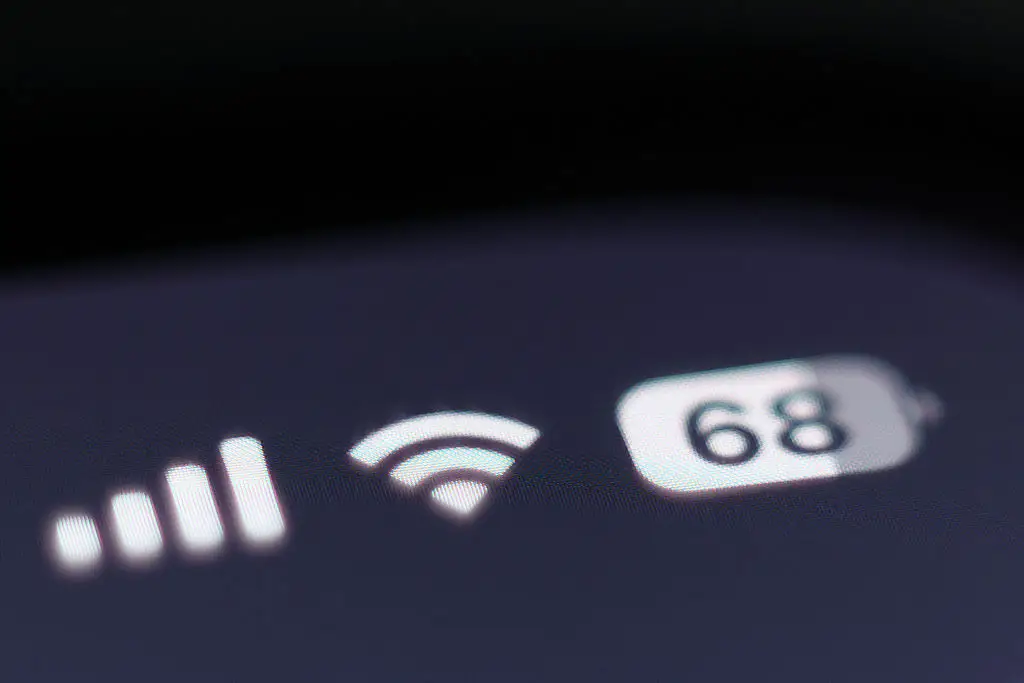
It's something that Apple has specifically warned iPhone owners about in the past, with a support page detailing that you "might notice a temporary impact on battery life and thermal performance.
"This is normal, because your device needs time to complete the setup process in the background, including indexing data and files for research, downloading new assets, and updating apps."
This is especially the case for iOS 27 following the arrival of the upgraded AI-powered Siri, as that has its fingers in almost every aspect of your phone and thus countless systems need to be adjusted, even after the update has officially finished installing.
There's unfortunately no strict timeline for when this will resolve as it depends on the health of your phone, but don't expect it to last any longer than a couple of days at most before everything gets back to normal.
You might even experience an upgrade in the performance of your battery once the issues have been resolved, as newer updates can provide efficiency improvements that help things run smoother and at a lower performance cost.
iPhone owners share iOS 27 battery life horror stories
It seems like iOS 27 is faring better than most other updates when it comes to battery performance, yet there are still plenty of iPhone owners experiencing issues after upgrading.
One commenter on Reddit revealed that they "just upgraded to iOS 27 today from iPhone 16 Pro Max and the battery drain is soo bad. Only used my phone for 1H and 30 minutes and it's already down from 83% to 37%."
Another noted that they "can use my battery indicator as [a] countdown" on their iPhone 14, while others have suggested that jumping an entire generation from iOS 18 to iOS 27 only made their battery worse.
Should you upgrade to iOS 27?
While Apple fanatics are bound to upgrade to the latest iOS version no matter what, there are plenty of iPhone owners who remain hesitant every time Apple introduces a new generation of software and that's no different with the release of iOS 27.
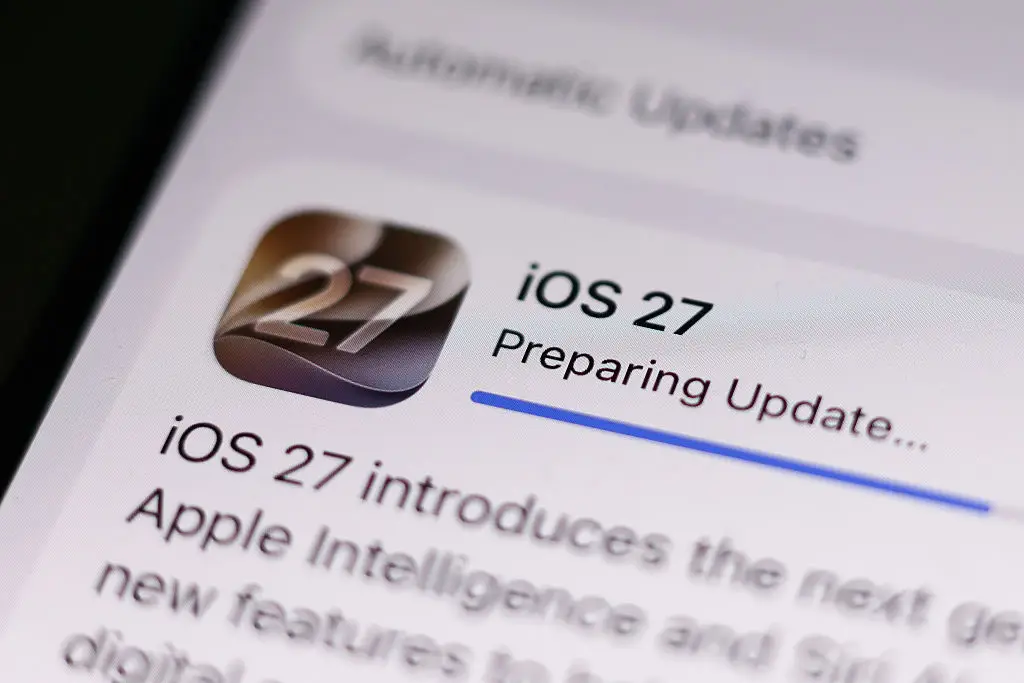
Generally it's always a good idea to keep your phone as up to date as possible, as not only are you getting all of the new features introduced by Apple but you also gain access to vital cybersecurity protections that help stop your phone from being vulnerable to hackers.
Even with potential issues surrounding battery degradation, it's better to download and install iOS 27 in order to take advantage of everything it has to offer, including the aforementioned revamped Siri, clever new photo editing tricks, and essential quality of life additions like the ability to adjust Liquid Glass or independently alter alarm volume settings.