Every iOS 27 feature coming to compatible Apple products


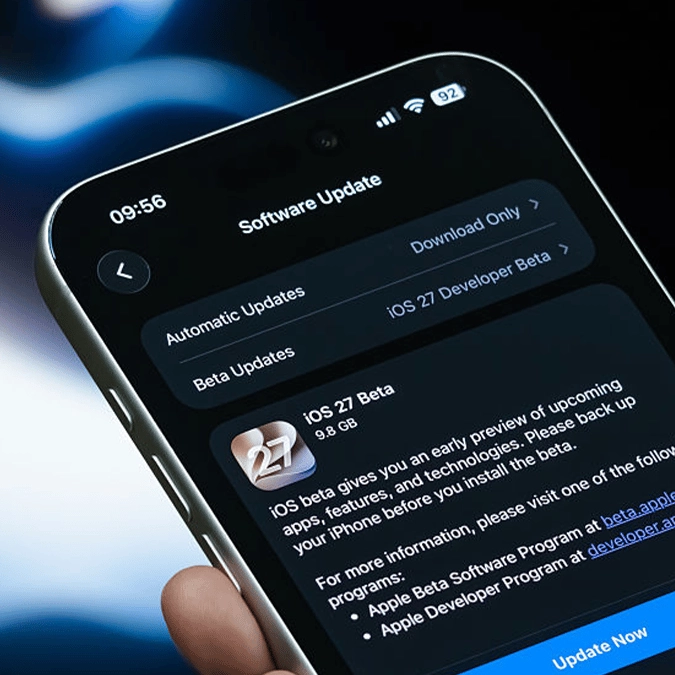
iOS 27 is coming to compatible iPhones this September, bringing huge upgrades to Siri, AI integrations and more.
The software was revealed during Apple’s WWDC event in June and is currently being tested by developers ahead of a wider release later this year.
Here's everything you can expect in iOS 27:
Siri is getting a major AI upgrade
Siri is getting one of its biggest updates yet in iOS 27, with Apple turning the assistant into something closer to a proper AI companion.
Instead of only handling short commands, Siri 2.0 is designed to understand more natural questions, pick up on personal context and respond based on what users are doing across their device.
Advert
It will also be able to pull in up-to-date information from the web and take actions inside apps. That means users could ask Siri to edit a recently sent message, add a song to a playlist, or create a reminder without having to tap through multiple menus. A new Siri app will also give users a place to return to old conversations, pin important chats and continue them across devices through iCloud.
Apple is also updating Siri’s voice to make it sound more natural, with settings for pace and expressiveness. However, that voice customisation feature will only work on iPhone 17 Pro, iPhone Air, or newer models.
The Camera app is getting its own Siri mode too, allowing users to point their iPhone at something and ask questions based on what the camera can see.
Apple Intelligence is coming to more apps
iOS 27 will also push Apple Intelligence deeper into everyday apps. In Safari, the tech giant is adding tools that can group open tabs by topic, helping users find related pages more easily. The browser will also be able to watch webpages for updates, such as restocks or price changes, through a new Notify Me feature.
Another Safari tool, Describe an Extension, will let users create customised browser extensions by explaining what they want the extension to do.
Meanwhile, in Photos, Spatial Reframing will help improve an image's composition after it has been taken, while Extend can fill in missing edges when users straighten a photo or change its shape. Clean Up is also being improved to remove more distracting objects from images.
Image Playground will offer options to edit pictures using instructions or by selecting parts of an image to move or resize. Apple says AI-generated images will carry a SynthID watermark.
Messages and Mail will offer smarter replies that reflect the user’s writing style, while Messages can suggest actions based on the discussion, such as setting a reminder or finding a relevant photo. Users will also be notified by Apple Intelligence to update their passwords in the dedicated app if they enter weak, duplicated or compromised passwords.
iPhone performance is being improved
Not every iOS 27 change is about AI. Apple says the update also includes a wider performance push aimed at making iPhones feel quicker and smoother. Apps are expected to open faster, while transfers through AirDrop and external drives should also be quicker. Photos should import into libraries more rapidly too.
Apple says it has improved networking, display performance, processing efficiency and wireless connectivity across the system. For instance, Search is being upgraded with a stronger device-wide index, which should make it easier to find information across apps, files and settings.
There are a few app-specific updates as well. Maps is getting sharper Flyover visuals with better detail for buildings and trees, while Podcasts will make it easier to move between watching and listening to video episodes.
Parental controls and accessibility are changing too
Apple is also using iOS 27 to expand its child safety and parental control features.
One of the bigger changes is the expansion of Ask to Buy from apps to websites. If a child tries to visit a new website, they will need permission first, and parents can approve or reject the request through Messages. Screen Time is being redesigned to give parents a clearer view of average usage and the apps being used most often.

Parents will also be able to set Time Allowances across categories such as games, entertainment and social media. Apple says the suggested limits will take a child’s age into account, along with advice from clinical experts.
Separately, new scheduling tools will allow or block certain apps at different times of day or on specific days of the week.
Communication Safety is being expanded too. As well as warnings around nudity in Messages, FaceTime and other apps, Apple says the system will also step in before children view violent or graphic images and videos.
Meanwhile in Accessibility, VoiceOver will offer richer image descriptions, Live Recognition will let users ask questions about their surroundings, and Voice Control will allow people to describe onscreen buttons instead of remembering exact labels.
Finally, Accessibility Reader will also support more complex material, with added summaries and translation.