Every iPhone user needs to turn on this simple trick to stop people from snooping


Apple keeps adding to its privacy protections with every new handset, and the rumoured iPhone 18 is tipped to push security further still.
The engineering is aimed at hackers and dodgy websites, though, and even then it isn't foolproof, with users recently warned that the iCloud+ Hide My Email feature was leaking their data.
And while Apple has rolled out hidden settings that flag whether someone is spying on your iMessages, there's still a simple privacy risk many people overlook when they hand their unlocked phone to someone else.
All it takes is one friend scrolling one photo too far, or someone opening the wrong app while they are 'just checking something,' and suddenly your private messages, photos or notifications are on display.
Advert

Luckily, there's a hidden setting on your iPhone that shuts prying eyes down and many don't realise it exists.
The feature is called Guided Access, and Apple originally designed it as a form of child lock. Once enabled, parents could pass their phone to a toddler and trust that they would not tap their way out of a game and into other apps.
But users eventually clocked that the same wall works just as well against curious partners and workmates, much like the device's so-called 'affair mode'.
Switch it on, and your iPhone locks into a single app. So if you show someone a picture of your dog, travel snaps or a meme, you can be sure they won't swipe off into your messages or camera roll.
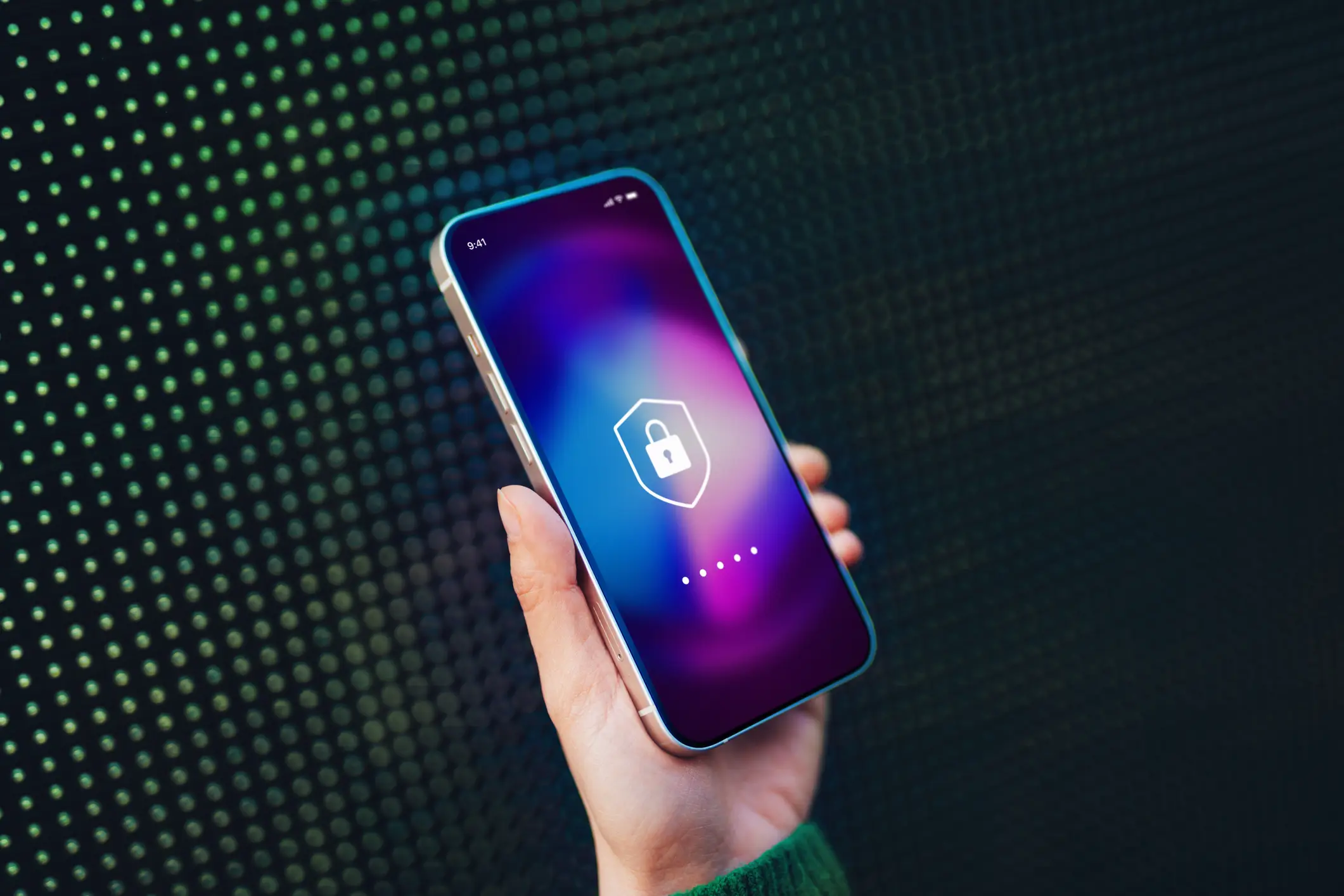
How to turn Guided Access on
First, you need to open Settings, go into Accessibility and turn Guided Access on. Alternatively, you can bring up the option by asking Siri or using the shortcut button in the iPhone's Control Centre.
Once it is enabled, open the app you want to lock the phone into, then triple-click the side button to start a Guided Access session. You can also set a passcode or choose Face ID, which means only you can end the session and continue using your phone as normal.
The feature will display as a padlock inside a circle or a square, similar to the screen rotation lock icon. Guided Lock offers other restrictions too, as users can be blocked from certain parts of the screen and even the volume buttons.
There is a catch, though
Once Guided Lock is switched on, other safety features, such as Crash Detection and emergency calling, are automatically turned off. So, once you've finished handing your phone over, make sure to turn off Guided Access to make sure your iPhone is back to normal.