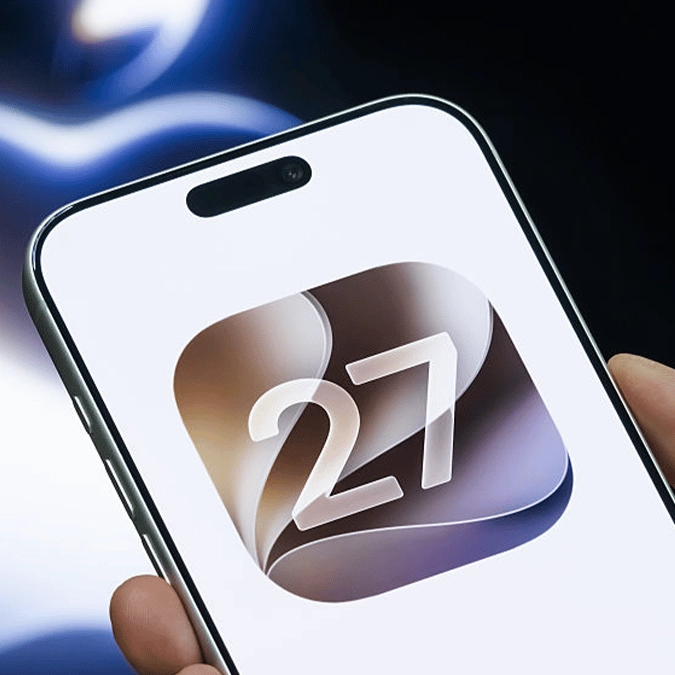
iOS 27 Public Beta arriving this week but Apple users are urged to not make this mistake


Apple users can finally get their hands on iOS 27 this week with the long-awaited release of the Public Beta, but you do have to be careful to avoid one key 'mistake', as it's quite difficult to uninstall the update once you get started.
While top tech creators like Marques Brownlee have called iOS 27 the update of 'refinement', it still arrives with an abundance of new features that'll make people want to dive in as soon as possible.
That opportunity is finally available this week as people can opt in to the Public Beta of the new iOS version, letting you enjoy everything that it has to offer while it's still technically in the works.
The update won't be officially out until September if Apple follows its regular activity – although that could be subject to change considering the shift in the iPhone release schedule – yet you might need to think twice before hitting the download button as you could fall into a trap that's difficult to avoid.
Avoid this mistake before you download iOS 27
As shared by CNET, one mistake that many people encounter when trying out iOS Public Betas is thinking that you can turn it on and off with a simple switch, yet that couldn't be further from the truth.
Advert
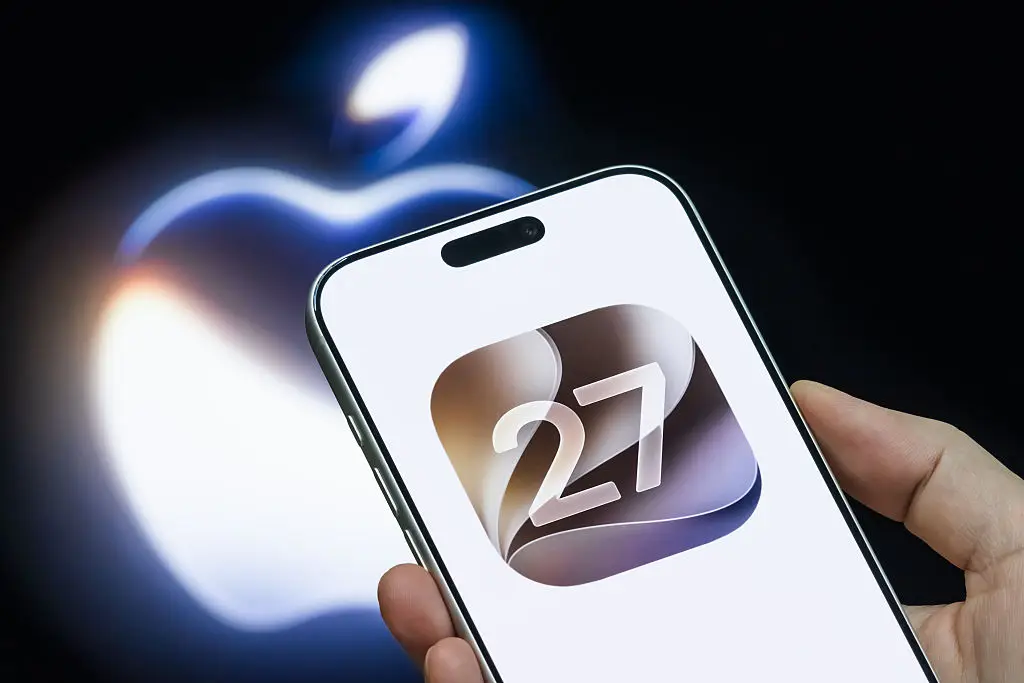
Apple makes it notoriously difficult to adjust your iOS version once you've downloaded the latest update, and the same is mostly true when trying out betas for upcoming launches.
That's not to say that it's impossible to revert back to iOS 26 once you've installed the new Public Beta, but it requires a far longer process than you might think, meaning you might want to think about whether you're happy being tethered to the potentially temperamental iOS version for longer than a short look.
How to uninstall iOS Public Betas
Thankfully Apple has released a step-by-step guide showing users how to uninstall an iOS Public Beta, although it is rather lengthy so it's worth considering whether you can be bothered to go through all the steps before trying the update out.
First you'll want to make sure you stop receiving any further iOS beta updates, which you can do by completing the following:
- Head into the Settings app, and then select General
- Find the Software Update section, and then head into Beta Updates
- Select the Off option to stop receiving new updates
While that's the easy part, unfortunately the tricky section involves restoring your iPhone to the current iOS version. This does require you to have a backup from the current release version of iOS, and if the only backup you have is from the Public Beta there's a good chance you won't be able to revert.
If you do have a suitable backup, however, you'll want to connect your device to a computer that has the latest version of macOS or Apple Devices.
Once you've done that, you'll want to put your device into Recovery Mode, which you can do so by pressing and quickly releasing the volume up button, then the same with volume down, and then finally press and hold the side button until the option appears.
This will completely erase all of your data and revert your device to the latest non-beta iOS version, after which you can set up your device again using the aforementioned backup.
What new features have arrived in iOS 27?
Upgrading to iOS 27 might still be worth the hassle however, as the features Apple has introduced are more than enough to entice people — even just for the quality of life updates.
Headlining the update is obviously the AI-based Siri overhaul, which brings it in line with assistant features available on many other Android devices and provides chatbot functionalities to iPhone users.
What's unique about Siri, however, compared to something like ChatGPT is the ability to access and utilize native apps on your iPhone like iMessage or your Apple Calendar, providing a far deeper level of integration across your life.
There are also new AI features available in the photo gallery, including the ability to expand and reframe your shots for a new perspective.
In terms of quality of life additions there are also massive improvements, including the ability to individually adjust your alarm volume, Wi-Fi improvements, and the option to EQ your AirPods.
Finally, one thing that Apple made clear to point out during the presentations is the speed enhancements that have arrived with iOS 27, which counter the general belief that updates make your phone slower.
Apps and functions generally operate at a noticeably faster and smoother rate, and while this might not be a blockbuster feature, it's arguably one of the best ways that Apple can improve your experiencing using the device.