Underrated iPhone iOS 27 shopping feature could save you serious cash


There are too many features to keep up with when it comes to iOS 27, but one underrated tool that's arrived with the new update could help save you loads of money when shopping.
Named 'Notify Me' by Apple, this brand new quality of life tool allows your iPhone to send you notifications for when a webpage changes on Safari — and shopping is pushed as the primary focus.
For example, if you were on the hunt for a new pair of trousers and found a pair you really liked, you could turn on Notify Me on the page and wait for it to go down in price, with your phone automatically telling you when that happens, saving you the hassle of checking every so often.
The same is true for out of stock items as well, as Notify Me is able to actively track when an item is available for purchase again. This is incredibly handy when it comes to limited edition items that might not go on sale very often, especially at a time where you're constantly fighting against bots.
How to activate Notify Me on Safari
- Open Safari and navigate to the webpage you want to stay notified on
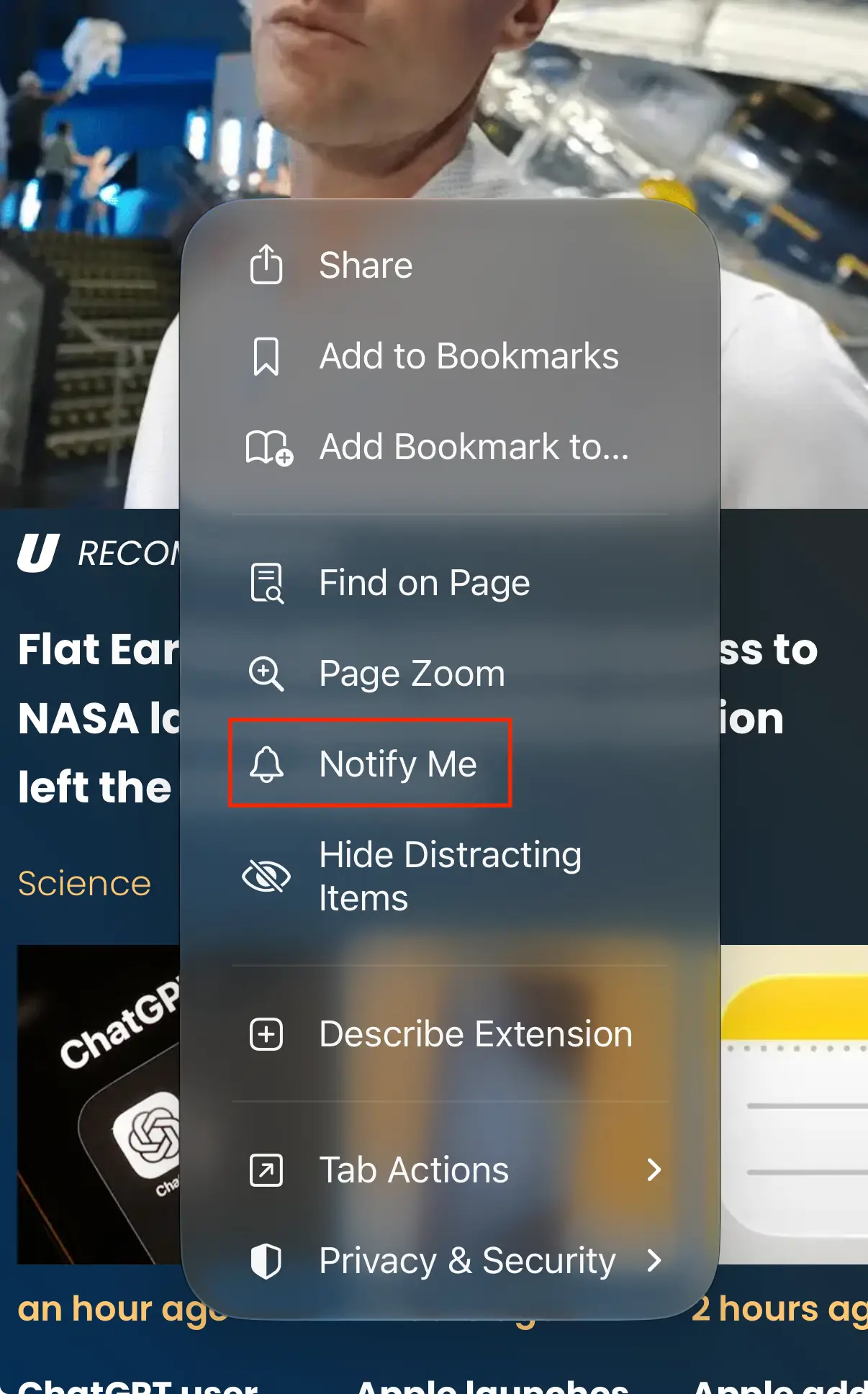
- Press the 'three lines' button next to the web address at the bottom of the page
- Select the 'Notify Me' option
Advert
Once you've done this, you'll be given the option to describe the change that you're looking for, although you can leave this blank to be notified of all changes at regular intervals.
This lets you be far more specific when seeking out your notifications, as you can let the feature check only for certain sizes or for when the price drops below a designated threshold, further narrowing down on what you want and saving you both time and money in the process.
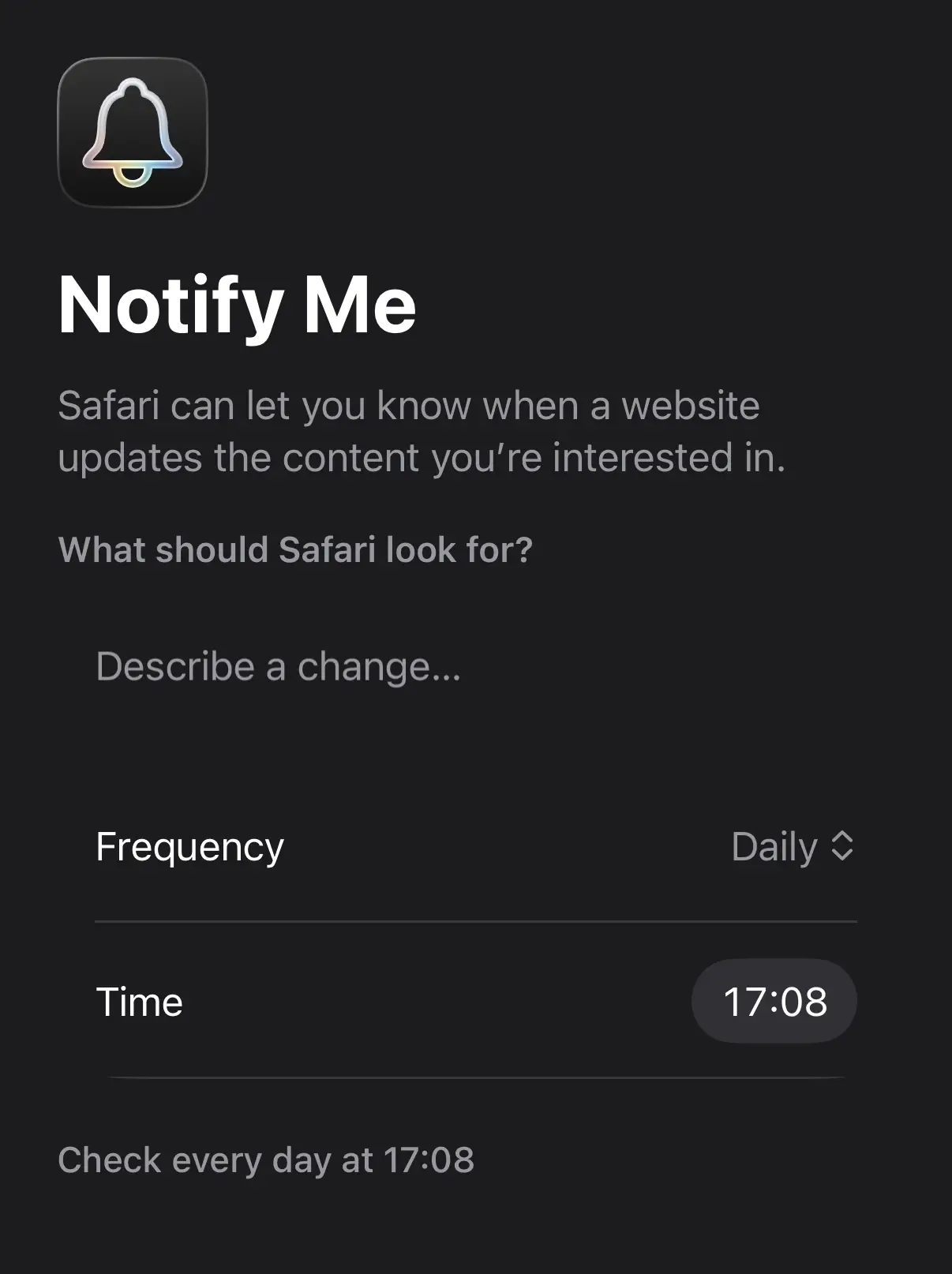
You can also change the interval and time at which the feature checks for changes, with it being as fast as hourly scans or as infrequently as monthly if it's not something that requires major urgency.
What other handy features have arrived with iOS 27?
This is far from the only 'underexposed' new feature to arrive in iOS 27, as while the blockbuster new Apple Intelligence tools are definitely taking center stage – with the revised AI Siri at the heart of it all – there's plenty more that you need to be aware of.
One handy new tool in the Photos app is the ability to transform individual video frames into photos, as it's something that people have been demanding from Apple for years, and removes the frustration of trying to screenshot the perfect moment.
Another major quality of life tweak is the new Apple Pay checkout screen, as this not only gives iPhone owners an easier way to switch between their cards, but also shows important information like your balance to better inform you when buying things in person.