6 iPhone hacks that will impress even those who have had an iPhone for decades


You might think you know everything there is to know about your iPhone, particularly if you have been an avid Apple consumer for years, but even the most loyal fans could be missing out on some surprisingly useful shortcuts hidden in their devices.
While Apple regularly introduces new features with its iOS updates, there are plenty of existing tricks that can make using your phone quicker and easier without downloading anything extra.
This comes after one user took to social media to share some insight on the hidden tips and tricks every iPhone owner should know. So, here are six that are worth trying thanks to Reddit, even if you’ve owned an Apple device for decades.
There is a quicker way to type numbers
Switching between the letter and number keyboards every time you need to type a digit can become pretty tedious, but there is a shortcut that removes the extra step.
Instead of tapping the ‘123’ button and then selecting your number, hold down the key and drag your finger across to the digit or symbol you want.
Advert
Once you lift your finger, the keyboard automatically returns to the letters layout.
This is a particularly useful trick for anyone who regularly types messages containing numbers, and could save you plenty of unnecessary tapping.
You don’t need to shake your phone to undo a mistake
If you have accidentally deleted something you were typing, you don’t need to shake your iPhone to bring it back.
Instead, Apple has a gesture-based shortcut that allows you to undo and redo actions using three fingers.
Simply swipe left across the screen with three fingers to undo an action, or swipe right to redo it. You can also double-tap with three fingers to undo.
It is worth remembering the next time you make a mistake while writing a message or editing text.
Record video while taking photos
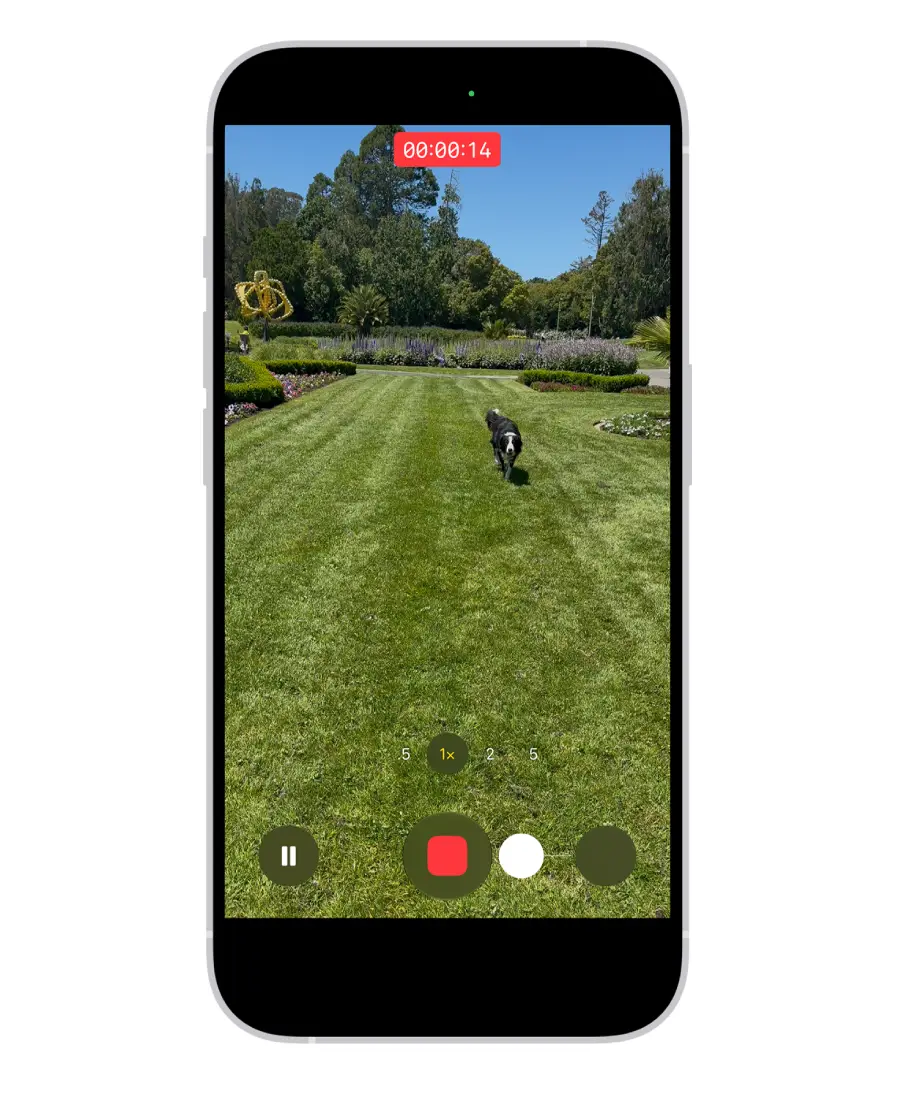
Sometimes the best moments happen when you least expect them, meaning you might not have time to switch your camera settings before they disappear but fortunately, your iPhone has a shortcut for this exact situation.
When using Photo mode in the Camera app, press and hold the shutter button to start recording a video.
If you want to keep recording without holding the button down, slide it to the right to lock the recording. That way, you can capture a video without having to switch modes first.
Your flashlight has adjustable brightness
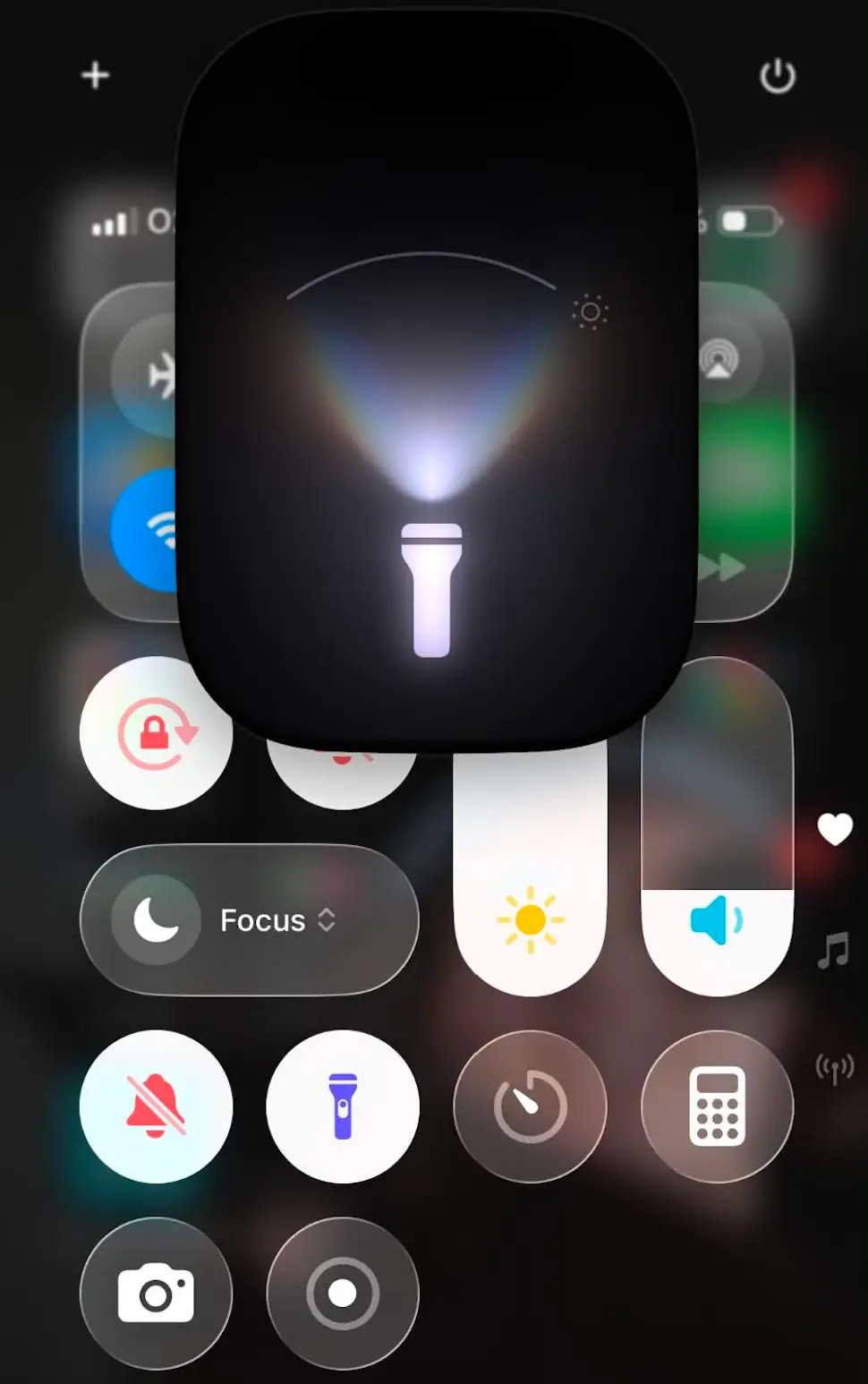
There is more to your iPhone’s flashlight than simply switching it on and off. If you find the light too harsh, open the Control Center and press and hold the flashlight icon.
This will bring up a slider that allows you to increase or decrease the brightness depending on what you need, which is a handy option if you’re trying to find something in the dark without lighting up an entire room.
Jump between recently used apps with one swipe
If you find yourself constantly switching between apps, there is a gesture that might make the process a lot quicker.
All you have to do is swipe your finger left or right across the horizontal bar at the bottom of your iPhone screen.
This will prompt you to move between recently used apps without needing to open the app switcher or return to your home screen.
No need to scroll through endless webpages to find something
Finally, if you’re trying to locate a particular detail in a lengthy webpage, it no longer needs to involve scrolling through dozens of paragraphs.
This is because Safari has a built-in feature that lets you search for specific words or phrases on the page you’re viewing.
All you have to do is tap the address bar, enter the word you’re looking for and scroll through the suggestions until you see ‘On This Page’.
Select it and Safari will show you where that word appears throughout the webpage.
It is a simple shortcut that can save a lot of time when researching something online.