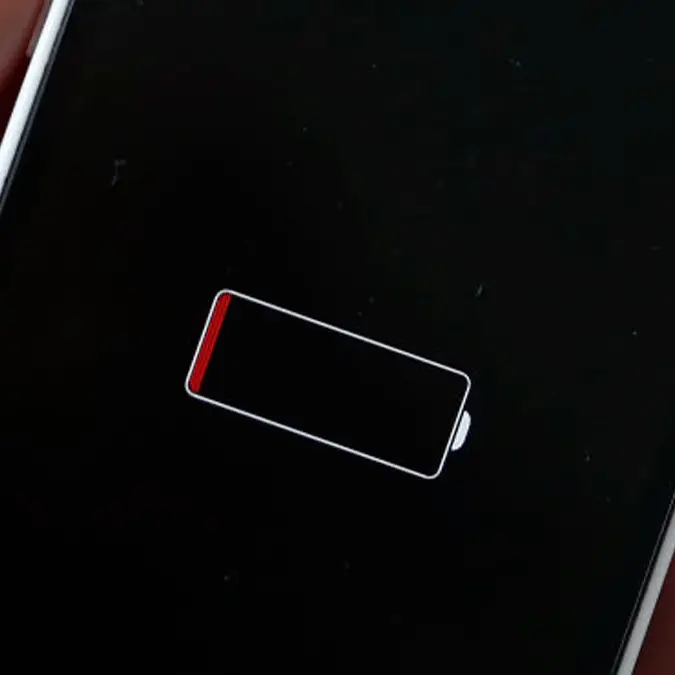
Tweaking these little-known iPhone settings will help stop iOS 26.5 battery drain


Apple's latest update brings a bunch of new features that people have been waiting for, yet some are already regretting the decision to install after the new version appears to be draining their battery faster than ever.
There's nothing more frustrating than noticing your phone's battery not lasting as long as it should, as it can significantly impact how you use your device and where you feel comfortable taking it.
It could be the difference maker during long travel days, or might cause you to have second thoughts when watching a long video or playing a game when you won't have immediate access to a charger.
While this will happen naturally with age as the battery degrades, sometimes all it takes is a new update for things to be shaken up — and that's what's left iPhone owners searching for answers.
Advert
As reported by Supercar Blondie, the new iOS 26.5 update which dropped a few weeks ago has caused some people to notice increased battery drain despite not actually using their device any differently.
This could be down to a number of reasons differing from device to device, but there are thankfully a handful of settings you can tweak or disable to hopefully see a difference if you've noticed a downgrade.
One of the biggest unexpected battery killers are the new animated wallpapers that launched with iOS 26, and while Apple's new feature might look great and make your phone feel far more premium, they come at a cost to your battery.
Tuning down the transitions or simply changing to one of the older flat wallpapers could make a huge difference, as it stops your phone from using unnecessary power every time it's unlocked.
The same is very much true for Liquid Glass – another new feature that arrived in iOS 26 – and this one immediately proved to be far more unpopular with many looking for a way to get rid of it.
You might have got used to it by now after over eight months of use, but it can still cause your battery strain as it introduces extra animations that your phone has to deal with all of the time.
There's no way to disable it completely, but you can town it down a lot and make your phone feel more like it used to pre-iOS 26, so it's definitely worth giving a go to see if it makes a difference.
You'll also want to consider disabling automatic app updates, as while this could be something you'll miss in the future, having your phone constantly check your apps for any changes is bound to draw power you could do with in the long-term.
Finally, widgets have been identified as another big source of battery drain — especially those that provide real-time data like weather or stock market trackers. Something like a 'kitten mode' button is definitely less intensive, but there's no harm in giving it a try to see if you can get a few extra percent by the end of the day.