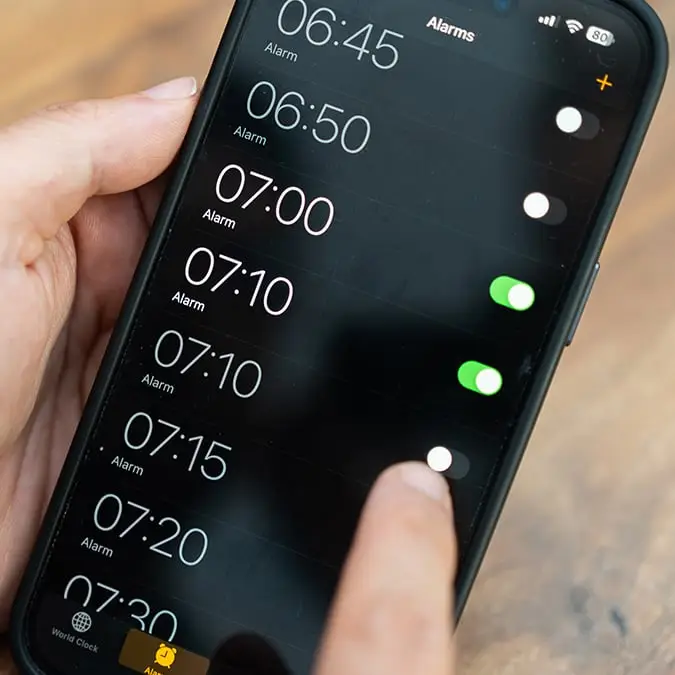
iOS 26.4 introduces a long-overdue alarm feature for iPhone users making in tough to 'sleep in' ever again


The latest update from Apple will quietly fix one of the more annoying quirks for users who choose to go to bed wearing an Apple Watch.
In the past, this meant risking sleeping through your alarm as it would cause the alert to only appear on the watch instead of the phone.
For some, that can actually be a great feature as the Apple Watch uses haptic vibrations rather than loud sounds, making it ideal if you don’t want to wake a partner or disturb anyone else nearby.
But there are downsides, especially if you’re a heavy sleeper and those gentle taps aren’t always enough to drag you out of deep sleep.
Advert
However, that is all now set to change after the tech giant made a tweak to how the feature works.
With iOS 26.4, Apple has added a new toggle called ‘Always Play on iPhone’, giving users the option to have their alarm sound out loud on their iPhone even while wearing their Apple Watch.
When enabled, the feature ensures your alarm will go off on both devices, combining the watch’s haptics with the iPhone’s audio. In other words, it’s a much harder alarm to ignore.
How to turn on new alarm feature
To update your iOS, go to Settings > General > Software Update.
Then, go to the Sleep Schedule settings:
Option 1
- Health app
- Browse → Sleep
- Full Schedule & Options
- Edit your schedule
- Toggle Always Play on iPhone
Option 2
- Clock app
- Alarm tab
- Edit your Sleep Schedule alarm
- Turn on the toggle
You’ll only see the toggle if:
- You have a Sleep Schedule set up
- You have a paired Apple Watch
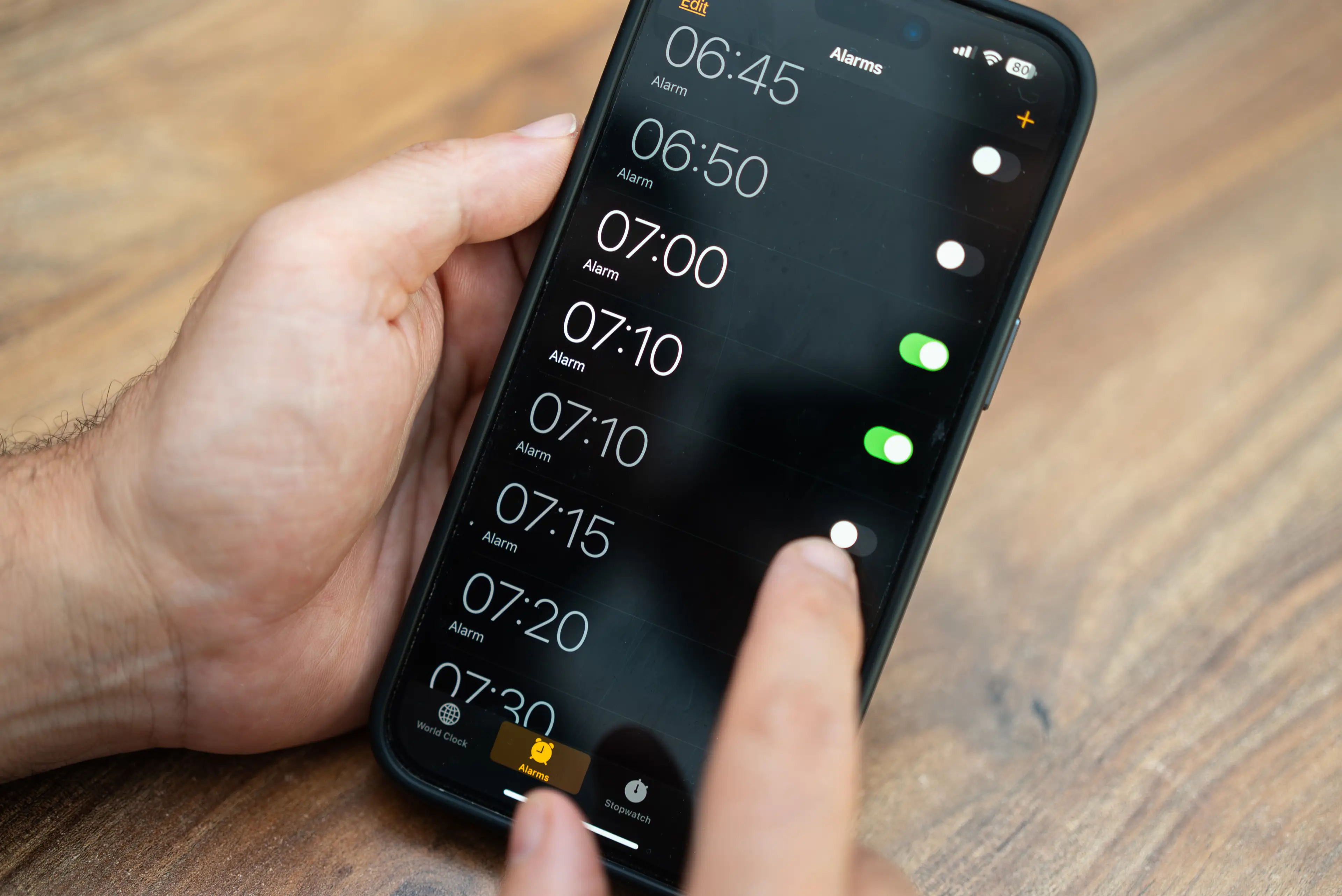
The setting is switched off by default, so you’ll need to turn it on manually. You can find it by editing your Sleep Schedule in either the Clock app or the Health app on your iPhone.
There is one small catch, though. The feature only works with Sleep Schedule alarms, meaning you won’t see the option if you’re setting a one-off alarm.
For anyone who uses their Apple Watch for sleep tracking but struggles to wake up with vibrations alone, it is a pretty significant upgrade and it means that you can keep all the benefits of overnight tracking without sacrificing a reliable wake-up call in the morning.