


Preparing for your next vacation goes beyond checking your phone's roaming charges and understanding the latest border control rules.
Potentially as important as Google Maps, if you are heading somewhere where English is not the primary language, Apple's Live Translation could be a gamechanger.
What is iPhone's Live Translation feature?
As part of Apple Intelligence, Live Translation provides real-time, on-device translation across your iPhone's core apps, including phone calls, FaceTime and SMS messages.
The feature is also compatible with AirPods and in-person, so two-way conversations can be translated instantly, making any interaction with a local less daunting.
Advert
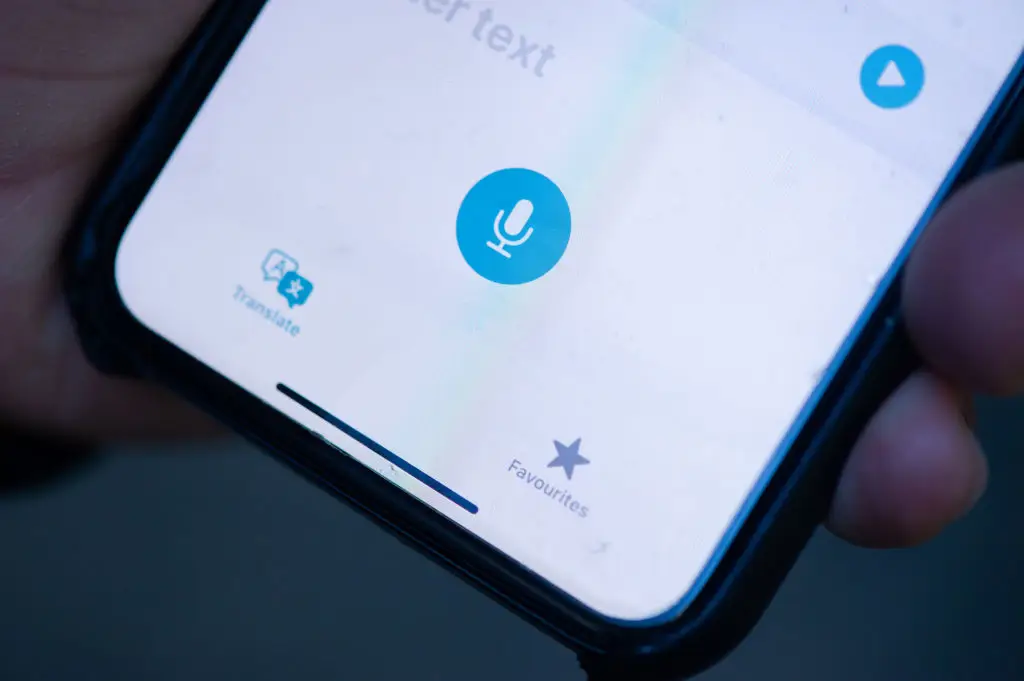
Also, because the translation tool runs locally on your device rather than through the cloud, your conversations stay private. And if you download language packs in advance, Live Translation can work even in remote areas without an internet connection.
How does Live Translation work?
Live Translation requires an iPhone 15 Pro or later running Apple Intelligence. For those wanting to use the feature with AirPods, you will need AirPods Pro 2, AirPods 3, or AirPods 4 with active noise cancellation.
In the Messages app, users can tap the contact's name at the top of a conversation, scroll down and toggle on Automatically Translate.
The app will detect the language in use and suggest it, or you can select one manually. As you type, a translation will appear in real time, and when you send your message, the recipient will receive both your original text and the translated version, according to Apple's support website. Incoming messages will be automatically translated back into your preferred language.
On a phone call or FaceTime, tap the More button (ellipses) and select Live Translation. Bear in mind that both parties will be notified that translation is active.

As you speak, the other person hears a translated version of what you are saying, and their response is translated back to you, as well as a live on-screen transcription.
What are people saying about Live Translation?
On Reddit, users described being 'impressed' and even 'floored' by how well the tech performs, with several noting it works seamlessly with existing AirPods Pro 2 and AirPods 4.
Others found the tool a 'game changer' for communicating with foreign relatives or patients.
How to enable Live Translation before you travel
First, make sure your iPhone is running iOS 26 or later and that Apple Intelligence is enabled in Settings. You can enable this by simply going to Settings > Apple Intelligence & Siri > Apple Intelligence.
Then open the Translate app and download the language packs for wherever you are headed, that way you will have everything you need, even if you find yourself somewhere with no signal and no Wi-Fi.
Happy travelling!