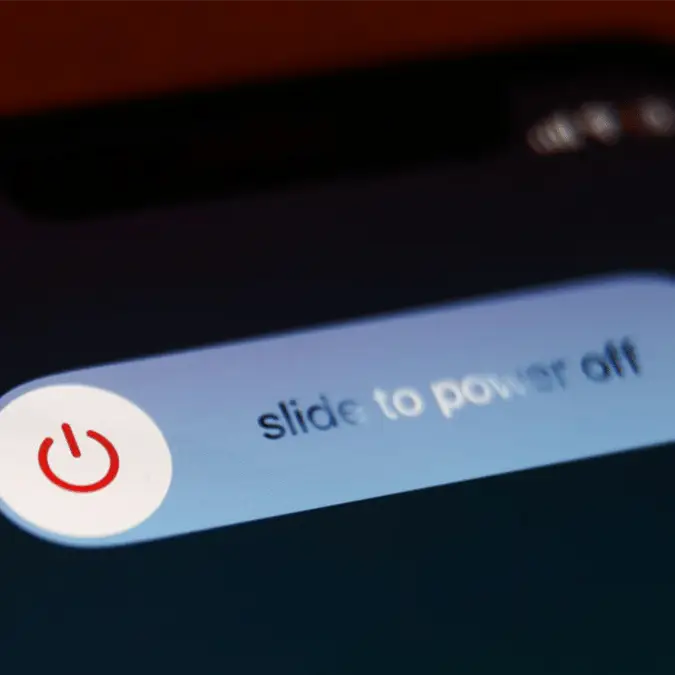
Tech expert issues warning over why you should turn your iPhone off at least once a week


One tech expert has revealed why you should turn your iPhone off at least once a week.
Many of us are guilty of poor smartphone habits, whether it's endless doomscrolling in bed, overcharging the battery or letting our devices interfere with our relationships.
But one habit that could save your device from performance and security problems is something we should all do more frequently.
Advert
According to a tech expert, we should all switch off our phones for five minutes each week. Doing a full shutdown for a couple of minutes can reportedly reduce lag, fix odd glitches and even stop battery drain.
It can also force stop and refresh background activity that may be quietly slowing your phone down, YouTuber iDeviceHelp revealed.
But that's not all.
If your iPhone has been feeling sluggish, overheating or draining battery faster than usual, the YouTuber recommends switching it off. For best results in the long term, iDeviceHelp advises doing a full power-down of your iPhone once a week for at least five minutes.
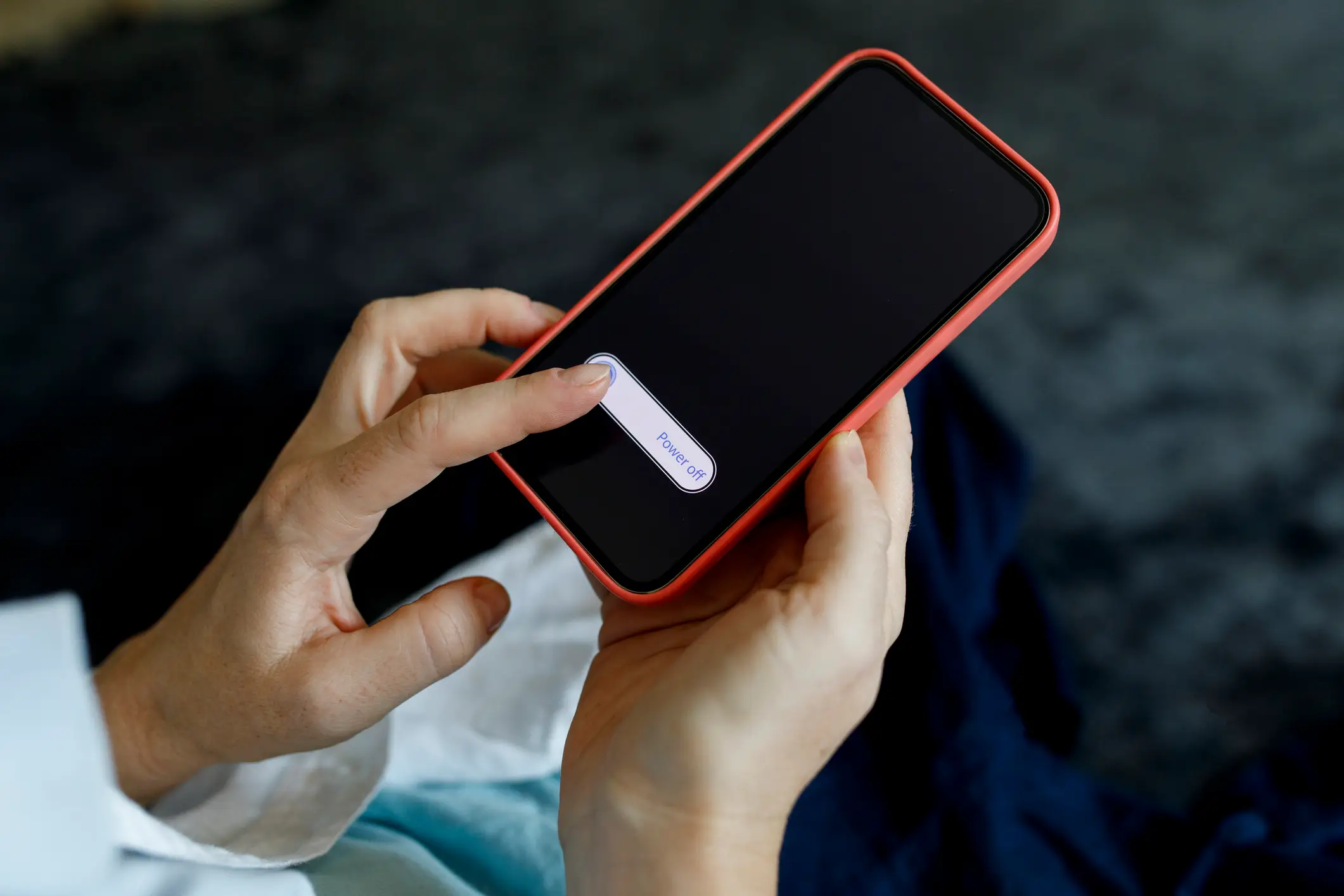
To power down your iPhone, press and hold the side button as well as the volume button until the power-off slider appears, then slide to turn the phone off. Then, slide the bar to turn the phone off. Alternatively, you can go to Settings > General, scroll to the bottom and tap Power Off.
After five minutes, you can turn your device back on.
iDeviceHelp also pointed out that turning off your phone regularly can help improve security by disrupting any suspicious background activity you might not be aware of.
If you find that normal shutdowns aren't improving your phone's performance, the expert showed two effective restart methods.
First, you can do a hard restart on your Apple device by pressing the volume up button, pressing the volume down button and holding the side button until the shutdown slider appears.
A hard restart cuts off any lingering processes and resets things more aggressively once its rebooted.
However, if your iPhone screen is completely frozen and unresponsive, the hard reboot method might be your best option.
To do this, hold down the same buttons as the hard restart until the Apple logo appears. This forces the device to restart even if the screen is not responding.
As many of us are likely to forget to keep up this habit in our busy lives, there's luckily a way to schedule restarts automatically. In the Shortcuts app, users can create a 'Time of Day' automation for the phone's shutdown or schedule it to 'Restart'.