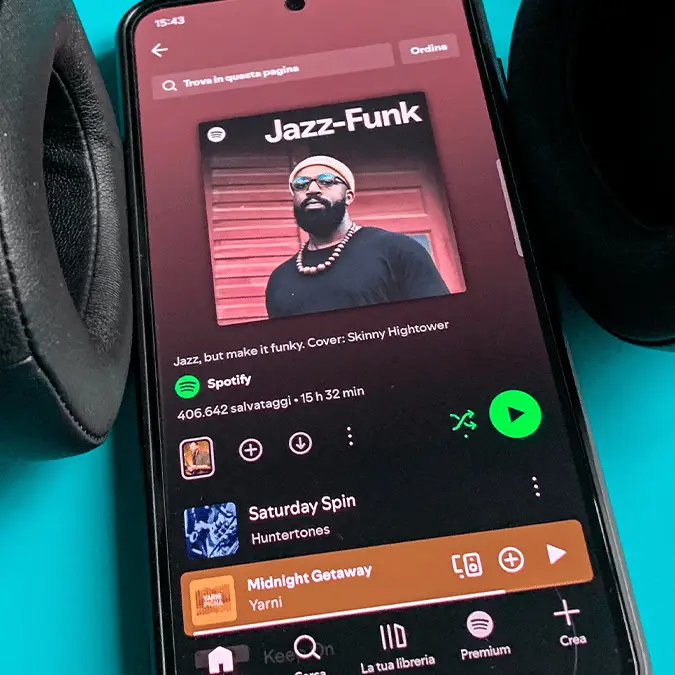
Spotify launch one of the 'most requested updates' ever and it's completely free


One of Spotify's most requested updates has finally been announced, as subscribers to the world's leading music streaming platform will now be able to pin up to 20 of their favorite albums, playlists, songs, and more to the top of their library.
There are countless new albums to listen to every single week yet music fans often gravitate towards the same few favorites, rotating between them whenever they possibly can.
Streaming services like Spotify make it relatively easy for you to access a handful of your most-listened-to songs, but many complained about the restrictions placed on the number of pins that you could create when using the app.
Previously the limit was set to just four, giving subscribers a Sophie's choice when it came to what they would pick, yet now following a much-celebrated announcement you can pin up to 20 different items for greater flexibility.
Spotify announces update to pin feature
Revealing the news on X, the official account for the music streaming platform declared: "One of the most requested Spotify updates is here. Starting today, you can pin up to 20 favorites at the top of Your Library."
Advert

The update is available for both Free and Premium subscribers to the service, and has rolled out across the world from today, allowing everyone to access the potentially game-changing feature right now.
Endless fan requests appear to be the primary motivating factor behind Spotify's decision to up the pin limit, showing that sometimes it's worth spamming your favorite platforms with suggestions as they might just listen at some point down the line.
"One of the best decisions ever," wrote one user in reaction to the news, whereas another noted that it was 'life-changing' for them as they have 'over 500 playlists'.
How to pin items on Spotify
Pinning items on Spotify works the exact same way as before so if you're already familiar with the feature then you can go ahead as usual, yet if you're just now realising that this was possible then you'll want to follow the steps listed below:
- Press and hold any item, like an album, song, or playlist, in your library
- Once the pop-up menu appears, select 'Pin'
- Scroll to the top of your library to see all of the items that you've pinned

As mentioned, while the limit has been extended you still can't pin more than 20 items in your library, meaning that you're likely to reach a limit at some point. To manage this, simply follow the same steps listed above and unpin an album you don't want any more to free up space.
Whether you use this to keep your favorite or most-listened-to items within a fingertip's reach, or whether it serves as a reminder for you to listen to new or old albums for the first time, it's bound to be a positive change that will improve your experience using the app.