Little-known Apple CarPlay feature most users don't know exists can change a lot


Apple CarPlay is one of the tech company's most underrated features, yet even within that it has some hidden tools that will end up being a lifesaver for everyone that knows about them at one point or another.
It's never been easier to be in control of the technology inside your car, as features like Apple's CarPlay allow you to effectively mirror your iPhone on your car's display, letting you see messages, utilize maps, and listen to music while paired to your device.
This is an extremely seamless process that ensures that everything is all in the one place, and can save you time and stress when you're on the go as you never want to waste time fiddling about with clunky built-in settings.
However, there is likely one little-known CarPlay feature that you're not taking advantage of right now, and it will almost definitely come in handy in the future when you're in a moment of stress.
Advert
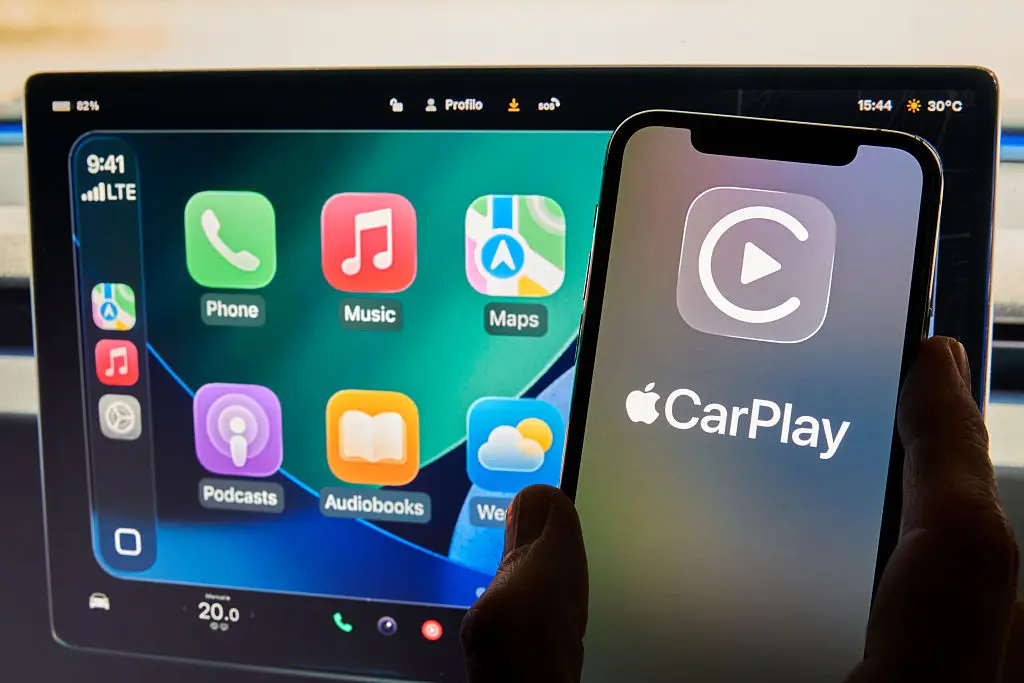
As shared by MakeUseOf, one of the best tools available through CarPlay is actually only utilized once you've left the vehicle, as you can use it in conjunction with both Apple Maps and Google Maps to find your car when it's parked.
We've all been in those situations when you've left your car in a massive maze-like parking garage that you know is going to be a nightmare to navigate upon your return, and there's only so much you can do to remember your surroundings.
However, CarPlay intelligently saves your vehicle's location and allows you to locate it with a pin on your Maps app of choice, allowing you to find it with ease in a situation that could have easily left you panicking.
Here's everything you need to do to locate your parked car using CarPlay:
- Open Google Maps or Apple Maps on your iPhone
- Type 'Parked car' into the search bar
- A blue pin should then appear where your car is parked, and you'll want to tap this
- Press the 'Start' icon to activate the journey and you'll receive step-by-step instructions to make your way there

You will need to have used CarPlay in the vehicle before it has been parked for this feature to become active, and it's only available for 48 hours after the car was turned off, so locating it in an airport car park after a week-long holiday isn't going to be possible.
Regardless, this is a genuinely game-changing feature that you should take advantage of whenever possible, as you never know when you'd otherwise be left in a situation where your car has seemingly disappeared in front of your eyes.