If your iPhone battery can’t make it past midday change these settings now


If you are struggling to get your iPhone battery to make it past midday, it turns out that there are some handy tips which could drastically improve your user experience.
While you might think that the decline of your battery could be a signal to take the plunge and purchase a new device, there are actually some simple ways you can prolong your battery life which won’t cost you a penny.
This is because there are certain settings on your iPhone that could be secretly draining your battery without your knowledge, as reported by Supercar Blondie.
Simple ways to prolong your iPhone’s battery life
First up, check if your Background App Refresh is on, and if it is, turn it off. This feature can be handy for updating the content displayed on apps that you have running in the background but it’s not necessary - especially if you’re battling with battery power.
Turning the feature off could save you from reaching for your charger earlier in the day.
Advert
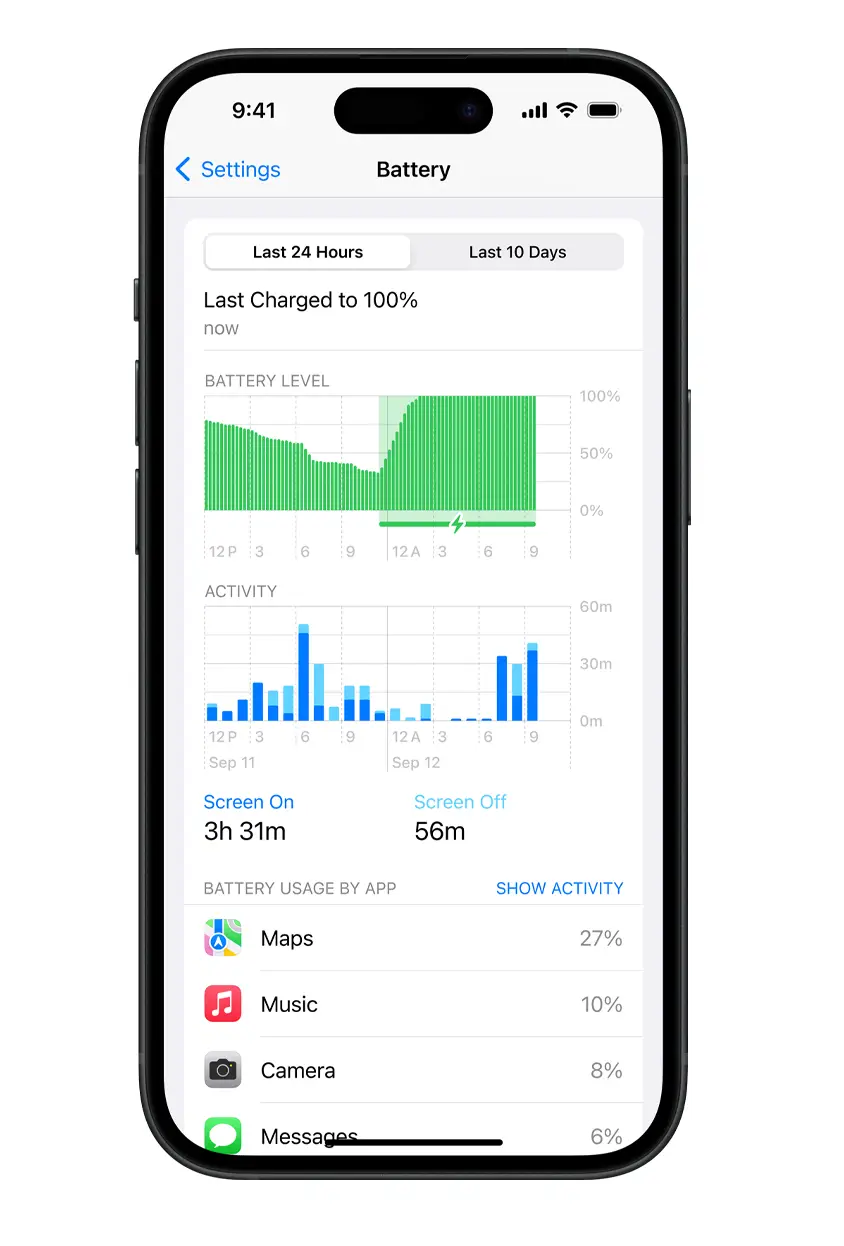
Next, is your location access switched off for your apps? If not, you might want to quickly turn that off.
The incessant tracking of your exact location is a huge drain on battery power which, unless you’re using Google Maps at that moment, you really don’t need.
It’s also handy to check whether you have dark mode selected for your display. This can be done by heading to your Settings app, selecting Display & Brightness, and then choosing Dark.
You can set this to be your full time display or to have the screen switch to dark mode on a schedule.
Without the need to display a bright screen, this could give you extra time on your device before it needs to be recharged.
Low Power Mode is another setting that will help reduce the drain of your battery, as Apple explains: “Introduced with iOS 9, Low Power Mode is an easy way to extend the battery life of your iPhone when it starts to get low. Your iPhone lets you know when your battery level goes down to 20%, and again at 10%, and lets you turn on Low Power Mode with one tap. Or you can enable it by going to Settings > Battery.
“Low Power Mode reduces display brightness, optimises device performance and minimises system animations. Apps including Mail will not download content in the background, and features like AirDrop, iCloud sync and Continuity will be disabled. You can still use key functions like making and receiving phone calls, email and messages, accessing the Internet and more. And when your phone charges up again, Low Power Mode automatically switches off.”