Featured Image Credit: NurPhoto / Contributor via Getty
If your phone battery seems to die halfway through the day, leaving you scrambling for a charger, don't worry, there's actually something you can do about it.
Whether you need those extra few minutes to scroll through a couple more TikToks or keep your phone on for your ride home, these simple tweaks will help you squeeze some extra juice out of your phone.
According to YouTuber Proper Honest Tech (hosted by Tom Wells), making just a handful of settings adjustments can nearly double how long your battery lasts.
Thanks to a feature called Wi-Fi Assist, your iPhone is constantly searching for stronger cellular signals when your Wi-Fi weakens. It's great if it's needed, but most of the time in and around the house, it's not.
To turn it off, head to Settings > Mobile Data Options > Voice and Data.
This feature lets apps quietly wake up and update themselves in the background even when you're not using them. Of course, it's convenient to have fresh content waiting when you open an app, but the toll it takes on your battery is surprisingly steep, Wells noted.
Advert
"The problem is your iPhone allows it for every app by default," he explained. "For most apps, you probably don't need them refreshing content in real time, especially data-heavy apps like social media apps."
You can customise which apps are allowed to refresh in the background by going into Settings and adjusting Background App Refresh individually for each app.
Some people like seeing their widgets or having their clock visible even when their iPhone is locked. It's undeniably handy to glance at your phone without touching it, but plenty of users don't actually need this feature - and disabling it can give your battery a noticeable boost.
Plus, it's one less distraction.
To turn it off, go to Settings, tap Display & Brightness, scroll down, and toggle off Always-On Display.
Switching to Dark Mode can work wonders for battery conservation on iPhones. It can also be nicer on the eyes.
Since iPhones use OLED screens, black pixels are literally turned off and consume no power whatsoever. So embracing Dark Mode across your display can deliver real energy savings.
Your phone constantly collects analytics and tracks usage patterns, which quietly drains power in the background. Fortunately, this is another feature you can disable.
Go to Settings, then Privacy & Security, tap Analytics & Improvements, and turn everything off. This stops your iPhone from continuously sending usage data back to Apple.
While you're in there, take a look at Location Services too. Changing apps from 'Always' accessing your location to 'While Using' can make a meaningful difference in battery longevity.
Power Mode is incredibly useful when your battery is nearly dead and you're desperately trying to keep your phone alive. However, a surprising number of people leave it enabled all the time, Wells argued.
"When Low Power Mode is enabled, your iPhone reduces performance, limits background activity, and restricts features," the tech YouTuber said.
Essentially, you're using a 'worse version of your iPhone for no real benefit' and who wants that?
You can manage this in Settings > Battery > Low Power Mode and toggle it there.
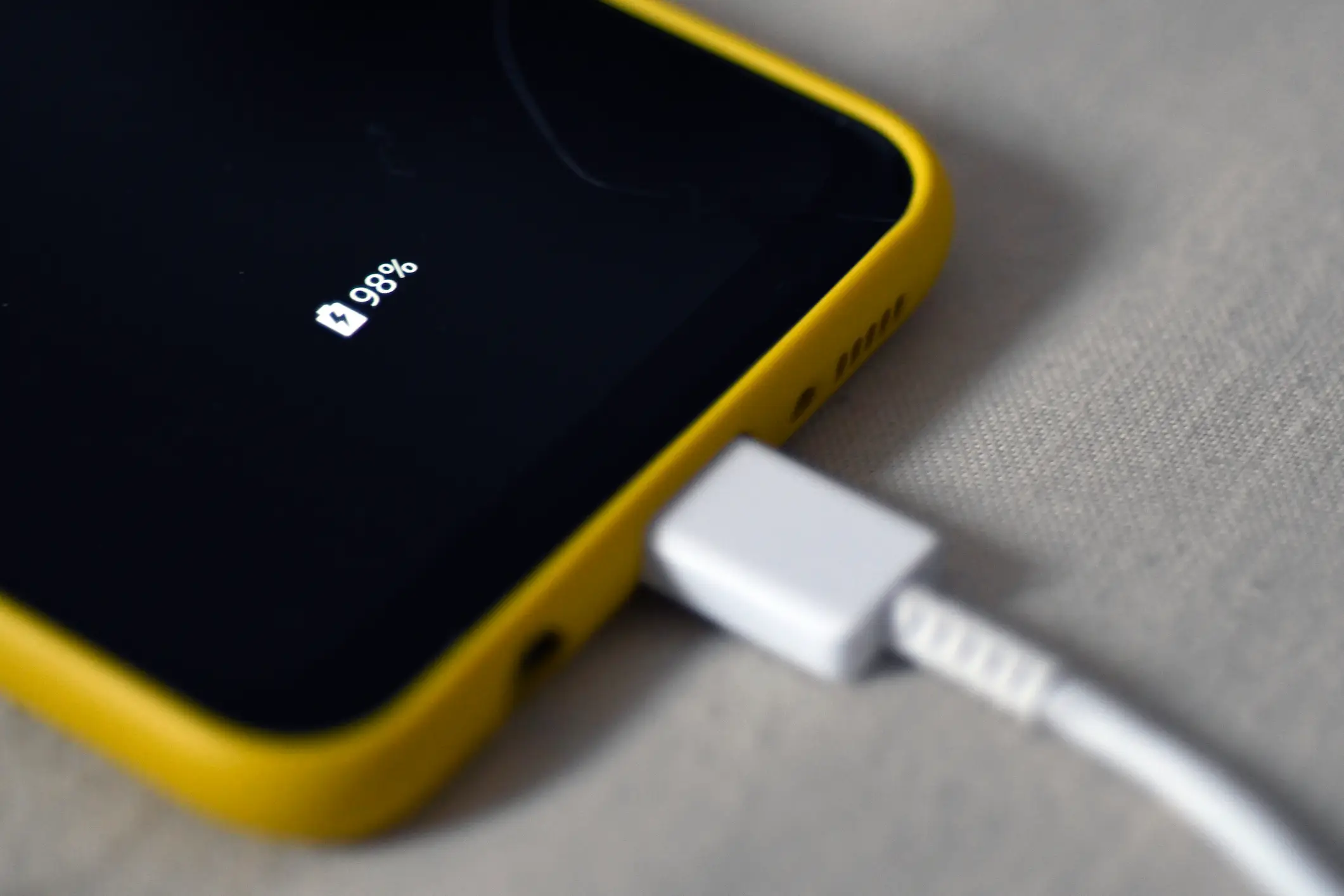
Finally, let's talk about something we're all probably guilty of, which is bad charging habits. Most recent iPhones include a feature called Optimised Charging, which means you don't need to charge to 100 percent to get the best battery performance.
Rather than always topping off to full capacity, the tech expert recommends stopping at 80 or 90 percent instead.
It might sound backwards, but this approach actually helps preserve your battery's long-term health, as demonstrated by one user who tested the useful strategy on her iPhone 16 Pro Max for over a year.

