uniladtech homepage
  • News
    • Tech News
    • AI
  • Gadgets
    • Apple
    • iPhone
  • Gaming
    • Playstation
    • Xbox
  • Science
    • News
    • Space
  • Streaming
    • Netflix
  • Vehicles
    • Car News
  • Social Media
    • WhatsApp
    • YouTube
  • Advertise
  • Terms
  • Privacy & Cookies
  • LADbible Group
  • LADbible
  • UNILAD
  • SPORTbible
  • GAMINGbible
  • Tyla
  • FOODbible
  • License Our Content
  • About Us & Contact
  • Jobs
  • Latest
  • Archive
  • Topics A-Z
  • Authors
Facebook
Instagram
X
TikTok
Snapchat
WhatsApp
Submit Your Content
Important Apple Watch setting you must turn off before going through airport security

Home>Apple
Published 14:48 23 Jul 2026 GMT+1

Important Apple Watch setting you must turn off before going through airport security

The safety feature taps you on the wrist, sounds an alarm and displays an alert

Rikki Loftus

Rikki Loftus

google discoverFollow us on Google Discover
Featured Image Credit: raditya/Getty Images
Apple Watch
Tech tips
Apple
Travel
Wearable tech

Advert

Advert

Advert

It turns out that there is an important Apple Watch setting that you must switch off before going through airport security - or it could land you in an emergency situation.

Most smart watches are able to be worn while going through security, but many people like to play it safe by putting them in the tray with your carry-on bags.

This could be for a number of reasons including if the wearable has a metal strap or as a precaution to avoid being delayed with extra security checks.

However, if you decide to put your smart watch through the scanner, then be warned, because there is one particular device setting which will need to be turned off first.

Advert

According to a report by Luggage Wiz, wearing an Apple Watch while going through TSA (Transportation Security Administration) at the airport can come with risks.
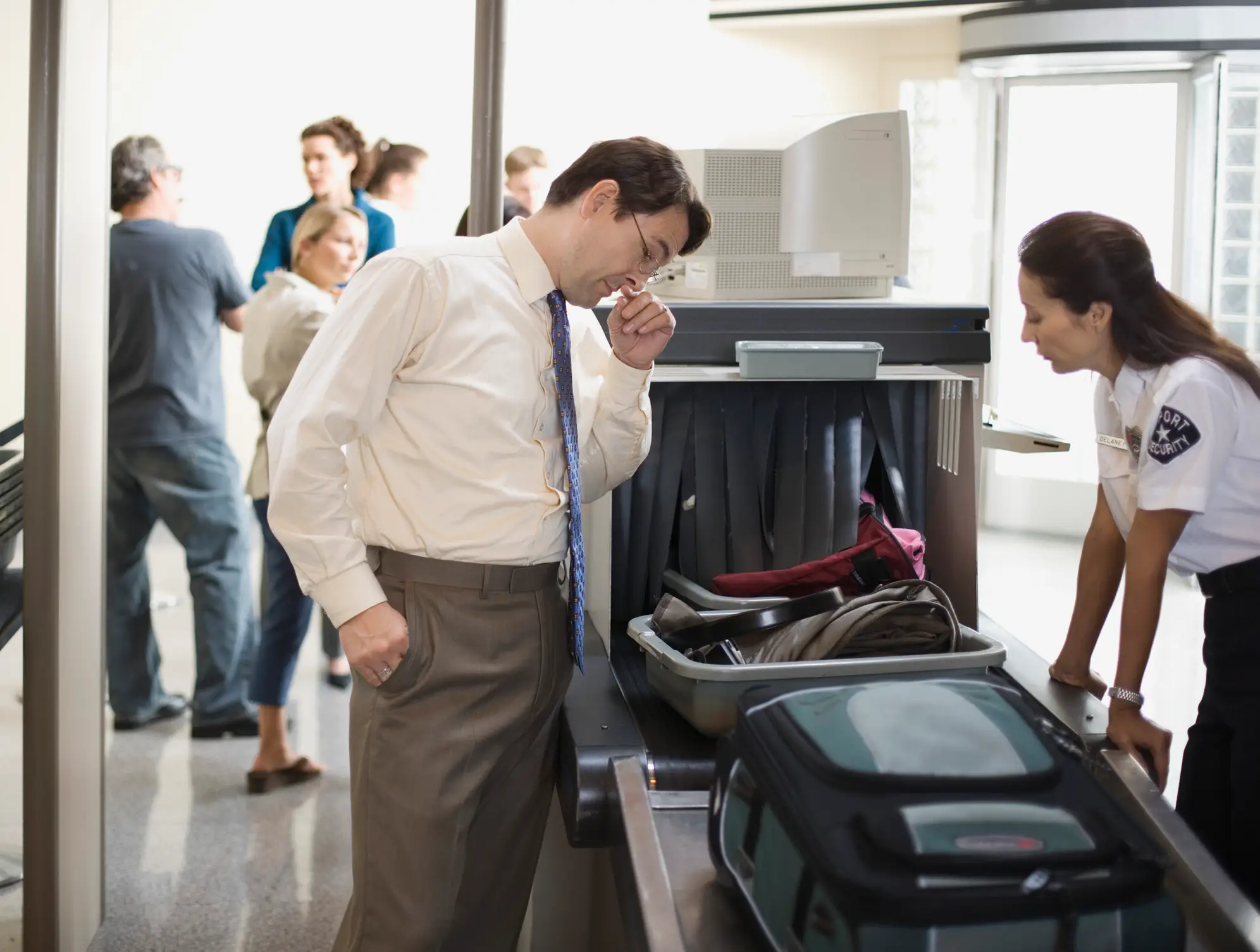
It is best to turn off the feature before going through airport security (Jupiterimages/Getty Images)

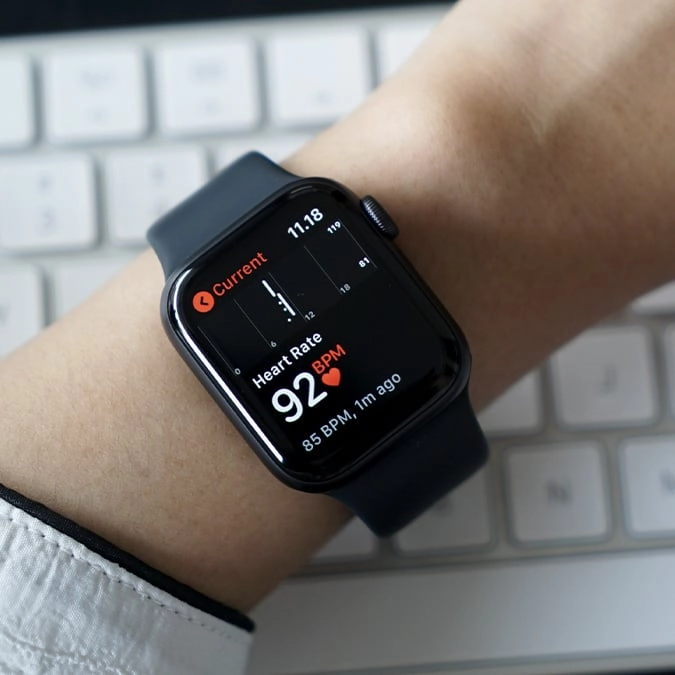
This is due to the device’s fall detection which is available on the Apple Watch SE or later, Apple Watch Series 4 or later or Apple Watch Ultra or later.

The feature enables the watch to detect a hard fall while you’re wearing it. When this happens, it taps you on the wrist, sounds an alarm and displays an alert.

According to Apple, you can choose to ‘contact the emergency services or dismiss the alert by tapping Close’ in the upper-left-hand corner or selecting ‘I’m OK’.

So, why is this a problem at the airport? Well, when the device gets thrown into the plastic trays, it could mistakenly detect the motion as a fall.

If this happens, it could result in a call to emergency services without your knowledge, potentially landing you in hot water in the departure lounge.

To avoid this, make sure the feature is switched off in the watch’s settings before heading to airport security.

How does the Apple Watch Fall Detection work?

When your Apple Watch detects a fall, the safety feature will monitor whether or not you’re immobile.
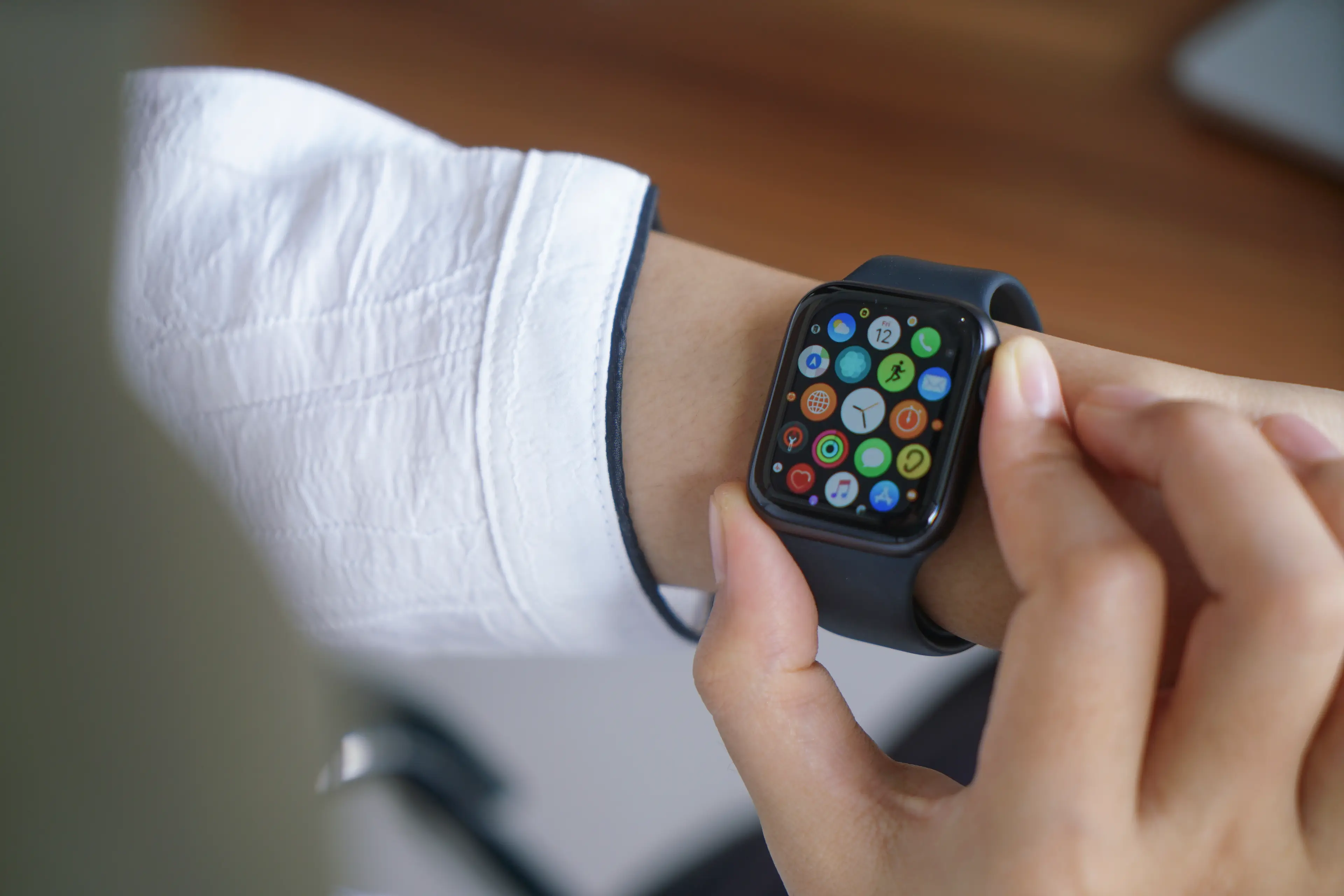
The safety feature taps you on the wrist, sounds an alarm and displays an alert (raditya/Getty Images)

If it detects that you're immobile for about a minute, it will start a 30 second countdown, while tapping you on the wrist and sounding an alert.

Apple went on to explain: “The alert will get louder so that you or someone nearby can hear it. If you don’t want to call the emergency services, tap Cancel. When the countdown ends, your Apple Watch will contact the emergency services automatically, as well as your emergency contacts.”

It is a handy safety feature but probably not one you want to set off accidentally.

Choose your content:

5 hours ago
2 days ago
3 days ago
  • Michael M. Santiago / Staff / Getty
    5 hours ago

    Exact date analysts expect Apple's iPhone 18 to be released

    Apple’s release pattern points to one very likely release date

    Apple
  • Michael M. Santiago / Staff via Getty
    2 days ago

    Tim Cook's hilarious response after an 'iPhone' is spotted in 350-year-old painting

    Apple’s CEO admitted the resemblance was hard to ignore

    Apple
  • Cheng Xin / Contributor via Getty
    2 days ago

    How to install iOS 27 public beta on your iPhone in a few simple steps

    Apple’s newest software brings major changes, but early access comes with important warnings.

    Apple
  • NurPhoto / Contributor via Getty
    3 days ago

    Apple Music users urged to 'threaten cancellation' as subscription prices surge

    Subscribers are sharing a little-known tactic after Apple raised prices across several major markets.

    Apple
  • One thing security experts say you must do to your phone before crossing an international border
  • Apple rumoured to completely overhaul design of the next Apple Watch, insiders say
  • Doctor reveals 'hidden' Apple Watch features that can transform how you manage your health
  • Apple Watch user baffled after finding 'kitten mode' feature hiding in her apps