How to install iOS 27 public beta on your iPhone in a few simple steps


Apple’s iOS 27 public beta is now available, giving iPhone owners an early look at the company’s next major software update before its full release later this year.
The update brings some major feature changes — including a more capable version of Siri, deeper Apple Intelligence tools, changes to Photos, Maps, Wallet and Find My, as well as wider performance improvements across supported devices.
However, this is still unfinished software. CNET notes that public betas are generally more stable than developer builds, but they can still cause problems including app crashes, weaker battery life, overheating, Bluetooth or Wi-Fi issues and occasional slowdowns.
Apple does not recommend installing beta software on a main device, according to MacRumors, so using a spare iPhone is the safest option. Creating an archived backup first gives you a route back to iOS 26 if something goes wrong.
Advert
Once you are ready, installing the iOS 27 public beta only takes a few steps.
You should first visit Apple’s Beta Software Program website and sign in using the Apple Account connected to your iPhone. You may need to accept the programme’s terms before the beta becomes available on your device.
Next, open ‘Settings’ and head to ‘General’, followed by ‘Software Update’.
Tap ’Beta Updates’ and select ‘iOS 27 Public Beta’ from the list. Return to the previous screen and wait while your iPhone checks Apple’s servers.
When the update appears, tap ‘Download’ and ‘Install’, enter your passcode if asked, and follow the on-screen instructions. Your iPhone will restart during the process, so make sure it has enough charge or keep it connected to a power source.
If the Beta Updates option does not appear, you should check that the same Apple Account is being used for both the Beta Software Program and the iPhone. Turning off ‘Download iOS Updates’ under ‘Automatic Updates’, then returning to the ‘Software Update’ page, may also make the option appear.
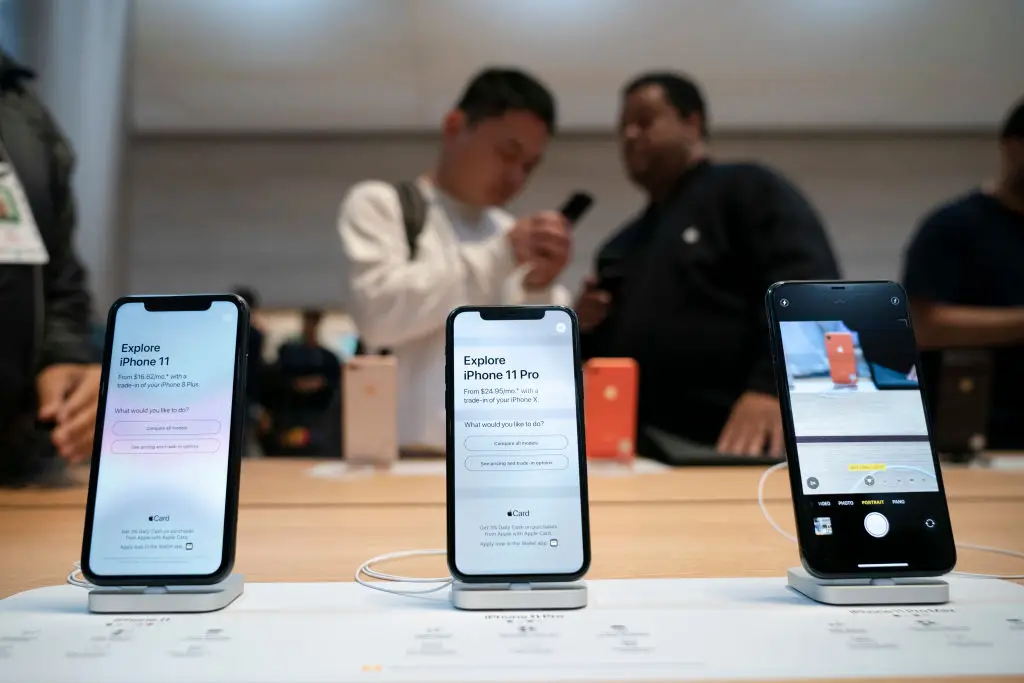
iOS 27 supports the iPhone 11 and newer models, including the third-generation iPhone SE. However, not every feature will be available on every compatible device.
Several Apple Intelligence features require an iPhone 15 Pro or newer, while some of the most advanced Siri tools are limited to newer hardware.
Anyone relying on their iPhone for work, travel, banking or other essential tasks may still be better off waiting for the finished version. Said beta software can also behave unpredictably, and battery drain may be heavier for several days while the phone reindexes photos, files and other data.
For those happy to accept the risks, the public beta offers the earliest chance to try iOS 27 before the wider rollout expected later this year.