
Ignoring this one Wi-Fi setting is destroying the speed of your internet


Most households today have more devices competing for Wi-Fi than ever before.
Whether it is streaming your favourite Netflix films or TV shows, hosting gaming lobbies on PlayStation, or FaceTimeing relatives, a sluggish connection has a way of making itself known at the worst possible moment.
But before you call your provider or upgrade your router, there is one setting already sitting in your router's control panel that could make a huge difference to your internet speed.
According to XDA Developers, most routers set the channel width setting it to a default that prioritises stability over speed.
Advert
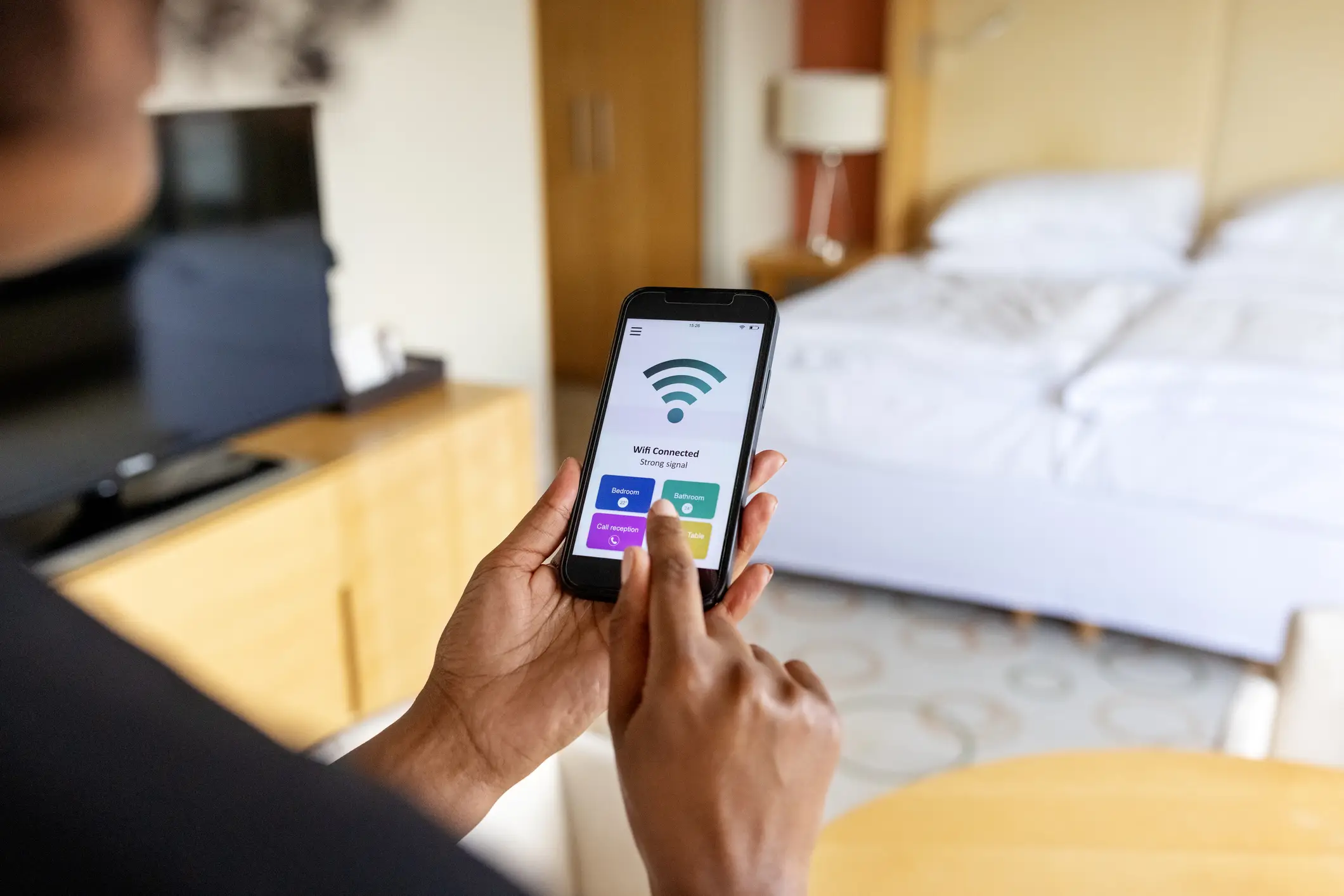
But changing it could double your Wi-Fi throughput.
To understand why, it helps to know that your router communicates with devices using radio frequency bands. Most commonly 2.4GHz, 5GHz, and on newer routers, 6GHz.
Each band contains a range of channels, and the width of those channels determines how much data can be sent at once. A wider channel means more data moving simultaneously, which means faster speeds.
Most routers default to an 80MHz channel width on the 5GHz band. But Wi-Fi 6 actually introduced support for 160MHz on that same band, which effectively doubles the amount of data your router can push at any given moment.
On Wi-Fi 6E and Wi-Fi 7 routers, the 6GHz band supports channel widths up to 320 MHz.
So, how do you change your Wi-Fi's channel width?
According to XDP, users can log into their router's admin settings and look for the wireless or Wi-Fi settings section. Then, look for the channel width option for the 5GHz or 6GHz band and set it to 160MHz or 320MHz.

It's best to run a speed test before and after to see whether it makes a difference in your specific setup.
With that in mind, you might find that the upgraded channel width isn't always better depending on where you live. In built-up areas or blocks of flats where many Wi-Fi networks overlap, wider channels are more likely to run into interference from neighbouring networks.
A 160MHz block is harder to keep clear than an 80MHz one, and if it becomes congested, your connection can become slower and less stable than before.
In other words, speed means little if your connection is laggy or keeps dropping.
Distance is another factor. The gains from wider channels tend to fade quickly as you move further from the router or add walls and obstructions between your device and the signal.
In those situations, dropping back to 80MHz or even 40MHz can actually feel faster in practice.
Also, XDP notes that not all devices are compatible with wider channel widths, so you might find the upgrade offers no benefits for older iPhones, iPads, or laptops.
All in all, it's best to try a before-and-after test to see if changing the channel width is worth it for you.