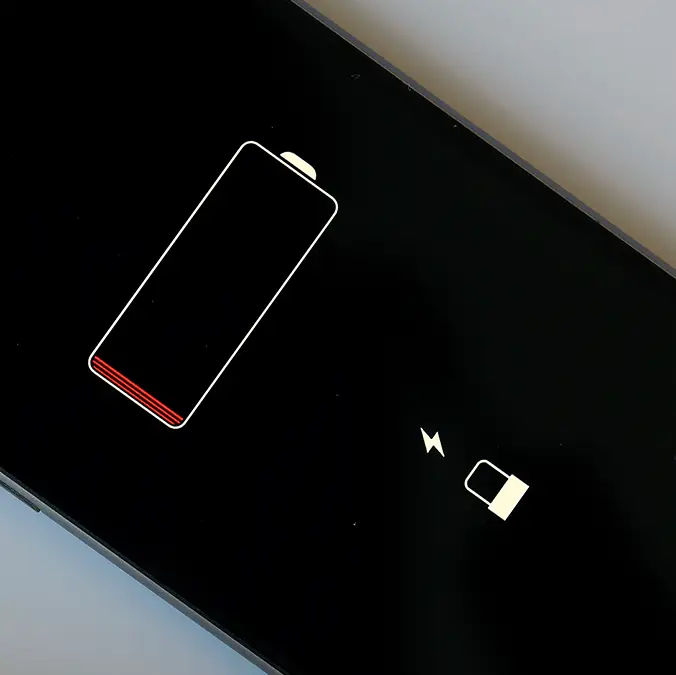
These 2 settings could be why your phone is losing battery even on standby


It makes sense that using your phone makes the battery deplete, and while there are new devices out there from manufacturers like Oppo that manage to last beyond three days in some use cases, there always comes a point when your phone simply runs out of juice.
It's frustrating, however, when your phone seems to drain regardless of whether you're using it or not, and most of this can happen when the gadget is on standby thanks to a number of settings you might not have considered.
This can be completely game-changing when you're traveling or out at work during a long day, as it prevents your phone from giving up on you in what could be a vital period.
Thankfully there are two areas you can tweak to prevent this from happening going forward, as adjusting these settings could provide a huge boost to battery power that you're more likely than not wasting.
Advert
As shared by MakeUseOf, the primary group of settings that you'll want to focus on relates to your phone's display, as this is something that draws an unexpected amount of power.
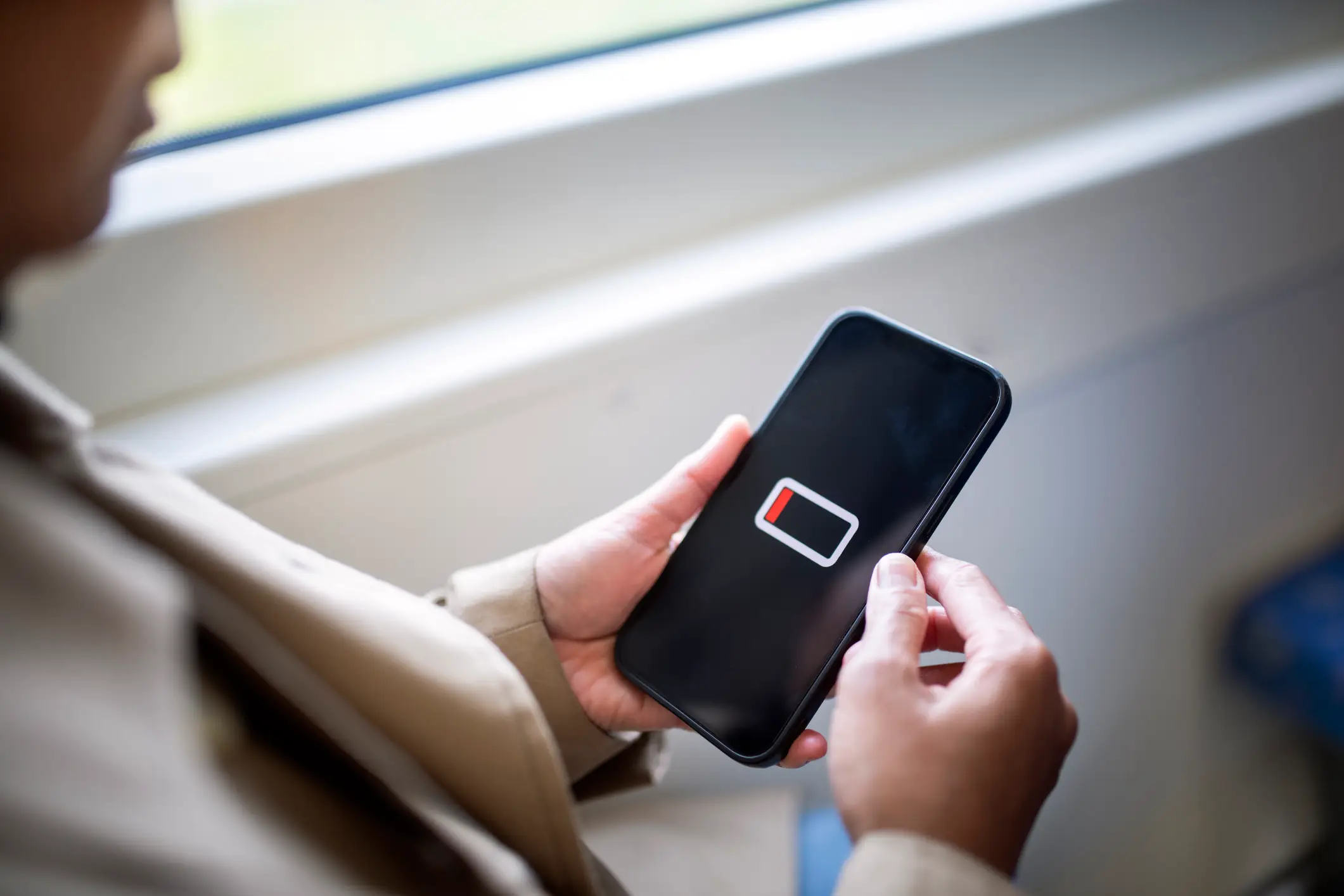
No matter how powerful your phone is, simply having its screen displaying content will drain the battery with more light resulting in a higher percentage drop, and there are three areas in particular that you'll want to focus on.
First up is the always on option, as while this can be handy, it understandably has a considerable impact on the overall lifespan of your battery. This is when your phone shows the date and time even when it's locked, and sometimes also shows when you have any notifications.
It can be extremely handy in situations where you want to remain aware of the time or watch out for any messages coming your way, yet turning it off could provide a major boost to your battery.
On top of this, settings relating to the device's auto-lock timer and the overall brightness levels of your screen can considerably ease the strain on your phone's battery.
Keeping auto-lock as short as you're comfortable with will prevent any wasted time where the phone remains unlocked, and lowering the brightness in situations where you don't necessarily need it makes a big difference.
Outside of display settings, the other big battery killer that you'll frequently see people talking about is location services, as having this enabled means that your phone is constantly updating apps and drawing power to do so.
While you might not want to disable location services entirely, as it can still be useful for certain apps and services, going into your phone's settings to see which apps are currently using it could let you weed out the non-essential ones to save some battery.