uniladtech homepage
  • News
    • Tech News
    • AI
  • Gadgets
    • Apple
    • iPhone
  • Gaming
    • Playstation
    • Xbox
  • Science
    • News
    • Space
  • Streaming
    • Netflix
  • Vehicles
    • Car News
  • Social Media
    • WhatsApp
    • YouTube
  • Advertise
  • Terms
  • Privacy & Cookies
  • LADbible Group
  • LADbible
  • UNILAD
  • SPORTbible
  • GAMINGbible
  • Tyla
  • FOODbible
  • License Our Content
  • About Us & Contact
  • Jobs
  • Latest
  • Archive
  • Topics A-Z
  • Authors
Facebook
Instagram
X
TikTok
Snapchat
WhatsApp
Submit Your Content
Important reason you should restart your Apple AirPods every few months

Home>Apple>iPhone
Published 11:03 25 Jun 2026 GMT+1

Important reason you should restart your Apple AirPods every few months

Apple AirPods have been popular since their 2016 launch

Britt Jones

Britt Jones

google discoverFollow us on Google Discover
Featured Image Credit: Justin Sullivan / Staff / Getty
Apple
Gadgets
iPhone
Airpods

Advert

Advert

Advert

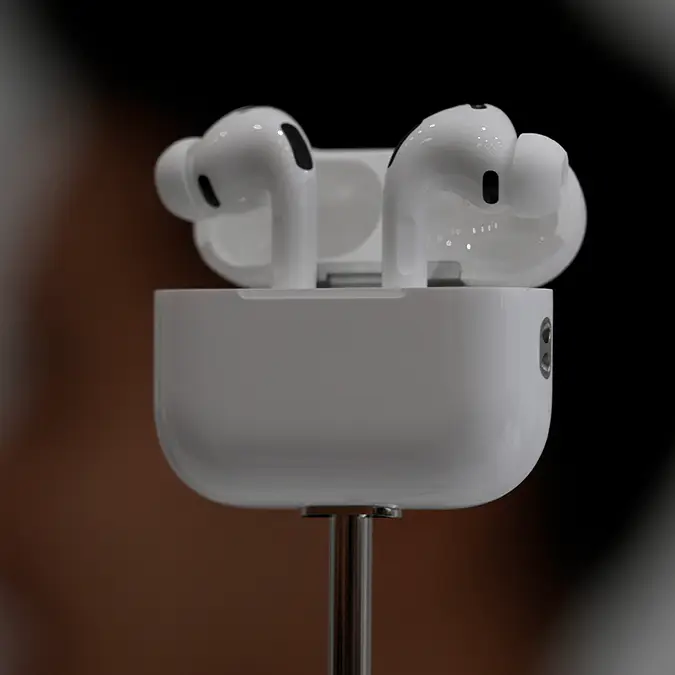
Apple AirPods are one of those things you buy, take everywhere with you, and never think about potential maintenance needs – but you’re apparently supposed to restart them regularly to prevent one thing from happening.

That’s right; you need to restart them often, and like me, you’d probably never heard of this before. However, it’s supposedly something we should all be doing if we want to keep our tunes in our ears for a long time without having to replace the gadgets.

If you own standard AirPods or the Pro version, then the process is so easy it can be done in seconds.

Now, you’re probably wondering why you need to do this, and it’s a great question.

Advert

Back in 2016, Apple fans first began buying up all the AirPods when they were introduced to the market.

But in recent years, technical issues and glitches have become a common occurrence for some.

Get restarting (Getty Stock Images)

In short: restarting your AirPods can help to prevent these problems from happening and can also solve issues stemming from software hiccups.

All you need to do to begin the reset, is to place both earbuds inside their charging case and leave them for around ten seconds.

Once you take them out, the system will have restarted, and any of the issues should be sorted.

However, for the Max AirPods, you’ll need to press and hold the Digital Crown and the noise control button at the same time for at least ten seconds until the LED status light flashes amber.

Quickly take your fingers off the buttons once the light flashes, because if not, you’re going to accidentally factory reset them.
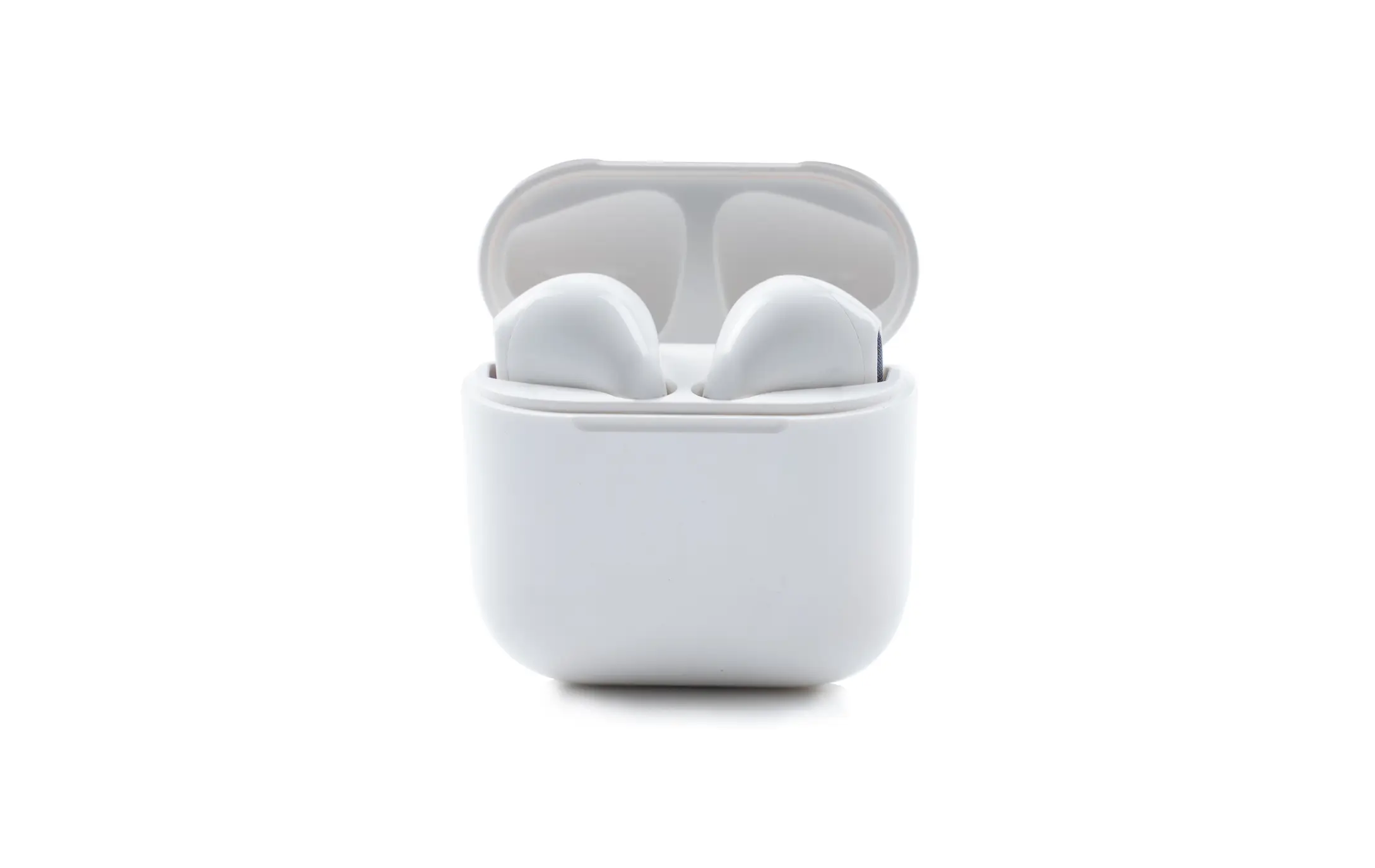
The reset takes ten seconds (Getty Stock Images)

The best things about this is that it can often solve minor issues before they turn into major problems which require you to spend some dollars on either fixing or replacing them.

But if this doesn’t work to resolve your problem, try unpairing and reconnecting the AirPods, updating firmware, or (as a last-ditch attempt) go for a full factory reset.

However, if your problem is what a lot of people have complained about, then there’s also some good news.

You won’t need to resent your Pods, you’ll just need to wait for the latest iOS update in September.

Apparently, iOS 27 will tackle the functionality of the AirPods line, such as the controls and in-phone access.

This’ll be much needed for anyone who finds navigating their AirPods to be a task.

Choose your content:

17 hours ago
18 hours ago
a day ago
3 days ago
  • Michael M. Santiago / Staff via Getty
    17 hours ago

    Tim Cook's hilarious response after an 'iPhone' is spotted in 350-year-old painting

    Apple’s CEO admitted the resemblance was hard to ignore

    Apple
  • Cheng Xin / Contributor via Getty
    18 hours ago

    How to install iOS 27 public beta on your iPhone in a few simple steps

    Apple’s newest software brings major changes, but early access comes with important warnings.

    Apple
  • NurPhoto / Contributor via Getty
    a day ago

    Apple Music users urged to 'threaten cancellation' as subscription prices surge

    Subscribers are sharing a little-known tactic after Apple raised prices across several major markets.

    Apple
  • Cheng Xin / Contributor / Getty
    3 days ago

    Every iOS 27 feature coming to compatible Apple products

    Siri, Safari, Photos and Messages are all getting major changes

    Apple
  • Every iOS 27 feature coming to compatible Apple products
  • How to install iOS 27 public beta on your iPhone in a few simple steps
  • Apple boosts value of select iPhones that could make you hundreds of dollars
  • Apple user shares 'massive' difference between using AirPods Max with Apple Music vs Spotify