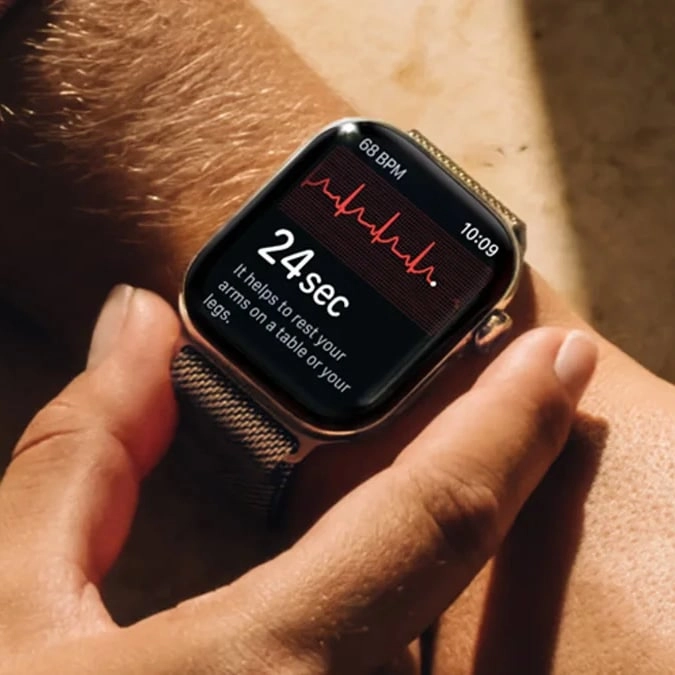
Apple’s brand-new Watch appears to be missing a health feature that six older models still support


Earlier this month, Apple unveiled its new range of products set to be released during its annual phone event, which this year was known as ‘Surprise and shine’.
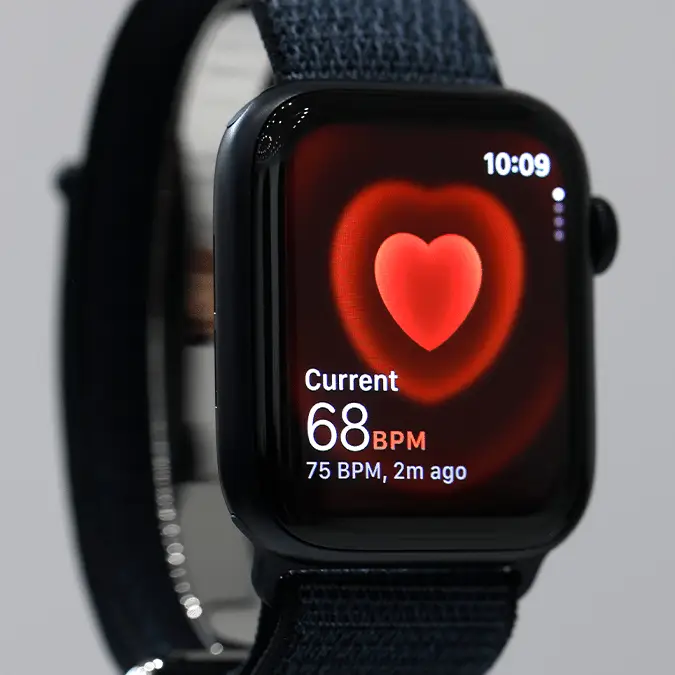
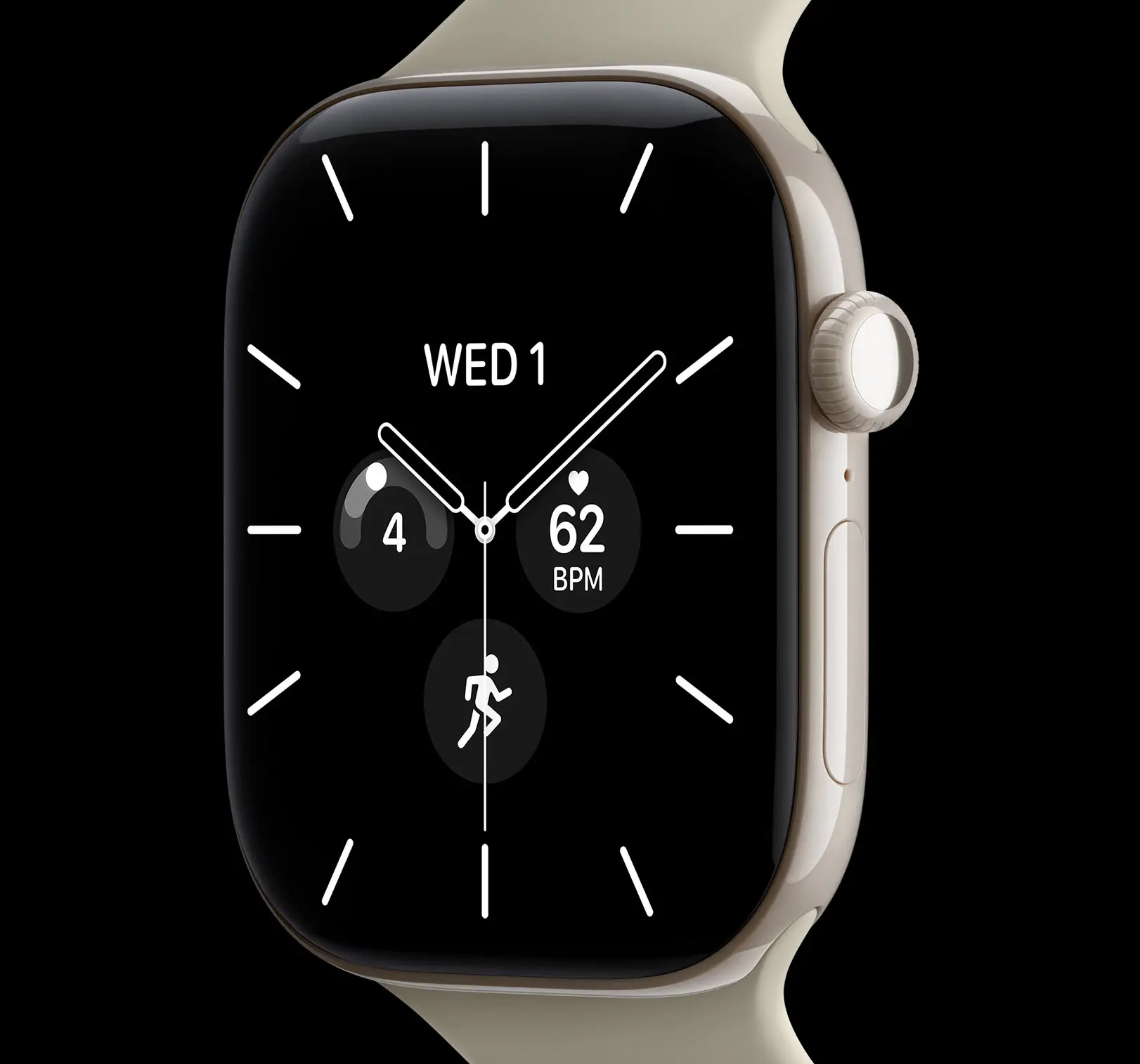
During the address, the tech giant shared information about its new iPhone 18 Pro and Pro Max, the company’s first foldable device known as the iPhone Duo, and its latest wearable - the Apple Watch Series 12.
However, while the device comes with a whole host of new features, there is one that is notably missing from the Series 12, which many Apple fans have noticed themselves.
The feature in question is the handwashing timer which users have taken to social media to discuss its absence.
Advert
On Reddit, one person wrote: “Just bought the AW4 I noticed that handwashing timers don’t come up anymore, and the setting disappeared. Apple’s website confirms also that the feature is not supported on new watches, lol.”
Another said: “Personally I use it to deal with my OCD. Without it I wash my hands way too long and way too many times. With it it’s much easier for me to wash once and be done when the timer is up. I don’t know why but it works.”
A third user commented: “The people who actually need a handwashing timer will never care enough to turn the feature on, and the people who don’t need a handwashing timer will continue not needing a handwashing timer.”
And a fourth added: “well guess I don't need to wash my hands anymore.”
How to turn on handwashing
- Go to the Settings app on your Apple Watch.
- Tap Handwashing, then turn on Handwashing Timer.
'When Apple Watch detects that you’ve started washing your hands, it starts a 20-second timer. If you stop washing in less than 20 seconds, you’re encouraged to finish the job'
Apple's website says the following models support the handwashing feature:
- Apple Watch SE 3
- Apple Watch Series 9
- Apple Watch Series 10
- Apple Watch Series 11
- Apple Watch Ultra 2
- Apple Watch Ultra 3
New accessibility feature available on the Apple Watch Series 12
However, there are still plenty of new features coming with the new Apple Watch including the Live Rewind option.
This is part of Apple’s new Audio Intelligence, which lets you double-press the Digital Crown and retrieve a short snippet of what was just said, which could be handy if you missed a sentence or didn’t quite catch what someone said.

Apple explains: “Live Rewind only activates when you deliberately double-press the Digital Crown. It only shows the last 15 seconds of speech as a text snippet on your display. It doesn't continue to transcribe in the background, nor does it save the text unless you choose to ask Siri about the content or save it to the Siri app.”
When you deliberately activate Live Rewind with the Digital Crown, the Watch can use the temporary audio data to produce the information you were looking for.
Apple’s wider Audio Intelligence system also includes features such as Siri Recap, which can create summaries from conversations and other audio, but the firm has said that these features have been designed around keeping raw audio from becoming a permanent recording.