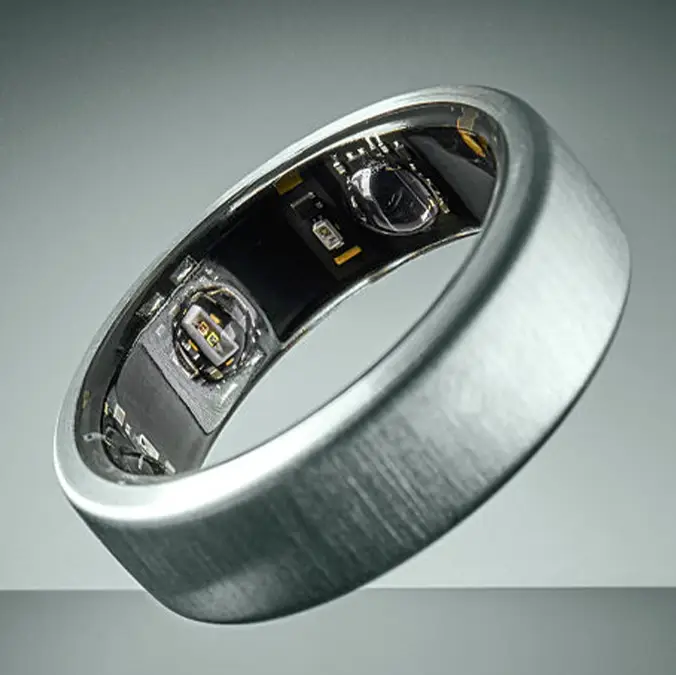
Oura Ring is replacing $500 devices for free and all you have to do is check this in-app feature


Oura Ring owners are discovering an overlooked in-app trick that might enable users to get a replacement worth hundreds of dollars completely for free.
Users claim the company's warranty and support tools hidden in a section of the app can approve replacements outside of what most people thought were very strict limits.
While the wearable smart ring is able to track over 50 health metrics including sleep, heart rate, body temperature trends, and daytime stress, the handy devices don't come cheap, which the latest model setting consumers back by $499 a piece. So when yours fails, this tip is a Godsend.
On social media, many users have shared their own experiences with the device, with one user writing on Reddit: “My ring battery started to only last 2 days. I asked about it in the app chat. The app conducted a battery diagnostic. Apparently there was an issue. Now they're sending me a new one. Has anyone experienced this?”
This prompted others to respond, with one person saying: “Yes this happened to my wife’s ring and mine. We both got replacements. They were both brand new in box with charger etc.”
Advert
Another wrote: “Yes, my ring did the same. I just received my replacement. Brand new in a sealed box.”
And a third added: “Thanks for this post, I just came to this subreddit to check for battery issues and saw this, then got a replacement of my own ordered!”
Even in the LadBible offices, a colleague reported: "My Oura ring battery has been on the blink (it's a year old), barely lasting a day. There's a little known bit in the app where you can check the diagnostics and basically long story short they found a fault and are sending me a brand new one free of charge",
How to check your Oura Ring battery diagnostics
So, how can you find out if your own Oura Ring is in need of a replacement? First off, the company advises you to charge your ring to 100% and test it out by wearing it normally until the battery depletes to 25%.
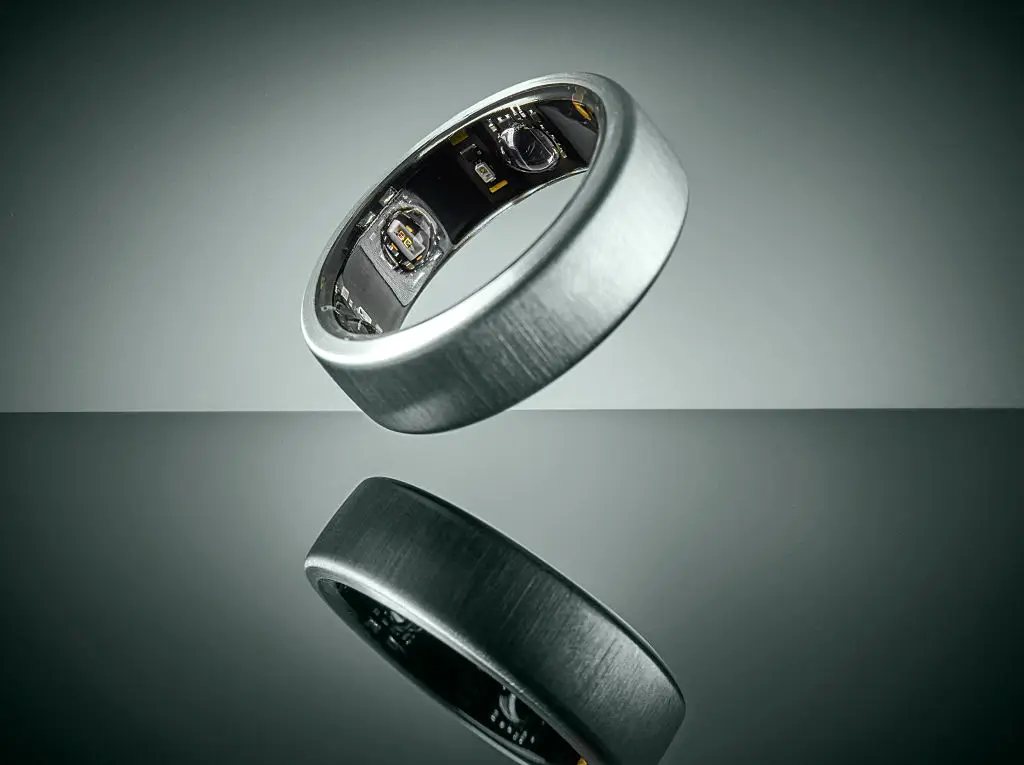
Make a note of how quickly the battery depletes and, if it is draining abnormally fast, try resetting it.
This can be done by placing your ring on the charger for 10 to 15 minutes. Remove the ring and restart the Oura App.
Afterwards, fully charge it to 100% and sync your data to see if performance improves.
If the ring is consistently experiencing rapid battery drain after these steps, then it might be time to reach out to Oura through the Oura Support portal to request a diagnostic and discuss a possible replacement.