User went through 'every single' Google Maps privacy setting, here's what you need to turn off


A user went through 'every single' Google Maps privacy setting and tracked what happened.
While iPhone users are just catching up with Apple's quietly introduced privacy features, Google has also been making Android privacy more transparent so users can see when and how they are being tracked apps.
But after doing some digging into 'every Google Maps setting,' one Reddit user has found an 'unsettling' truth.
The Location History toggle is a 'decoy'
Turns out that turning off Location History does far less than most people assume.
After reading the fine print, the user found that switching it off only stops Google from updating your personal Timeline.
Advert
"It does not stop Google from collecting your location," they wrote. They added that a separate setting called 'Web & App Activity' continuously logs your location.
As a personal example, the Reddit user explained: "After turning Location History off, Google Maps prompted me to rate a store I'd walked past, without me ever opening Maps or searching for that store. The app knew I was there."
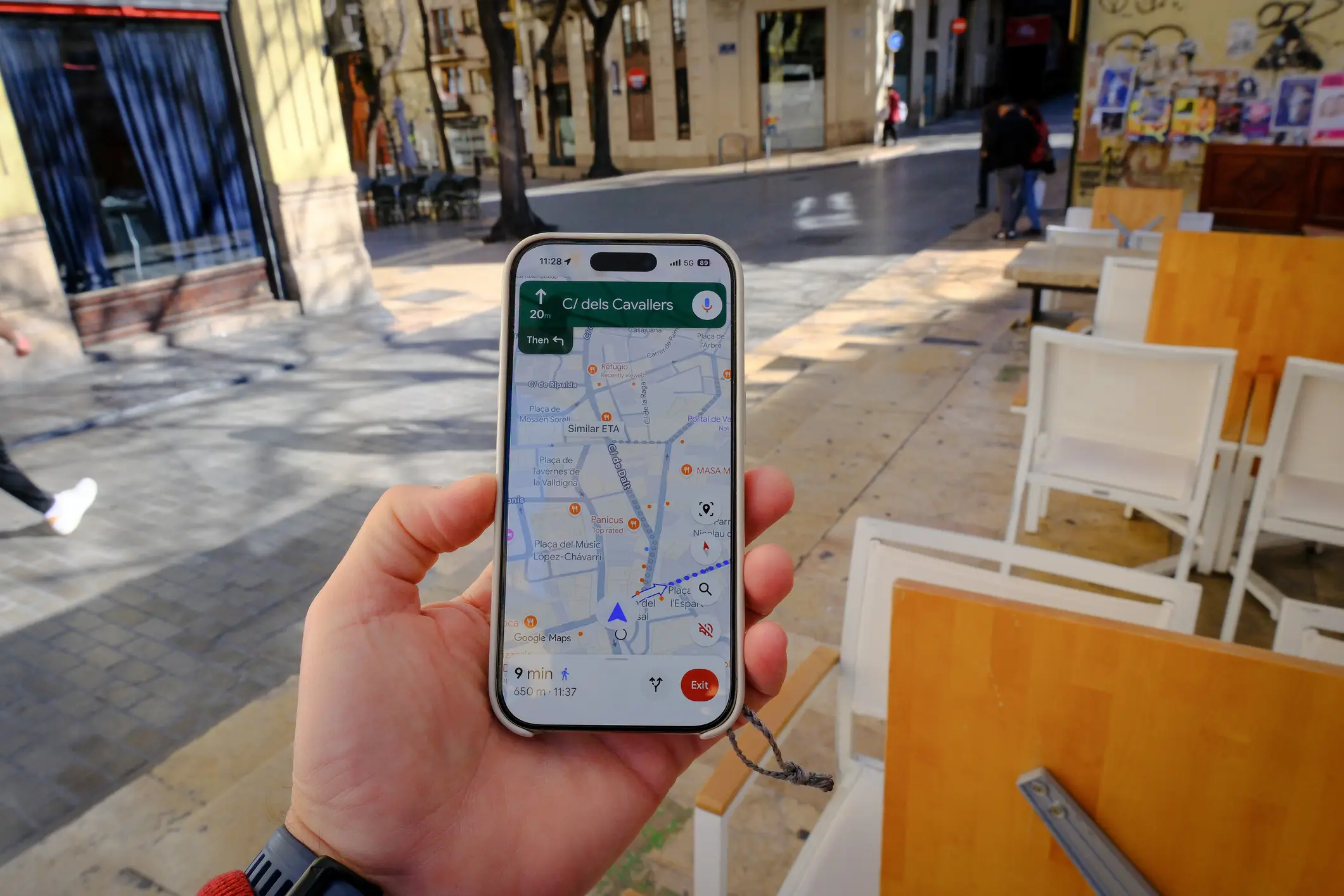
The problem reportedly lies in the Web & App Activity setting. While the user described it as 'hiding in plain sight,' the feature logs location data across Google Search, Maps, Photos, News, YouTube, and Chrome.
"It stores location data. It can save activity even when you're offline or signed out. It's on by default," they noted, adding that the description of the feature 'doesn't mention location tracking at all.'
Wi-Fi scanning turns itself back on
Another discovery that shocked the user was the inability to turn off Wi-Fi scanning.
"Any app that uses Google's location APIs seems to quietly re-enable it," they described. "Navigation on Google Maps stopped working for me without it, the app effectively held routing hostage until I turned it back on.
"And it's not just Maps: other apps that have nothing to do with navigation were also triggering the same behavior."
Incognito mode in Maps is not all that private
The user also pointed out the common misconception that using Incognito mode in Google Maps means your activity is hidden when it is in fact not.
"Incognito mode in Maps doesn't affect how your activity is used or saved by your internet provider, other apps, voice search, or other Google services," they revealed. "Your ISP still sees your traffic. Your other Google apps still log your location. You just stop getting notifications and your searches don't save to your Maps history."
What settings can you turn off?
While some settings cannot be manually turned off, there are some simple steps you can take to limit what Google collects.
To avoid leaving a gap, the user advises turning off both Location History and Web & App Activity together.
To do this on Android, simply go to Settings > Google > Manage your Google Account > Data & Privacy > History Settings > and Web & App Activity.
Wi-Fi and Bluetooth scanning should also be disabled in your system settings, rather than just in Maps, according to the user.
Meanwhile, location permission for apps should be set to 'only while using' and never to 'always.'
The response in the comments was largely grateful.
Users in the comments were thankful for such an insightful post.
"Great post. Followed the most important step to turn off," one user shared.
"This is a great explanation. I went round and round with these settings and out of exasperation decided to degoogle. Huge PITA but so much better now," another social media user commented.
"More reasons to degoogle your phone and life," someone else claimed.