• News
    • Tech News
    • AI
  • Gadgets
    • Apple
    • iPhone
  • Gaming
    • Playstation
    • Xbox
  • Science
    • News
    • Space
  • Streaming
    • Netflix
  • Vehicles
    • Car News
  • Social Media
    • WhatsApp
    • YouTube
  • Advertise
  • Terms
  • Privacy & Cookies
  • LADbible Group
  • LADbible
  • UNILAD
  • SPORTbible
  • GAMINGbible
  • Tyla
  • FOODbible
  • License Our Content
  • About Us & Contact
  • Jobs
  • Latest
  • Topics A-Z
  • Authors
Facebook
Instagram
X
TikTok
Snapchat
WhatsApp
Submit Your Content
‘Dead iPhone’ trick means you can still use your iPhone for these essential tasks even with zero battery

Home> Gadgets

Published 14:39 11 Nov 2024 GMT

‘Dead iPhone’ trick means you can still use your iPhone for these essential tasks even with zero battery

This handy trick could be a lifesaver once your phone has died

Harry Boulton

Harry Boulton

Make sure you know this 'dead iPhone' trick, as it could save you if you're stuck with no battery on your device.

We've all been there in situations where your phone battery is low yet you're stuck nowhere near a charger.

Oftentimes you'll need your phone to get back home, whether its taking public transport or even unlocking your car.

Apple, in thinking ahead as they typically do, have thankfully built in a way for you to access these key things even when your phone reaches zero, so make sure you've set everything up and learnt this trick as you never know when you'll need it.

Advert
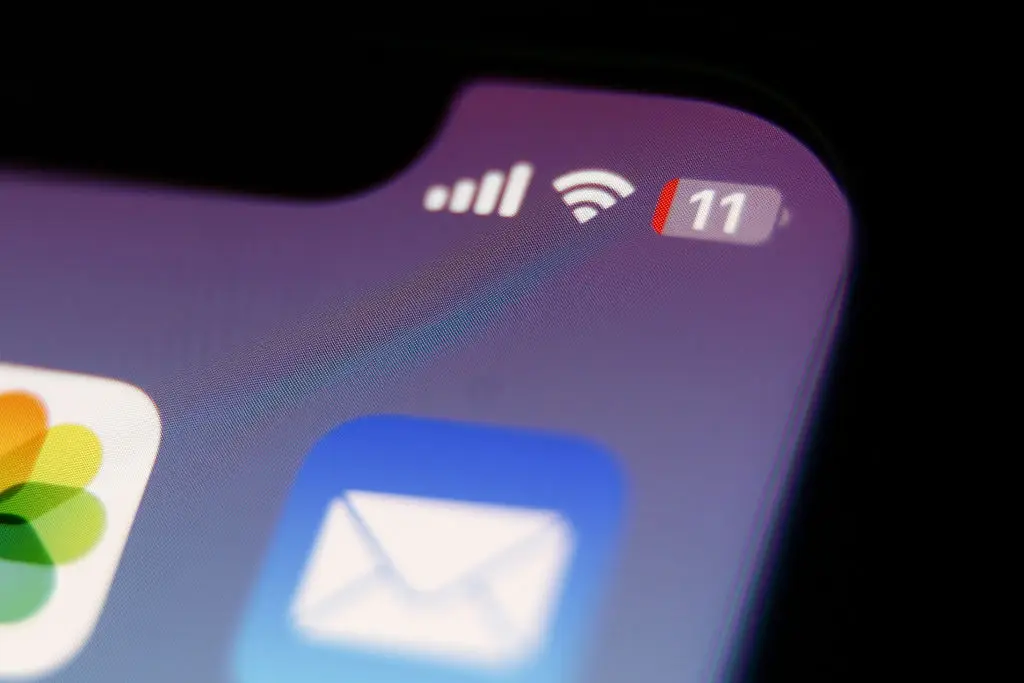
You never want to be at low battery (Jakub Porzycki/NurPhoto via Getty Images)

This trick, detailed in The Sun, is known as 'Power Reserve', and is essentially your iPhone's last bit of juice that it saves specifically for a small number of essential actions.

These actions are tied to your Apple Wallet, and make use of any cards or passes that you have activated with Express Mode.

Express Mode, if you're unaware, allows you to use Apple Wallet items without unlocking your phone, which is especially handy when paying contactless on public transport or unlocking your car via a passkey.

Advert

If you have your card activated via Express Mode in your Apple Wallet you'll then be able to use this for a short while after your phone has died - although payments are limited to use on public transport.
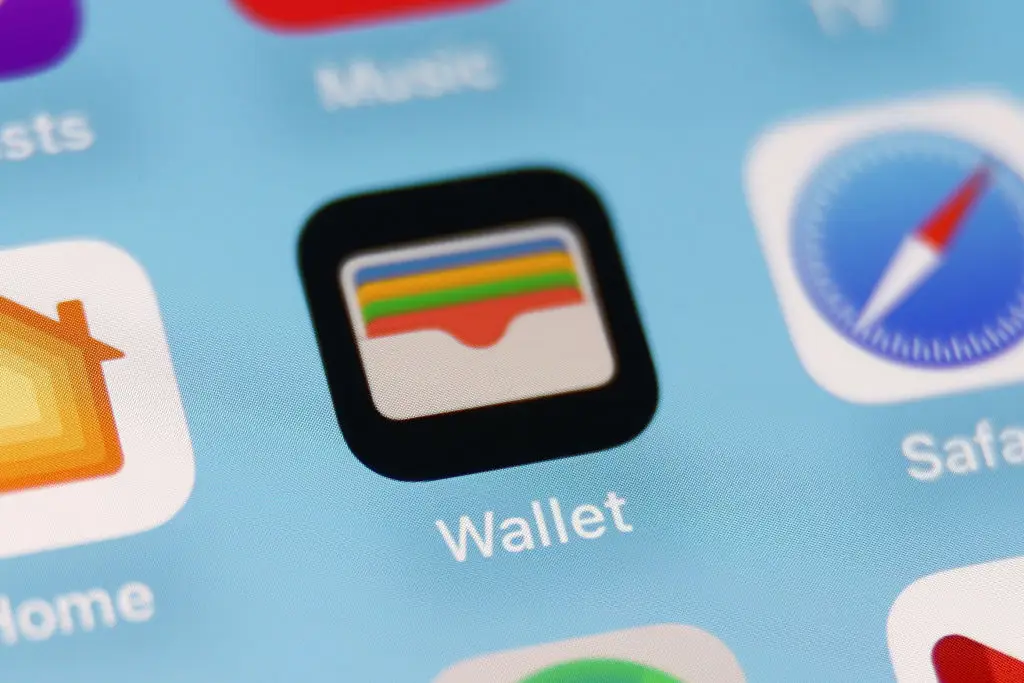
Cards need to be activated within your Apple Wallet to work (Jakub Porzycki/NurPhoto via Getty Images)

This, as mentioned, extends to some car keys that you have saved in your Wallet, which can definitely be handy if you're stood outside your car with no way to get in.

Excessively using this feature will limit the availability of Power Reserve, potentially leaving you without it in the future, so I wouldn't recommend relying on it at all times.

Advert

Instead you'll want to simply think of it as a last resort backup that is there when absolutely necessary, but it's good to know you've got a get out of jail free card of sorts in your phone to save you.

Additionally, this feature won't work if you've simply turned your phone off, and it instead needs to reach the point where it's completely drained of battery before the Power Reserve mechanic kicks in.

Pairing this with the handy new charging feature coming to iPhone soon will definitely be a winner, as it'll give you peace of mind to leave the house in an emergency - even if your charge is low.

Featured Image Credit: SOPA Images/Contributor / Issarawat Tattong / Getty Images
iPhone
Apple
Gadgets
Tech tips

Advert

Advert

Advert

Choose your content:

6 days ago
20 days ago
24 days ago
  • Project Farm / YouTube
    6 days ago

    Man tests out wide range of USB-C chargers to uncover the best on the market

    Cheaper isn't always better

    Gadgets
  • georgeclerk / Getty
    20 days ago

    Huge free Android upgrade coming soon to all owners of this popular Google phone

    The update will be useful for those migrating from Google Pixel to Samsung

    Gadgets
  • Meta
    24 days ago

    How Meta's new smart glasses can transform the way you communicate

    Stepping into a whole new era of gadgetry

    Gadgets
  • Tim Robberts / Getty
    24 days ago

    Smartphone user shares game-changing login trick they're 'devastated' they didn't know sooner

    No more 'What's the password?'

    Gadgets
  • Changing these settings on your TV can instantly improve the picture quality
  • iOS settings you should change immediately on your iPhone to free up storage fast
  • Huge warning signs your old iPhone is beginning to slow down to protect your battery
  • Tech expert issues warning over why you should turn your iPhone off at least once a week