iPhone users 'finally' have reason to use camera button after tech expert shares settings you 'must change'


Sometimes we're so overwhelmed with the features that smartphones have nowadays that we overlook simple shortcuts that could completely change how we use them.
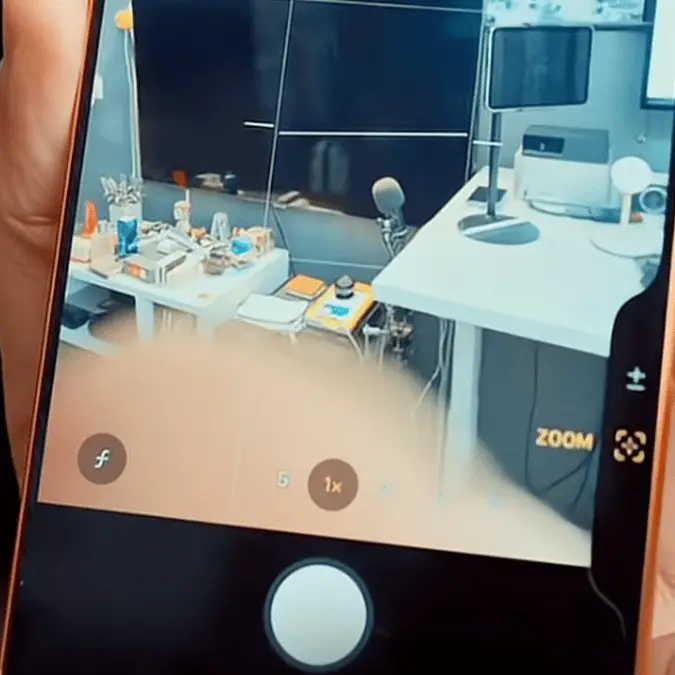
Thanks to some tech-savvy people, iPhone users are finding out that they're 'wasting the camera button' by failing to unlock its full potential. Tech YouTuber Areesz Gandhi Studios showed the capabilities of the iPhone's camera button that can up your photography game.
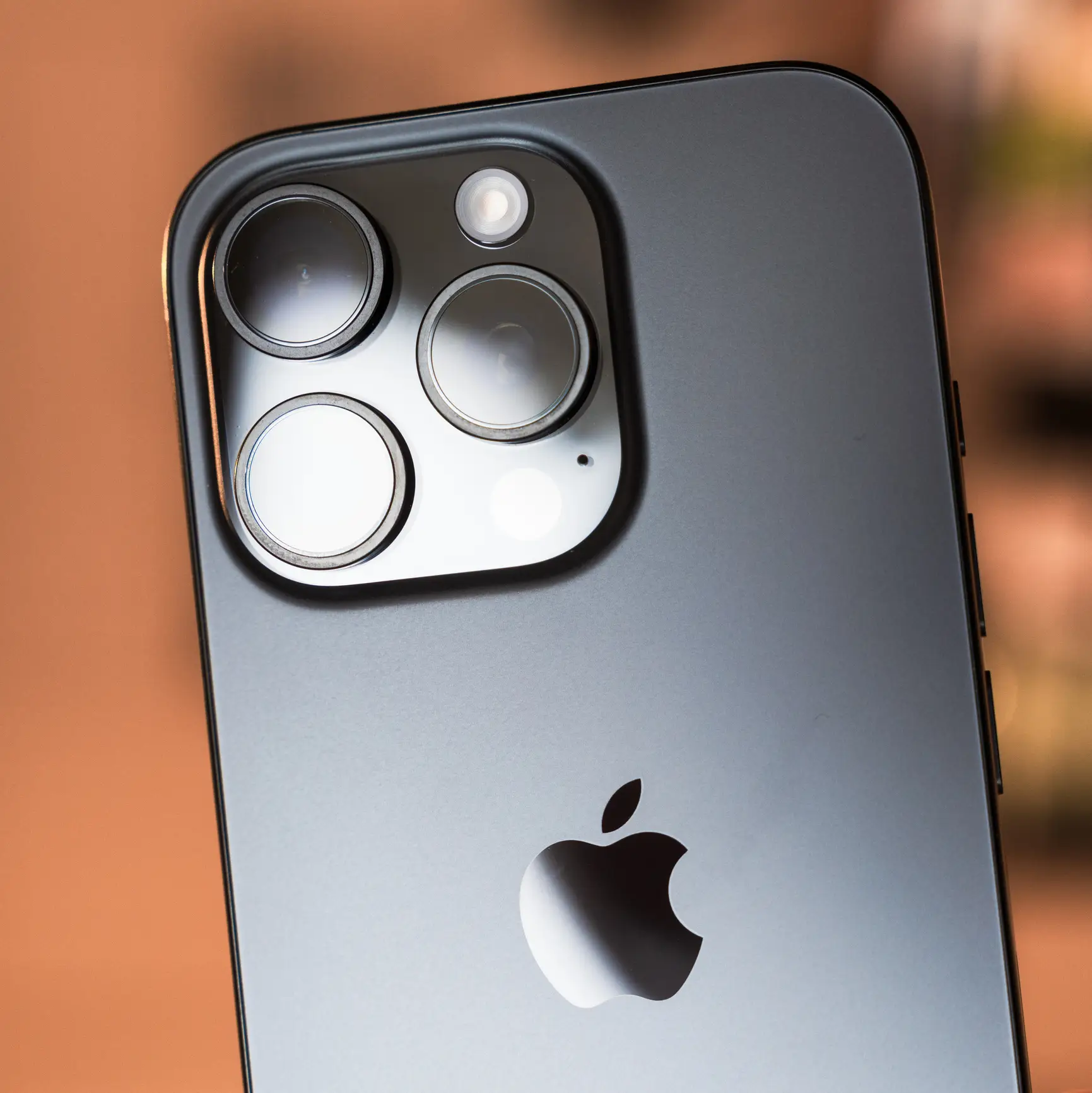
If you own an iPhone 16 or iPhone 17, you might have already noticed the new, physical Camera Control button on the lower right side of the device.
"This camera button in iPhone 16 and 17 can change your photography and videography game," Areesz explained in the YouTube Short.
Rather than unlocking your screen and swiping to open the camera app, you can tap the camera button on the device's side to activate the camera 'within a millisecond, so that you don't miss moments.'
Advert
When taking a photo, you can 'lightly press and scroll' the camera button to adjust exposure immediately without fiddling around with the onscreen settings. "I use this exposure feature all the time, so don't waste this," the tech guru said.
Then, for Zoom, you can 'double-tap' the camera button, select Zoom, and use the same scrolling motion to adjust the zoom level on the photo you're capturing.
How to upgrade your iPhone camera button settings
To upgrade your camera game, simply go into your iPhone Settings > Camera > Camera Control. Here, tap on 'Customise' where you can access some settings options.
First, the expert recommends turning off 'Clean Preview' and unchecking the controls for 'depth, cameras, styles, and tone,' leaving only Exposure and Zoom enabled.
Then, go back to Camera Control settings and turn off 'Require Screen On.'
Comments flooded in from grateful users who learned something new.
"I always forget this button exists," one user wrote.
"Finally a helpful tip for this button," another commenter replied.
"This is an extremely useful tutorial for my new phone! Thank you for sharing," a third viewer admired.
According to the Camera Control settings on Apple's support page, there are other camera settings you can play around with to upgrade your photography game.
For instance, using the button for Depth can increase or decrease the background depth-of-field effect, while enabling Cameras can switch between the device's lenses, including the front-facing camera.
Styles can modify the Photographic Style and enabling the Camera button for Tone can 'lighten or deepen the mood' of the image or video.
So it's worth having a play around with these features to see which works best for your photo and video style. Either way, the button acts as a real time-saver.