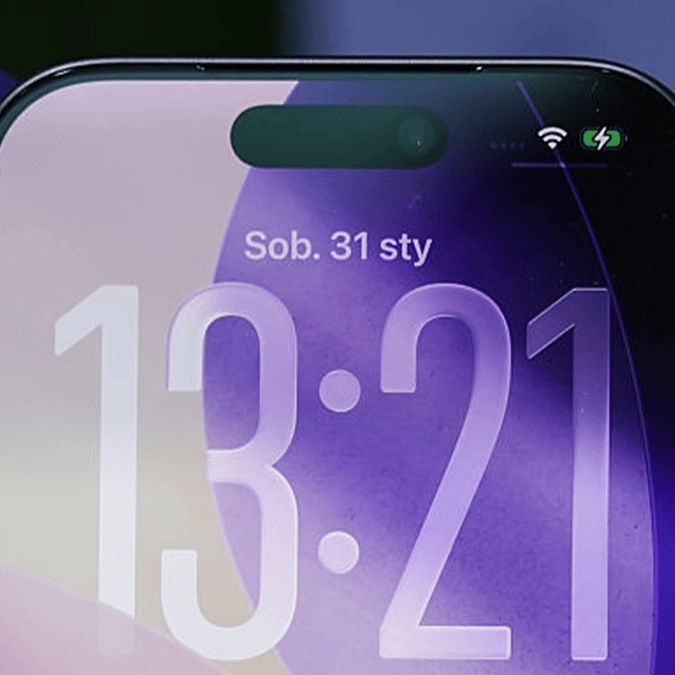
iPhone users are only just realising what mysterious green symbol at top of screen means


Apple gives iPhone owners plenty of ways to know when their device's vital systems are being used, and yet another handy signal has been discovered in the form of a mysterious green icon.
Unlike the various colored dots that you might have spotted at the top of your screen when an app uses features like your camera, microphone, or location services, this new dot only recently got added with one of the latest iOS updates, and it looks far more like a microphone.
While some iPhone owners have managed to piece it together themselves, plenty of others came to the same realization after a Reddit thread posed a question asking what exactly this meant, and it's all linked to ongoing voice chats.
What does this mysterious green icon mean?
Shared by u/Vampheartz on the r/iphone subreddit, the icon looks like the microphone symbol only with two outward lines colored green, and they mentioned that this only appeared when they were in the middle of a voice call on Discord.
While it might seem self explanatory to many, its sole purpose is to signal when you're actively within a voice chat — and it's not specific to Discord either.
Advert
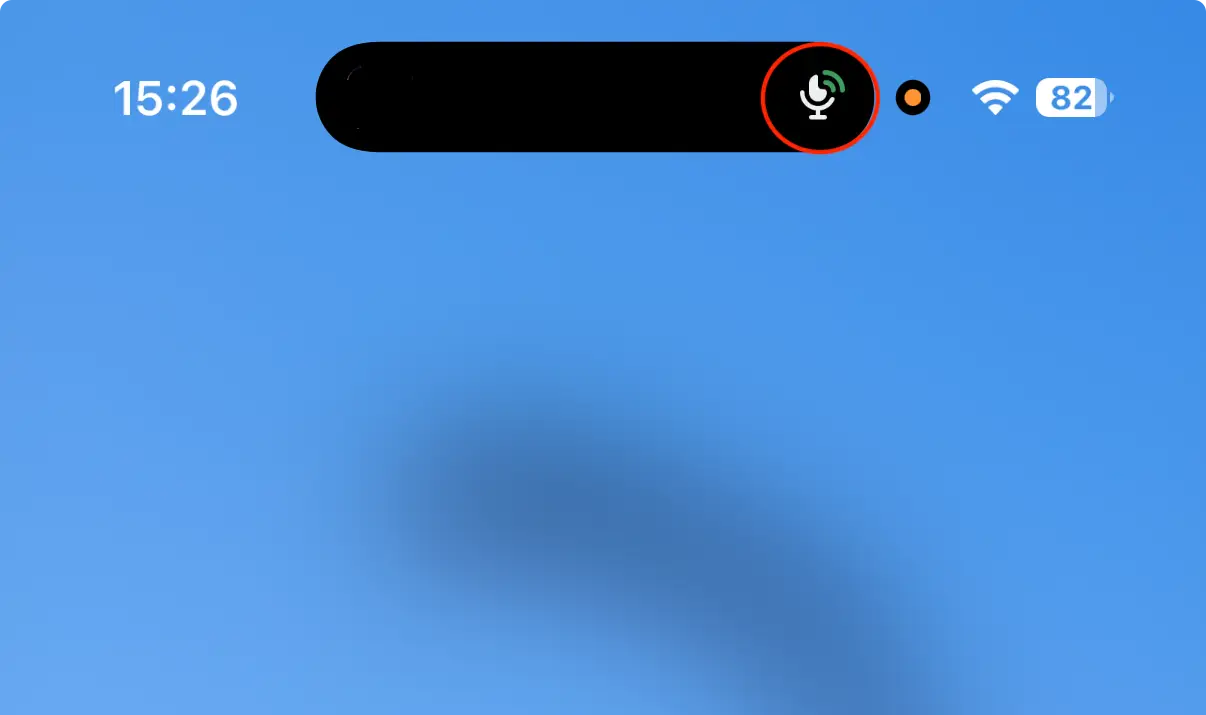
It applies to any app or service that has a voice communications function, so this could include various social media apps or messaging platforms like WhatsApp.
Most of the time you're aware of when you might be in an active voice channel, but sometimes you might forget during a lengthy session or forget to actually leave the call, so this serves as a handy reminder when you're using the phone.
You never know when you'll say or do something you might not want other people to hear, so having this keep you aware of when you can and can't be heard is a handy tool, even if most of the time it's relatively redundant.
Keep an eye out for it next time you're in a voice channel, as so long as you've updated to the most recent version of iOS, you should see it pop up next to the dynamic island at the top of the screen.
What do other mysterious icons mean?
As mentioned, you might have also noticed the similarly colored dots that appear in the top right of the screen when you're using certain apps, and these are vital privacy-awareness alerts from Apple that could help you identify some malicious apps.

They come in three colors – green, orange, and blue – and they only appear when an app on your phone is accessing your camera, microphone, and location respectively.
It'll be obvious when you're taking a photo on the camera app or recording a voice message on WhatsApp, but if you're not doing anything – or using an app that shouldn't need access to any of the three features – then it might be a worthwhile alarm to take notice of.
Opening the Control Center and pressing on the dot will let you know what app is currently using the respective feature too, letting you have as much information and potentially remove a malicious app on your device.