
iPhone users urged to check their settings now for huge free upgrade from Apple


Make sure that you don't miss out on all of the new features arriving with the latest iOS version, as iPhone users have been urged to check their phone's settings as Apple has launched a game-changing update.
It's usually the case with iOS updates where the main 'new number' launch is relatively unpopular with the user base, but it eventually grows stronger with each subsequent new version.
That's typically because the yearly launches often come with more substantial changes that make your iPhone feel dramatically different – with the new Liquid Glass visual overhaul being a perfect example of this – whereas the later updates often add handy quality-of-life changes that everybody tends to find useful.
That's definitely the case with the launch of iOS 26.2, which was recently released by Apple, so make sure that you've got it downloaded to access all of the amazing new features that arrive with the update, as shared by the Express.
Advert
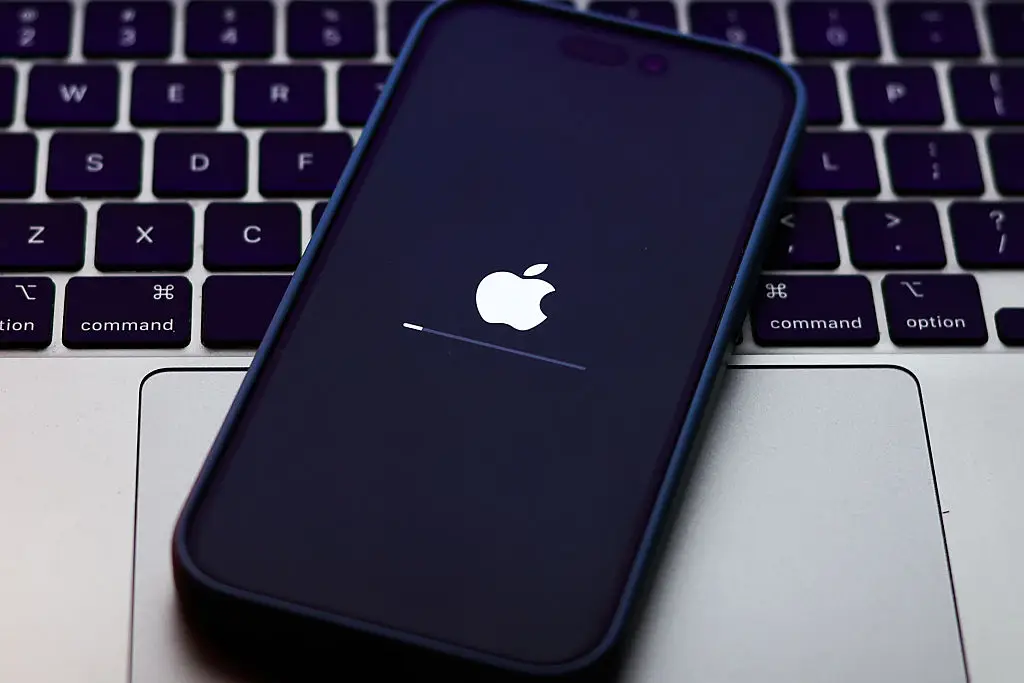
How to download and install iOS 26.2
Getting the latest iOS update is thankfully the same as it ever is, so make sure you follow these steps to start the download and enjoy everything that's been added:
- Head to your iPhone's Settings menu, and select the General tab
- Navigate to the Software Update section
- Download and install iOS 26.2
This particular update is a 12GB download so you'll need to make sure that you're both connected to the internet and have enough storage on your phone to install it in the first place, but thankfully there are some tips you can take advantage of to temporarily free up space.
What's new in iOS 26.2?
Alongside a number of essential security and bug fixes that you definitely won't want to miss out on, here are all of the top new features that are now introduced thanks to the iOS 26.2 update:
- Lock Screen customization has been expanded, allowing people to further adjust the appearance in conjunction with Liquid Glass
- Apple Music podcasts now automatically generate chapters, and have links to other podcasts mentioned within episodes
- Apple Music now allows people to access lyrics offline for downloaded songs
- Reminders can now have alarms and Live Activity support
- Additional verification has been added with AirDrop codes for unknown contacts, where the sender must enter a code on the receiver's device
- Freeform tables can now hold text, images, documents, and drawings with intelligently resizing cells
- Games now lets you filter your library by category and size, and in-change scoreboards now update in real-time
- Additional improved support for connected controllers from brands such as Backbone and Razer
All of these should come in handy in one way or another, so you've got no reason not to head to your Settings menu right away and install the update.