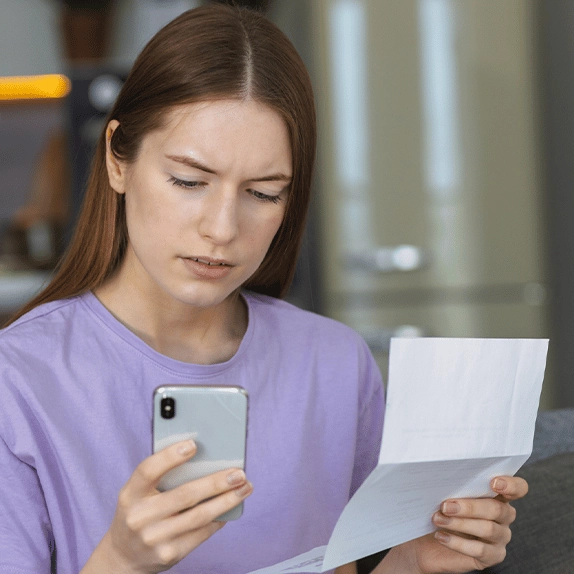
iPhone users warned about hidden ‘vampire bills’ that could be draining your bank account


Most of us have so many direct debits flying out of our accounts every month, it can be difficult to figure out what's what.
After all, who can really be bothered to take a microscope to your bank statement, sifting through the small charges for coffees and lunches, to see if anything is out of the ordinary?
That's where nasty 'vampire bills' come into play - sneaky, unexpected subscriptions that could be quietly draining your bank account.

Advert
Chances are you've fallen into the familiar trap before - you sign up to a free trial for a new streaming service, give it a go, then totally forget about it. And because you forgot to cancel the new subscription, that service will then start to take a chunk of change out of your bank account every month.
It might just be a small charge, but over time, it'll add up - not to mention if you've got a few unused subscriptions taking a fee every month.
However, there could be an easy way for iPhone users to check they're not paying for anything they don't want - without having to pore through their bank account with a fine-tooth comb.
All you have to do is head to the Settings app, and tap on your name at the top of the page.
There, you'll find a tab called 'Subscriptions' - click on that, and you'll get a comprehensive list of everything you're signed up to pay for.
It'll give you all kinds of useful information, like how much money it costs and when you'll next be charged.
For some, it might be quite an eye-opening experience - showing just how many subscriptions you're signed up to, and how much money is leaving your bank account every month.

It's a good opportunity to have a look at if you're really using each of those subscriptions - if it's a well-loved app, all power to you, but if it's something you rarely touch, it might be time to consider unsubscribing.
You could save yourself a handy amount of cash by keeping a closer eye on your subscriptions - and while it's tempting to sign up to the odd free trial, our top piece of advice is to always, always make a note of when the trial runs out, so you can make sure you cancel it if you don't actually want it, before cash starts leaving your account.