Most iPhone users don’t know about this hidden setting that protects your phone


Any time you take out your phone in a public place you increase the risk of it being stolen, and in some circumstances there's literally nothing you can do to protect your device being taken by criminals.
This is especially the case in bigger cities where phone thefts happen on a larger scale, and sometimes the best course of action is to protect your gadgets before they even get stolen.
It's always better to be proactive when it comes to protective measures and cybersecurity too, as you never know if or when you might be targeted by a threat.
Apple has thankfully built in a number of helpful tools that assist you in locating a stolen device and protecting your data from being accessed, yet there's one key hidden setting that you must enable if you want the best chance of retrieving a snatched iPhone.
Advert
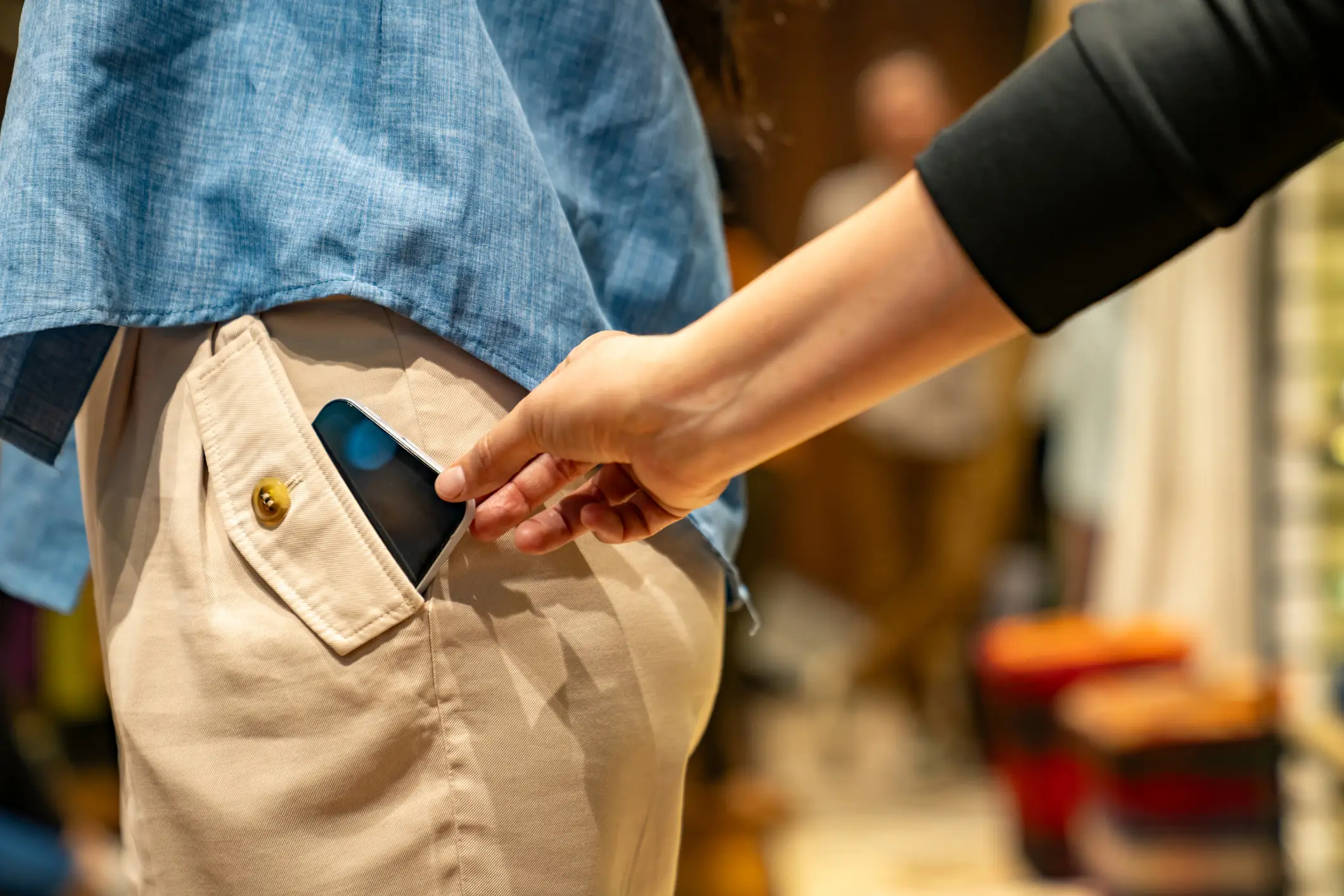
As shared by Supercar Blondie, one of the first things that a phone thief will do when they grab your phone is put it into airplane mode, as this disables the internet and therefore removes the possibility for you to locate your device while it's on the move.
Some features can put your phone into lockdown once it loses power, making it difficult for thieves to sell on afterwards, but that's sometimes too slow to be truly preventative and you should make sure you've got one other key feature enabled as well.
Heading into the Settings menu, you'll want to go to the Face ID & Passcode section. In here, select Allow Access When Locked, and then turn off the Control Center option.
What this does is remove the ability to access the phone's Control Center – where you can activate settings like Bluetooth, Wi-Fi, the torch, and airplane mode – while the phone is locked, preventing any thieves from turning off Find My tracking through the latter setting.
This can be a little bit annoying to deal with on a daily basis, especially if you're constantly reaching for features within the Control Center, but it's more than worth it to protect your device in the event that it's stolen.
You'll also want to make sure that you've enabled other security settings like proper passcodes, and have the aforementioned tracking systems active from several other devices, as they will help you continue to monitor a device if it taken, and it might even come in handy if you ever simply lose your gadgets.