iPhone user shares dramatic impact updating to new iOS 27 has had on their battery - And this time it's positive


If you have just updated your iPhone to the new iOS 27 and suddenly noticed that your battery is draining much quicker than usual, then there is probably a good reason why you shouldn’t panic just yet.
This month, Apple released its latest operating system version, prompting many users to update their devices accordingly, although some have reported how this has impacted their iPhone’s battery.
Many took to social media to share how the simple software upgrade caused their smartphones to lose charge much faster than it had done while using iOS 26, however, it’s not as bad as you might initially think.
Taking to Reddit, one iPhone user explained how, before updating to iOS 27, they had to constantly worry about their phone’s battery life, sharing how it would die within four to five hours of being charged.
Advert
They continued: “But now after updating battery life has improved significantly like now I have have more than 9 hours on my iPhone like after charging to 95% and using it for more than 9 hours battery still remains at 25%. So how is your battery life after updating to iOS 27?”
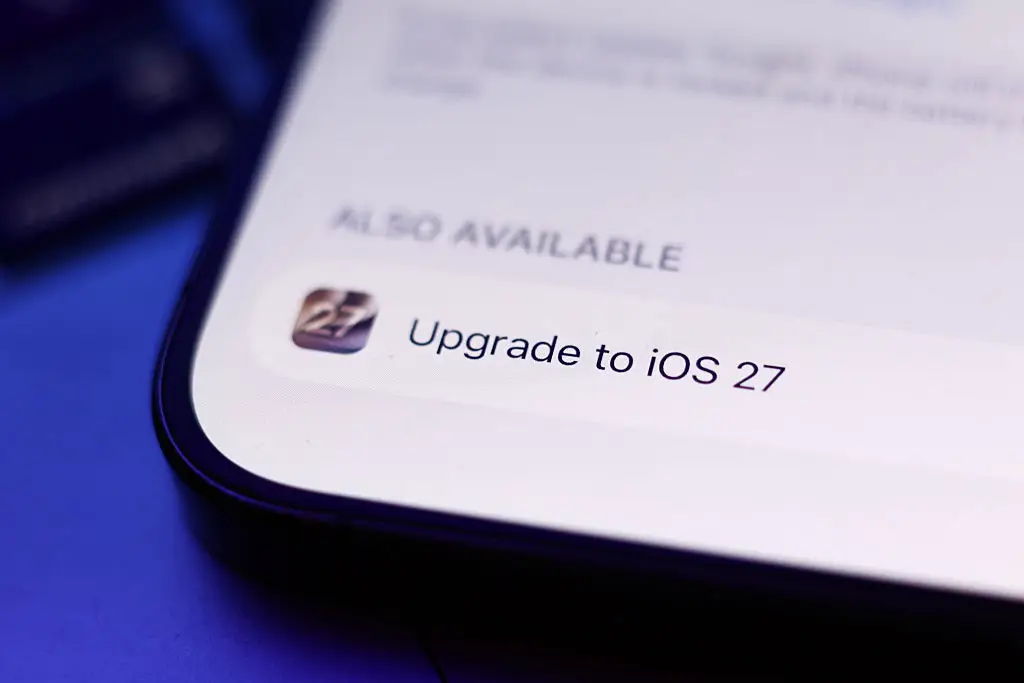
This prompted others to reply with one person saying: “it seems to be worse for my phone since installing it, but I believe is normal for a new operation system. should be fixed in a few days/weeks.”
And another added: “Oh wow! I wanted to move to iOS next year, and the 17 would be enough for me but i was really worrying about battery life. Maybe i dont have to worry.”
Why does an iOS update drain your battery?
Updating your iOS to a newer version can cause your battery to drain quicker, however, this impact is usually only temporary.
Apple suggests that you wait a few days after the update to see if your phone battery goes back to normal.
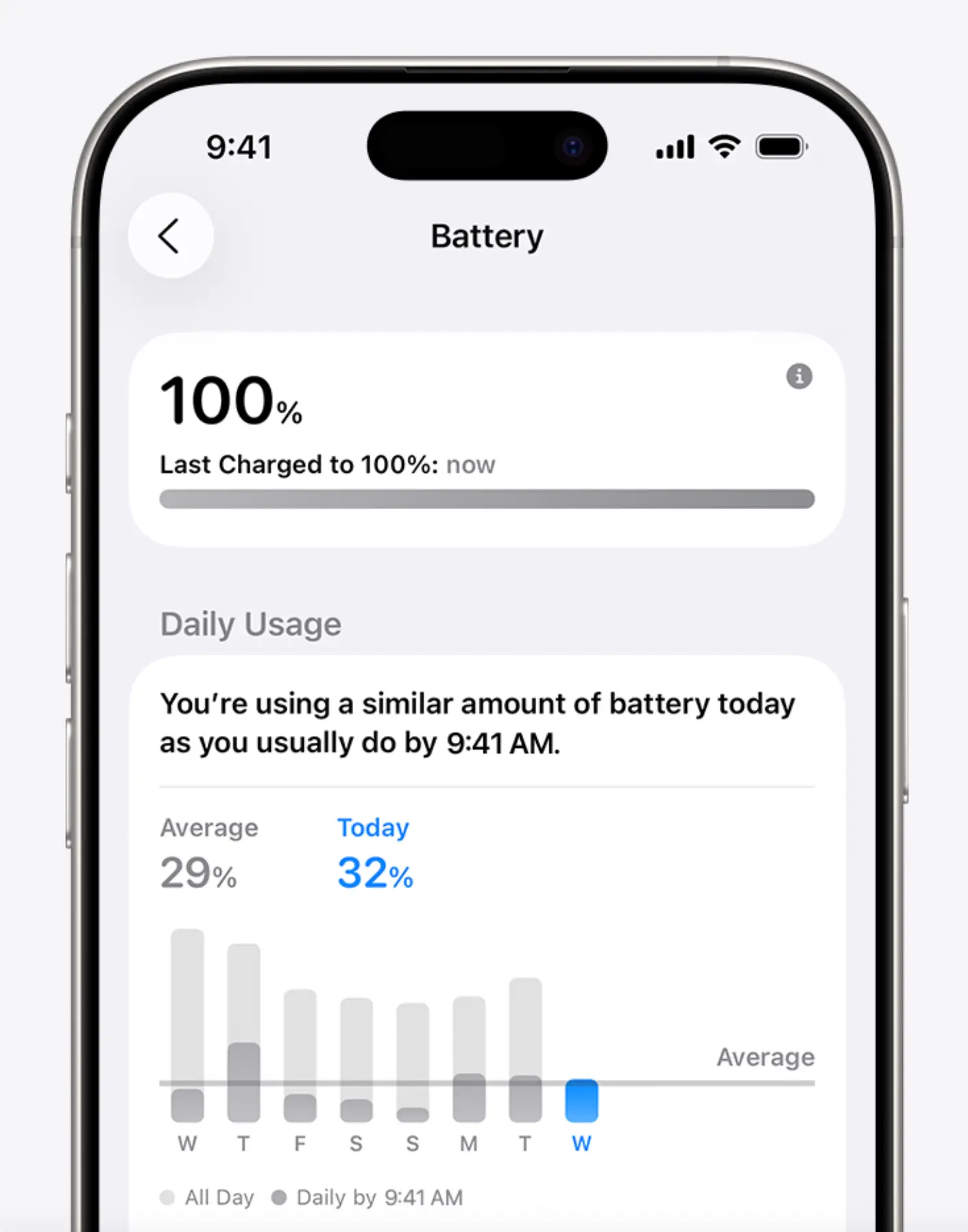
So, why does it happen? The tech giant explains: “Even though you can use your device immediately after an update, certain tasks related to the update continue in the background and may affect battery life and thermal performance.”
You can check if your phone has ongoing updates by heading to your Settings app and selecting Battery. From there, if your phone is running updates then you should see ‘Ongoing iOS Update’.
This should explain why your battery isn’t performing as smoothly as it usually does and it should go back to normal once the updates are complete.