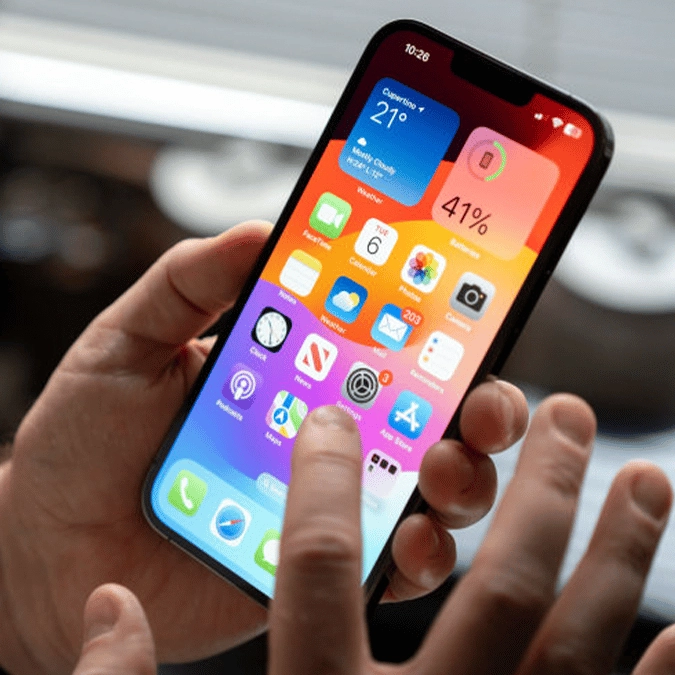
Apple's iOS 26.1 makes smart change to iPhone app that's had the same design since 2013


Apple is at it again with another subtle yet effective change, as the release of iOS 26.1 has updated an app that has been the same for over a decade with a neat new addition.
It's usually the 'blockbuster' features that make the biggest splash in new iOS updates, as most iPhone users have fixed their attention towards Liquid Glass, live translation, and many of the other headline changes for better or worse.
However, it's usually the case that some of the most interesting adjustments are hidden in the patch notes, and while they might not change the way you use your phone, they continue to add little gems that make Apple products feel so great to use.
As shared by 9to5Mac, Apple's latest adjustment has affected an app that hasn't seen an update since 2013, and it's not something you're likely to notice unless you're specifically looking for it.
Advert
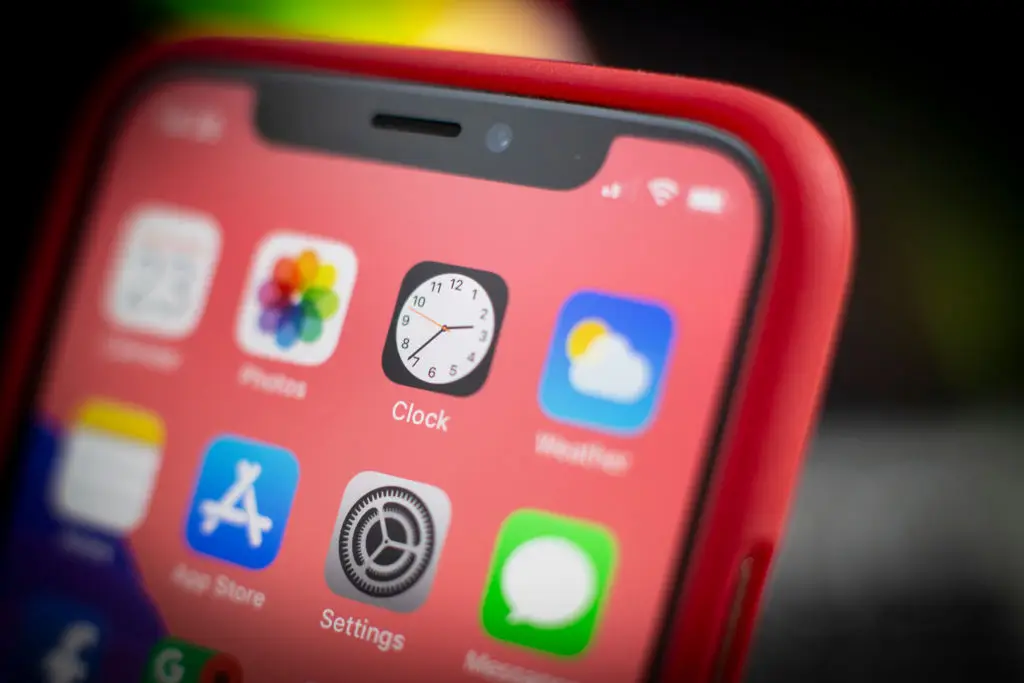
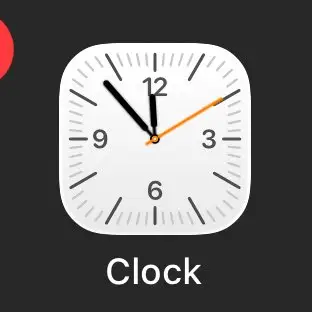
One of the simplest yet smartest things that Apple has done is change the Clock app icon into a dynamic image, showing you the exact current time without you having to open the app.
Of course, you can always look to the top of the screen to see it, but it's a neat little trick that is bound to get a smile out of you every time you notice it.
Following the recently released iOS 26.1 update, the Clock app now features a quartz-style ticking animation when the phone is in lower power mode, instead of keeping the continuous seconds hand that is featured when your phone is at a normal rate of charge.
This is because quartz watches feature the famous ticking mechanism to save a considerable amount of battery power compared to the continuous motion – with some even noting that it offers an improvement of around eight times.
This definitely isn't going to make any noticeable difference to the battery life of your iPhone unfortunately, as you should look for some other useful tips to deal with that, but it's a clever detail that shouldn't go unnoticed or unappreciated among Apple fans.
It mirrors a change that was made to the Apple Watch following the release of the Series 10/11 and Ultra 3, as that now features a ticking quartz seconds hand when in always on mode as opposed to just the standard minute and hour hands.
It might even be something that you like better in the long term, as one Reddit comment notes that they "prefer the ticking more than the sweep," but unfortunately its a feature that's exclusive to low power mode for the time being and it's unlikely that Apple would change this in the future.