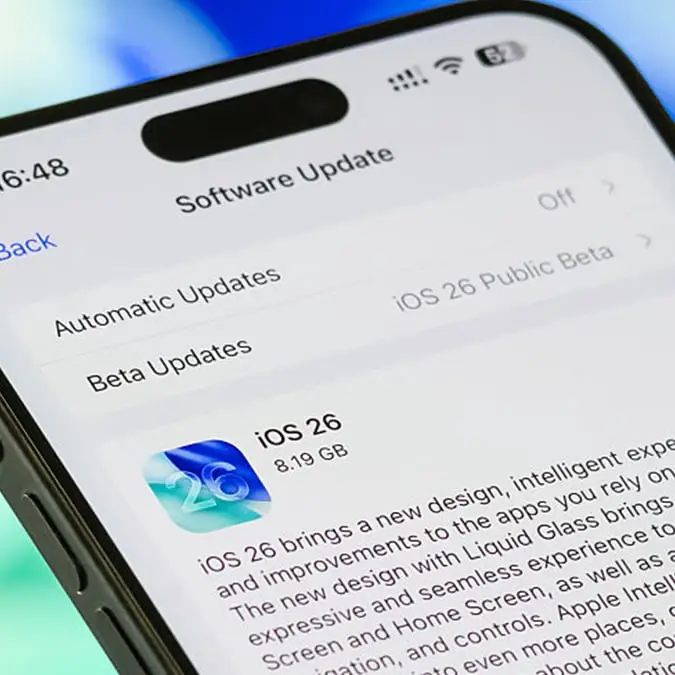
Apple's latest iOS 26.2 update adds new feature that makes notifications even harder to miss


The latest iOS 26.2 update from Apple has added in a brand new feature that will make your notifications even harder to miss.
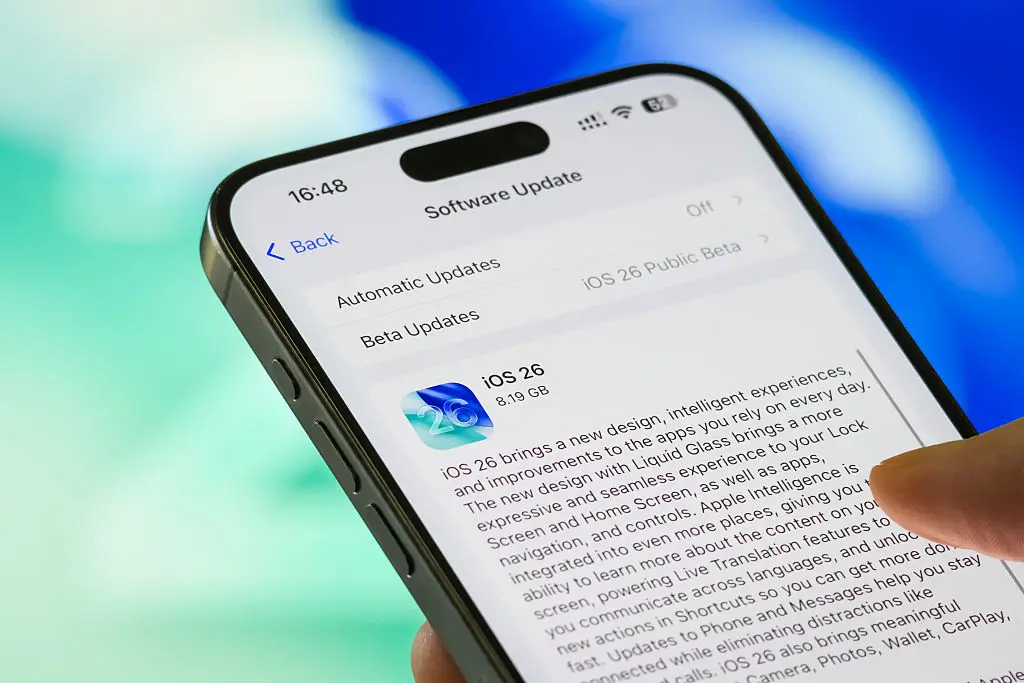
The new upgrade to the tech giant’s operating system is now available for users to download on their iPhones.
This new update will mean that Apple users can now make the most of a host of new features, including AirDrop codes, improved safety alerts and even alarms for reminders.
Although, there is a particular addition that has got a lot of fans excited to try out.
Advert
New to the iPhone, users will now be able to enable a camera flash when they receive a notification, meaning that alerts will be even harder to miss.
This can be found in the Accessibility settings under Flash for Alerts which, once enabled, will cause the phone’s display to light up and pulse when it receives a notification.
How can you activate the new Apple notification feature?
In order to activate the feature, you’ll first need to make sure that your device is up to date with the latest iOS 26.2 downloaded.
Once that is done, head to your phone settings and select Accessibility followed by Hearing.
From there, click on Audio & Visual and select Flash for Alerts. Turn on the function to enable the new notification feature.
In other Apple news, the firm’s free ‘life saving’ update is also available for millions of iPhone and Apple watch users.
This comes after the new feature went live for users in Mexico last month and is available to use on both the iPhone and the Apple Watch Ultra 3.
The newly revamped Emergency SOS can now be used via satellite connection, meaning that people will be able to use the service through Globalstar satellites during an emergency.
Having initially been introduced back in 2022 with iPhone 14, the service has since been extended to the latest Apple Watch and all iPhone models from the 14 onwards.
So, how does it work? In order to use the satellite connection, you’ll first need to be outside of cellular signal range as well as having no WiFi.
You’ll also need to be within a direct line of sight to the sky.
If you tick all these boxes, then your device will connect to the nearest satellites to give you a connection.
Before testing the feature out, you’ll need to make sure that your device is up to date as the iPhone will need to run iOS 18.4 or later to use it and the Apple Watch Ultra 3 will require watchOS 26.