
I asked ChatGPT to share its most underestimated features that most users don't know about


The term artificial intelligence might've first been used way back in 1955, but it's only in the past few years that we've really seen it take off.
OpenAI was founded in 2015 with the aim of ensuring artificial general intelligence is used to benefit all of humanity, and while Elon Musk famously sued the company that he co-founded amid claims it lost sight of that mission statement, it continues to boom.
The emergence of ChatGPT in November 2022 has put OpenAI on the map, but with GPT-6 Astra serving as the flagship intelligent model, OpenAI has been praised by Nvidia's Jensen Huang for ushering in the era of AGI.
More people are using AI than ever, and with ChatGPT boasting one billion monthly active app users and 1.2 billion weekly active users, millions of us are turning to it every day.
Advert
Whether it's kids trying to cheat on their homework or reimagining your friendship group as the Avengers ahead of Avengers: Doomsday, there are a ton of uses that you might not realize ChatGPT is handy for.
ChatGPT reveals what features we're sleeping on
We asked ChatGPT itself about what features the average user might be missing out on, with the chatbot more than happy to toot its own horn. Here are 10 features we should (apparently) be looking out for.
Use ChatGPT as a co-worker
Many people already use ChatGPT as a therapist, but when quizzed on underestimated features that even ChatGPT regulars might not know how to use properly, the chatbot started by promoting itself as a colleague. Instead of simply posing a question, give it a role, a goal, and constraints. We're reminded that the quality of our instructions often matters more than the length of a prompt.
Create dedicated workspaces
ChatGPT implores us to stop explaining context in every chat. Projects let you group related chats, reference specific files, and project instructions. Although features vary depending on what plan you have, there's the example of creating separate Projects for the likes of editorial work, career development, travel planning, and even learning guitar. You should tell the Project how to approach your work just once, then reuse the context in relevant conversations.
Uploading files

Instead of copying and pasting an entire document, ChatGPT can scan a PDF, spreadsheet, or document to extract relevant information and compare sections. Prompts like "Find the exact page where this figure is mentioned" can take out a lot of the legwork, but you need to ask questions about the source material instead of a generic summary.
For more important work, ask for page references and verify the OG passage.
Arguing for the better
There have been some complaints that ChatGPT is something of a yes-man that simply agrees with you, but the chatbot wants you to challenge it. Pitched as "one of the most useful changes you can make to how you use AI," we're encouraged to ask ChatGPT to find a reason something might fail. Even though you can't guarantee that criticism is correct, ChatGPT says it gives a better starting point than automatic encouragement.
Working for article pitches, business ideas, career decisions, and even purchases, use it as a sounding board.
Getting research
Whereas some of us are guilty of using AI as a search engine, a more powerful approach is to ask for a researched answer that has specific evidence. This is handy for finding the original study instead of articles reporting on it, separating fact from speculation, and the exact wording of something. Especially useful for journalism and fact-checking current events, we're still told to check citations.
Make the most of voice mode
Thinking out loud can help clear those thoughts from a busy mind, with ChatGPT reminding us about the usefulness of its voice mode. Whether it be talking through a difficult decision or rehearsing a presentation, you can simply blurt out whatever is on your mind and then refine the result conversationally.
Don't wrestle with spreadsheets
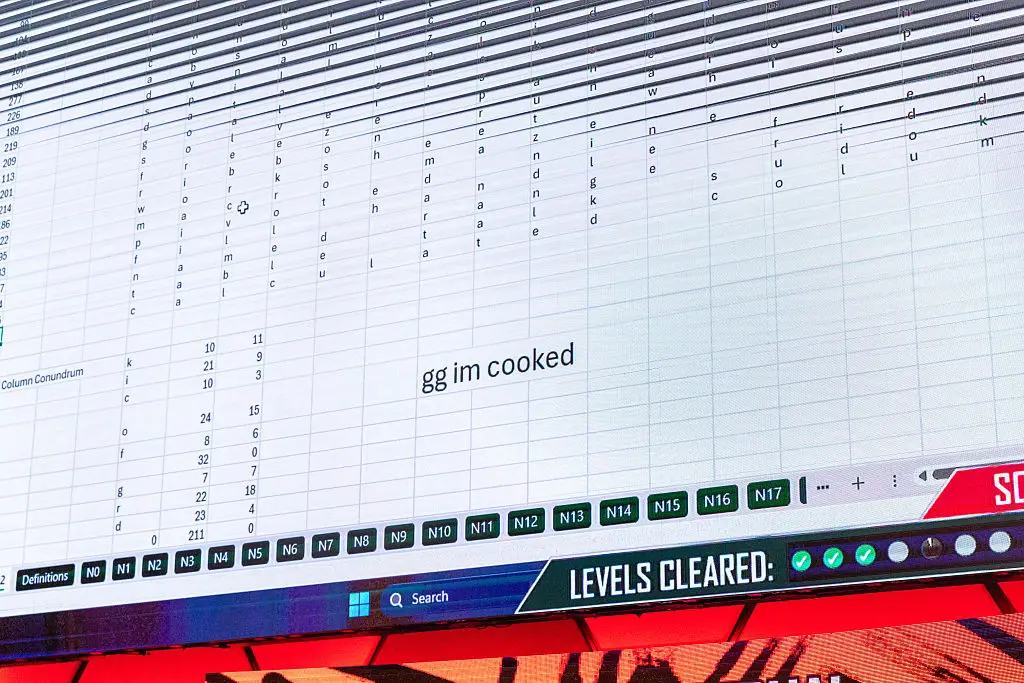
Who really enjoys trawling spreadsheets until your vision goes blurry? Data analysis stops us from manually wrestling with spreadsheets, and similar to uploading a PDF, you can share a CSV or Excel and ask the chatbot to calculate, compare, clean, or visualize. We're told that the 'real trick' is to ask questions about the data instead of just making a chart. Be warned that you should verify important calculations instead of blindly relying on ChatGPT.
Create images by describing the outcome
Photoshop novices don't need to worry because ChatGPT has you covered on all things graphically. As well as asking for edits on an existing image, you can use prompts like "make me a gaming graphic" while specifying you want a clean, square Facebook graphic with six recognizable video game cover-inspired panels. If you want exact logos or precise factual details, generated images might need correcting manually.
Make reusable templates
ChatGPT says you can get one of the biggest productivity gains from turning a repeated task into a system. For persistent workflows, we're told to save the relevant instructions in a Project or Custom Instructions. The chatbot's memory can retain useful preferences but can't always record every past conversation.
Schedule tasks and connected apps
Finally, ChatGPT says it can help with tasks that go beyond a single conversation. Some plans will let you schedule recurring tasks, get updates, connect supported apps, and use dedicated tools instead of having to transfer information between apps. You have to be specific about action, timing, and the desired result, remembering that drafting an email is different from a workflow that can send one through a connected service.
For those confused about where to start, ChatGPT encourages you to focus on Projects, research with evidence standards, and reusable workflows.
As one final bit of advice, ChatGPT suggests we ask it to improve the prompt itself, hopefully stopping you from getting a long answer to the wrong question.