Free Android app lets you play Steam games straight from your phone


Much like we've seen mobile phones become personal computers as we do everything from reading our emails to arranging our days from the palm of our hands, it's much the same with video games. While Nintendo brought gaming to a whole new community with the Game Boy, the retro console is now considered a relic when compared to how powerful your average smartphone is.
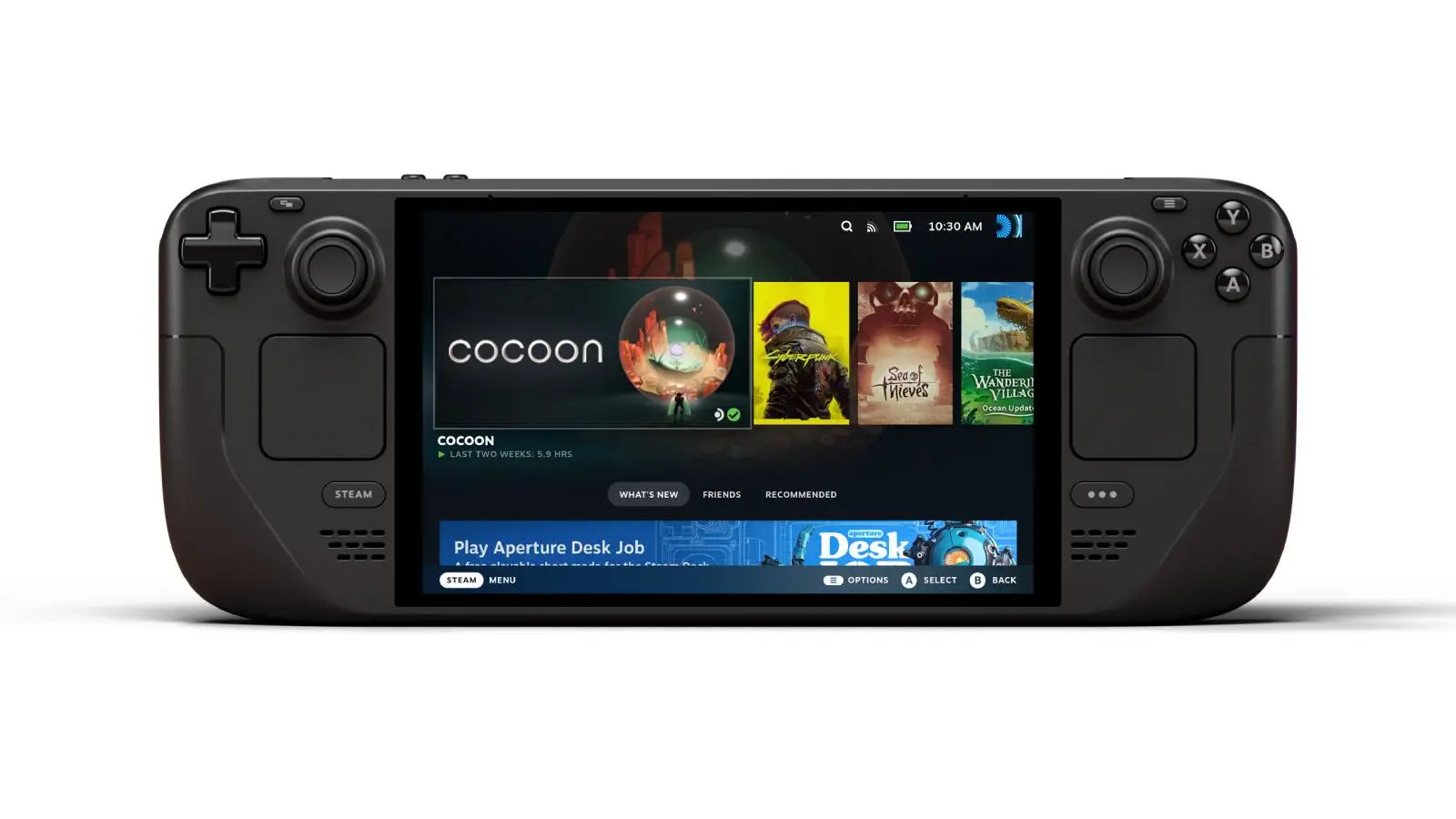
Nintendo has continued to revolutionize, as the two Nintendo Switches have bridged the gap between home and handheld gaming, whereas Steam has attempted to take things further, with the Steam Deck supposed to give us the grunt of PC gaming alongside the convenience of handheld.
What is DroidDeck?
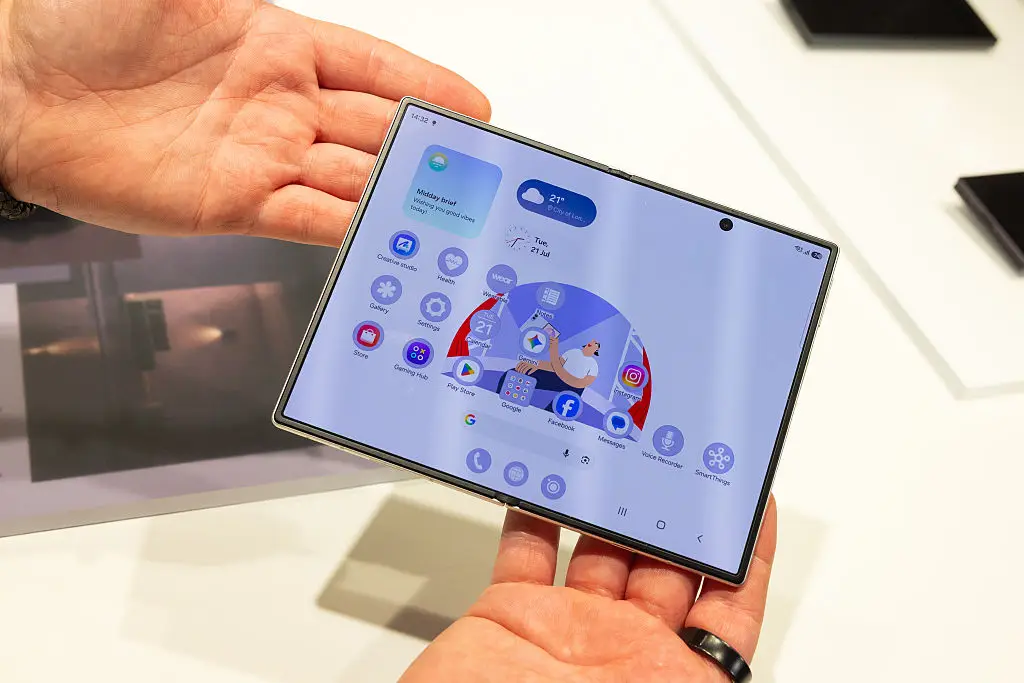
The problem is, many might not be willing to stump up $789 for the entry-level Steam Deck when you already have a PS5 or Xbox at home. Fear not, as Android users are flocking to a new app that gives them all the portability of a Steam Deck without having to pay for the souped-up console.
Advert
The DroidDeck site explains how it was designed as a marriage between dedicated handhelds and Android phones. Previously, Android devices have been relegated to mobile games or retro titles.
Released on GitHub in September 2026, DroidDeck has continued to grow in popularity. Unlike having to use an external device to stream games through your phone, DroidDeck uses Valve’s Arm-native Steam to port games directly to your Android phone
It's not just the Steam library that’s open to enjoy, thanks to DroidDeck's library extending to GOG, Epic Games, Amazon, and old-school emulators.
Better yet, DroidDeck being baked into your Android means it's not gobbling all your phone's precious RAM and CPU. Basically, no more playing mobile gacha games on those long flights.
How to install DroidDeck
There's an important caveat that DroidDeck will only work on Android models with recent Qualcomm Snapdragon chips, meaning many Google and Samsung phones won't be able to run it.
For those who can download DroidDeck, a review from Tom's Guide claims that mobile gaming will never be the same again, but admits it's a little fiddly to install. Processes within processes like SteamOS within Android are disabled by default, but if you tap the build number in your About screen seven times, you can activate developer mode and turn off “Disable child-process restrictions.” Then, go into Setup and Overview in the DroidDeck app, ensuring that you've got everything you need.
As for Apple, Android's big rival is apparently 'cooked'. Tom's Guide says that library lock-in scuppers Apple fans' chances of playing DroidDeck. Buying a game on Steam lets it work on your PC, Steam Deck, and now your Android, whereas Apple's walled garden puts iOS restrictions on custom drivers and background processes.
Unless you've got a jailbroken iPhone, DroidDeck is both technically and legally impossible. An app like DroidDeck is technically (and legally) impossible on an un-jailbroken iPhone, which is a shame given the raw power that GPU holds.
With a boom in folding Android phones giving us even more real estate in terms of screens to play on, there couldn't be a better time to take DroidDeck for a spin with your Fold 8.