Popular Android app could be hidden reason why your phone battery is always drained


If you have noticed that your Android device has been running out of battery very far quicker than it ever used to then there could be a simple reason behind it.
There are many factors which can impact the battery life of a smartphone, from things like an aging battery to apps working overtime in the background, so there isn’t usually one universal cause.
However, many Android users have been looking up to see which apps are consuming the most amount of power on their phones, and the results may be surprising.
It turns out that the Google app, which comes pre-installed on many Android smartphones, can use a noticeable amount of battery depending on how it is being used.
Advert
That is partly because it can continue to carry out activity when you’re not actively using it, with features such as Google Discover relying on regularly refreshing content, meaning that the app can continue accessing data in the background.
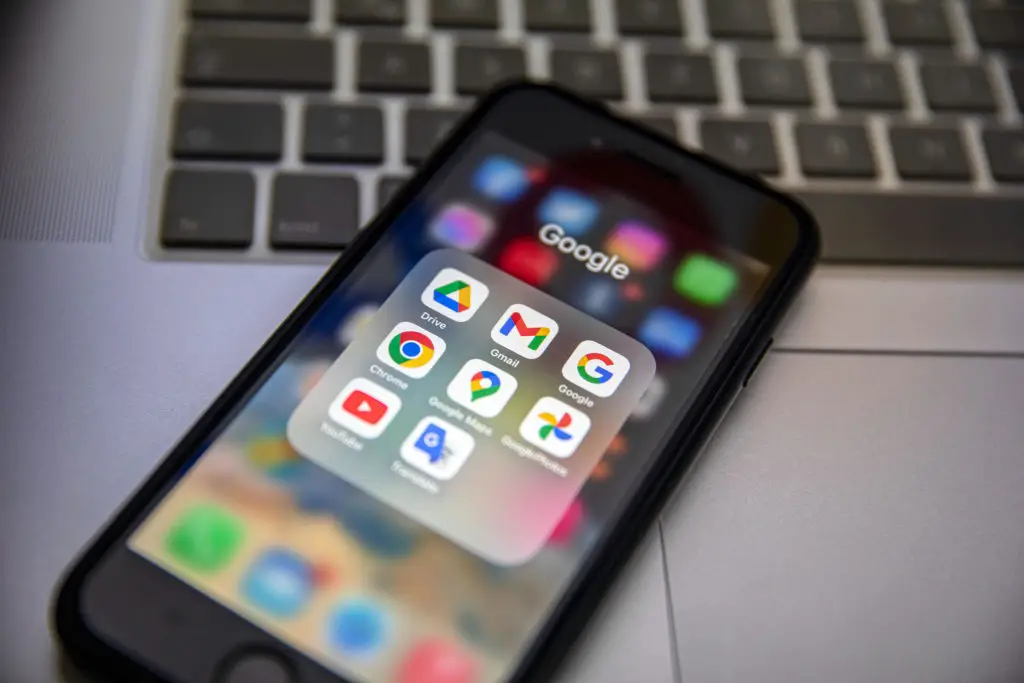
Its activity can also overlap with other Google services and apps, including Chrome, although the amount of battery consumed will vary between devices.
Fortunately, there is a straightforward way to find out whether the Google app is responsible for your particular battery problems.
Simply head to your phone’s Settings app and select Battery. From there, click on the option to show battery usage by app, and you will see if the Google app is ranked at the top.
One way to cut down on its usage would be to turn off the option of Google Discover, which can be done within the settings of the Google app.
Android also has controls that can restrict what individual apps are allowed to do when you’re not using them.
Go to Settings and find the Google app through the Apps section. Depending on the manufacturer of your phone, this could appear under a menu such as App Management. From there, look for the app’s permissions or battery-related controls.
However, Google isn’t the only app that might be draining your phone’s battery as it might be worth also investigating the usage of others such as social media platforms, Google Maps and YouTube.
Location can also be another factor, as apps that regularly need your location can require additional power.
So, if your Android phone is constantly leaving you searching for a charger, the culprit might not be your battery itself. It could simply be an app quietly getting on with work in the background.