Little-known new iPhone feature just landed for any drivers of these few car brands


Apple fans are in luck as a little-known feature has just dropped for drivers of certain car brands.
The addition to the iPhone could potentially be a life-saver, but only if you own one of these types of cars.
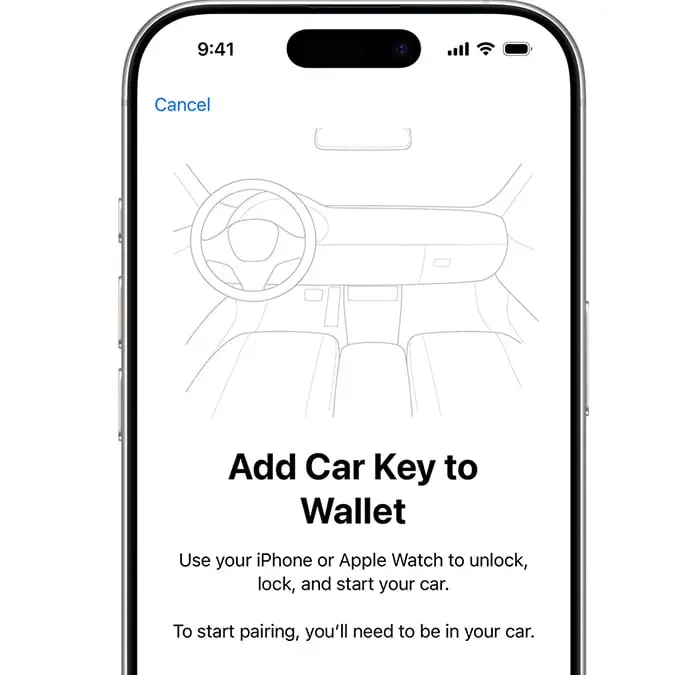
This is because these vehicles are now eligible to use Apple digital car keys, meaning you will no longer need to use the physical key to lock or unlock their cars.
But which cars will be getting the feature? A full list can be viewed below:
Advert
- GMC
- Rivian
- Porsche
- Lucid
- Chevrolet
- Cadillac
- Acura
- Chery
- Hongqi
- WEY
- Smart
- Tata Motors
- Voyah
This feature is already available for other brands including Audi, BMW, and Hyundai.
Apple explained: “You can use your car key on your iPhone or Apple Watch to lock, unlock and start your car. The way you use your key and the features available depend on the model of your car. Contact the manufacturer or your dealership to find out what features your key supports.
“When you add your car key to the Wallet app, Express Mode is turned on automatically. Express Mode allows you to use your car key without unlocking your device, or authenticating with Face ID, Touch ID or a passcode.”
So, how do you add your car key to your iPhone? First off, you’ll need to open the car manufacturer’s app, email or text message, or use your car’s display and follow the instructions to set up a key.
According to Apple, you might need to first set up an account with your automaker and associate it to your vehicle.
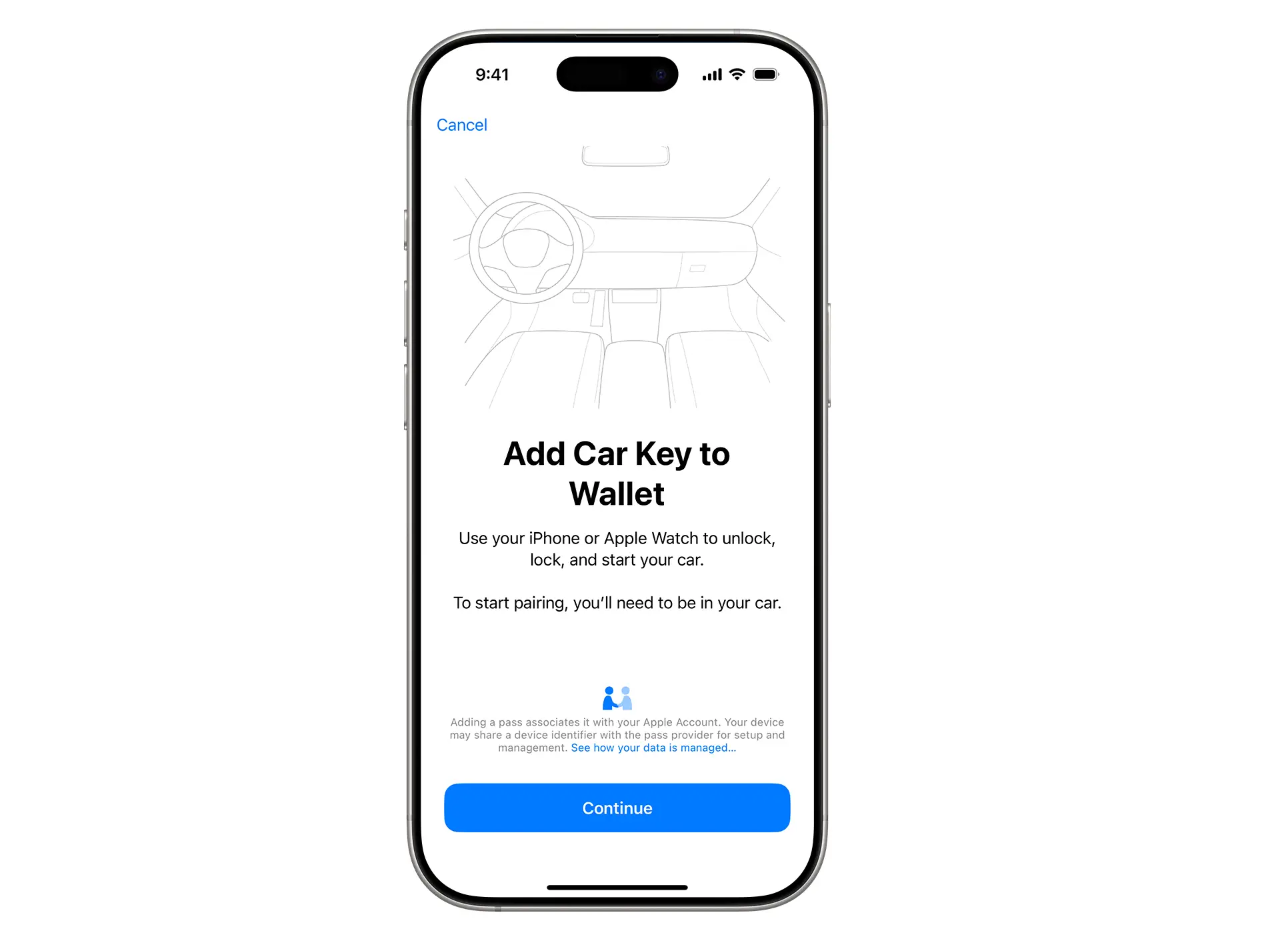
From there, head to the Wallet app and click Continue. You should then be prompted by the onscreen instructions to place the top center of your iPhone on the key reader while your iPhone and car pair.
Apple continued: “Depending on your car’s configuration, it will either unlock automatically as you approach with your device in your pocket or bag, or it will only unlock when you pull the door handle while carrying your device.
“Once inside, you can start your car. If your car supports automatic locking, it will lock automatically when you walk away with your device.
“If your car supports Wallet notifications, you will receive a lock or unlock notification on your device, in addition to any visual or audible confirmations from your car.”
However, you’ll also need to have an iPhone XS or later and the latest version of iOS running on your device in order to use the feature.