iPhone users share underrated features they use every single day but never see anyone talk about


If you have been a loyal Apple customer for a long time, then you might think you know everything there is to know about their iPhone, however, some users have taken to the internet to rave about the small features on their smartphone that you might not be aware of but come in handy every day.
Many Apple fans were prompted to share on social media which underrated features they love, with one user writing on Reddit: “What’s one small iPhone feature you use almost every day but rarely see people talk about? Everyone usually talks about the camera, battery life, performance, and the latest iOS updates, but I feel like some of the smaller iPhone features deserve more attention.
“There are probably plenty of useful little settings or shortcuts that people don't even know exist. What’s one iPhone feature you think more people should know about? Something simple that makes everyday use a little easier.”
Built-in Ambient Background Sounds
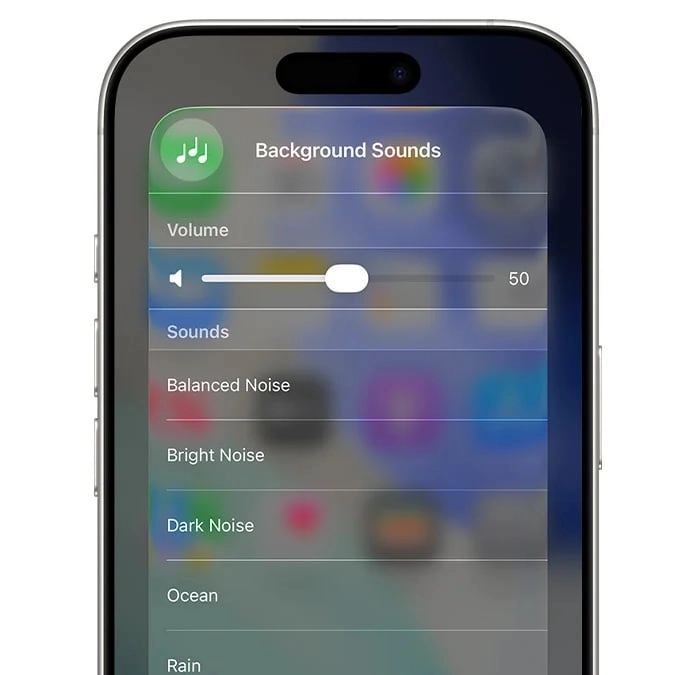
One user shared how they love the background noises you can play on the iPhone. This includes sounds such as ocean waves or rain to help you focus or rest.
Advert
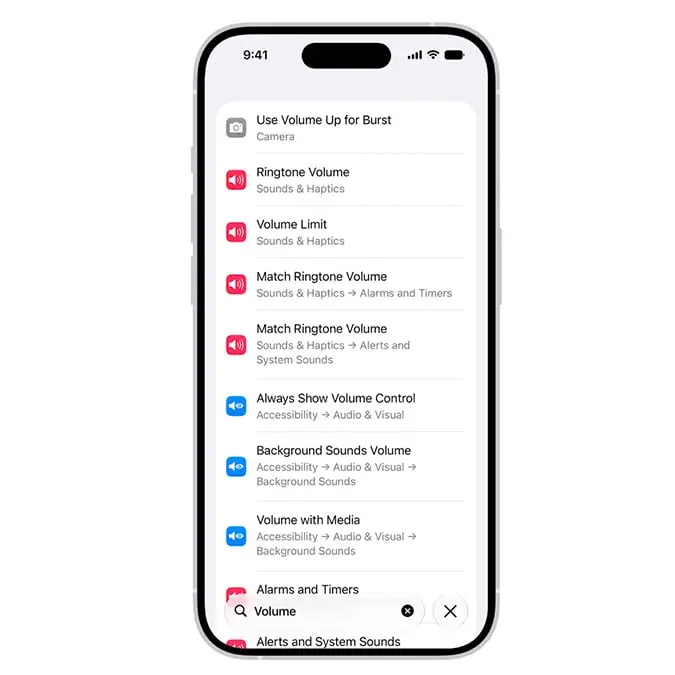
This can be enabled by heading to the Settings app followed by Accessibility and then Audio & Visual.
From there, click on Background Sounds and turn it on. You will then be able to choose a sound and adjust the volume.
You can also schedule the sound to come on at a certain time and set a timer for when you want it to turn off.
Texting shortcut for symbols
One little-known feature is the fact that you can tap and hold down zero on your iPhone keyboard to get the degrees symbol.
This can also be done with some of the letters to unlock features like accents to go over certain letters.
A Reddit user said: “Instead of texting ‘it was 70 degrees today’ I can type ‘it was 70° today!’ And feel like a total badass.”
Quick access to your iPhone camera
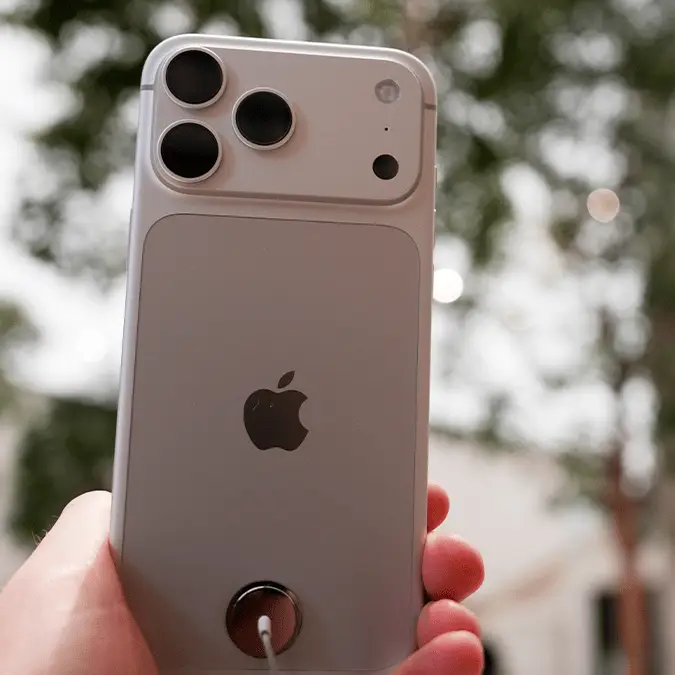
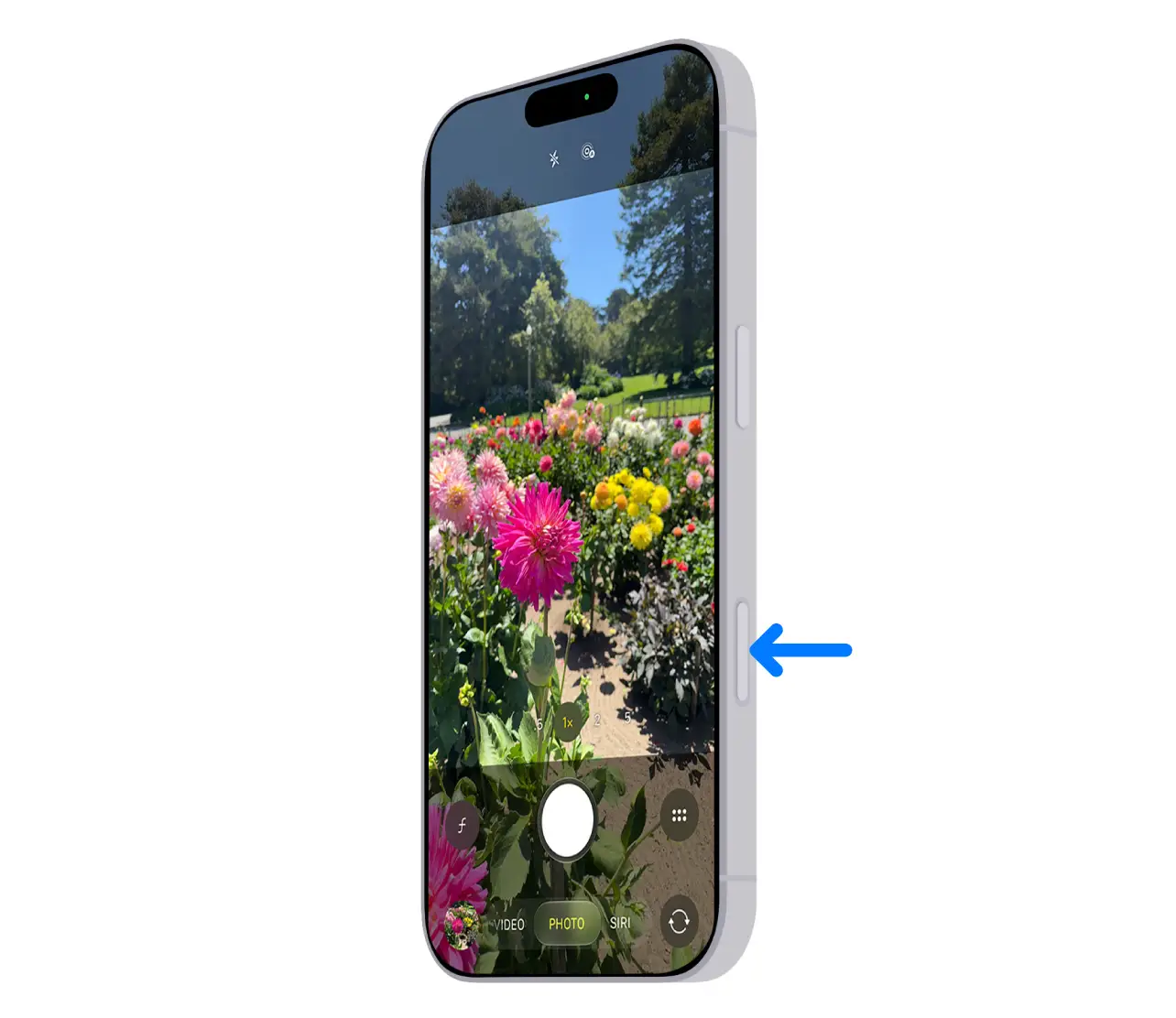
Another praised function is the camera button, which is available on supported models of the iPhone.
The button on the right side of the phone opens up the camera app, enabling users to quickly access it if they want to take a fast shot.
Send later on iMessage
One particularly helpful feature is the option to ‘send later’ on iMessage as Apple explains: “If it’s too late at night or too important to forget, you can schedule a text message to be sent at a later time.”
The feature will only work if you’re using iMessage, although the recipient can be using any device, and they won’t know that the message was scheduled.
Apple adds: “You need to be online to reschedule, edit, or delete a scheduled message.”