Underrated tips to lengthen the life of your iPhone before upgrading


With the latest models of iPhone newly announced and now available to buy, many fans are debating whether or not it is time to take the plunge and upgrade for themselves.
However, if you’re still hoping to get the most out of your current iPhone before coughing up for a new one, there are some simple ways you can extend the life of your older device.
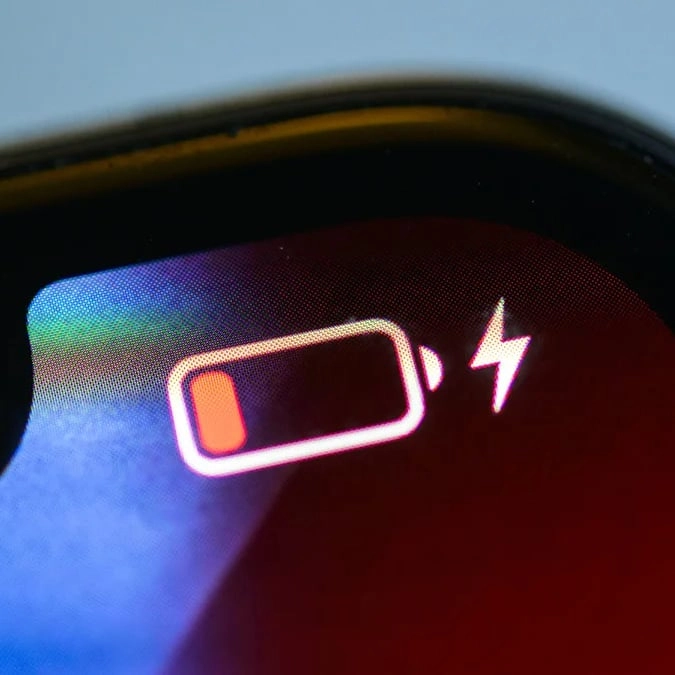
This could mean that your Apple battery will last longer between charges and your device could have a longer life before you need to upgrade it.
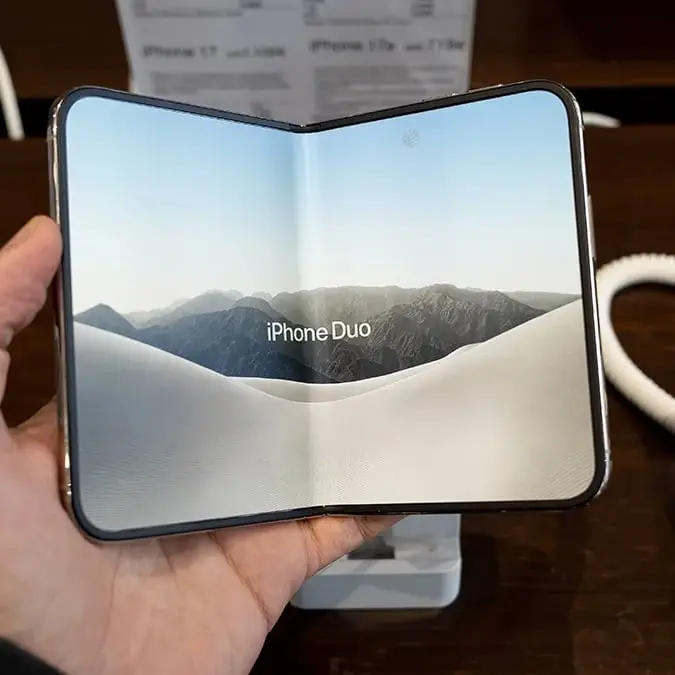
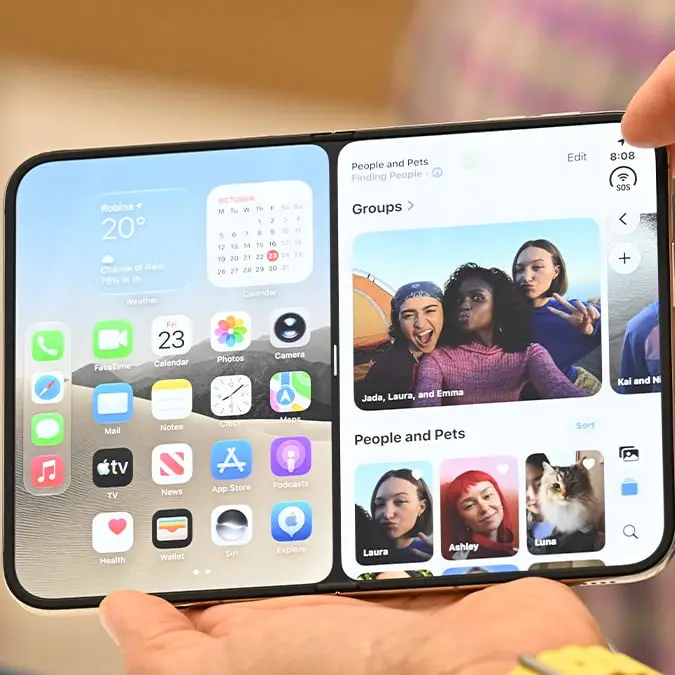
This comes after the tech giant revealed its new iPhone 18 Pro and Pro Max, which starts from $1,199 and is available to buy now, as well as the iPhone Duo, the company’s first foldable phone which starts from $1,999 and can be pre-ordered next month.
Update your iPhone to the latest version of iOS
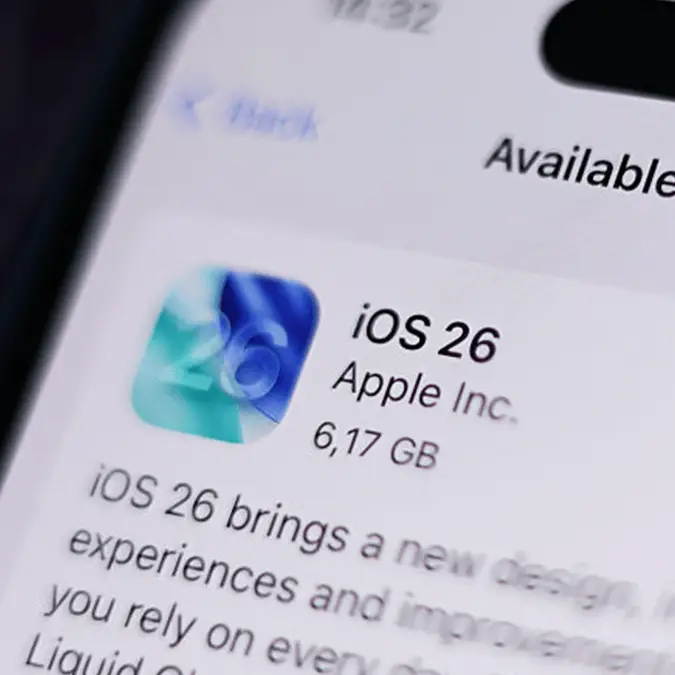
First up, it’s important to make sure that your device is running the latest software available, always keeping it up to date with the newest iOS version, which is currently iOS 27.
Advert
You can check if you need an update by heading to your Settings app, followed by General and then Software Update.
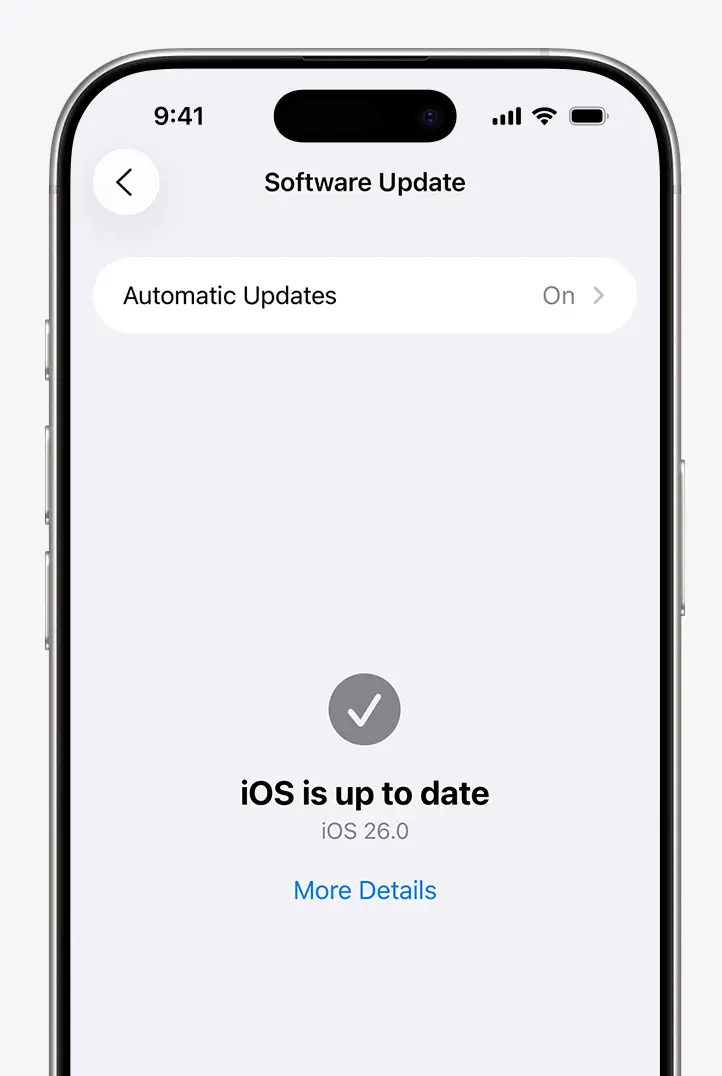
If an operating system update is available, then according to Apple, you can ‘plug your device into a power source and update wirelessly or plug it into your computer and update with the latest version of iTunes’.
Rethink where your phone is in the car
As insignificant as it might seem, it’s important where you leave your phone while you’re in the car. Many people might attach their device to the front windshield to use navigation tools such as Maps but exposure to heat can be pivotal in the deterioration of the phone’s battery health.
Instead, place the phone somewhere lower, like the AC grill, to avoid exposure to direct sunlight.
Optimize your iPhone settings and battery charge
The new tip is one that will preserve your battery life and it is by optimizing the settings available to you on your device.
This includes adjusting your screen brightness, which can be dimmed or turned onto Auto Brightness in order to extend battery life.
Auto Brightness can be activated in Settings, followed by General and then Accessibility. From there, head to Display Accommodations and set Auto Brightness to On.
Your phone’s battery charge can also be optimized, which means it will only be charged up to 80% overnight, saving the other 20% for the morning. This is because 80% is an optimal state for batteries and can protect the health of your device.
Enable Low Power Mode
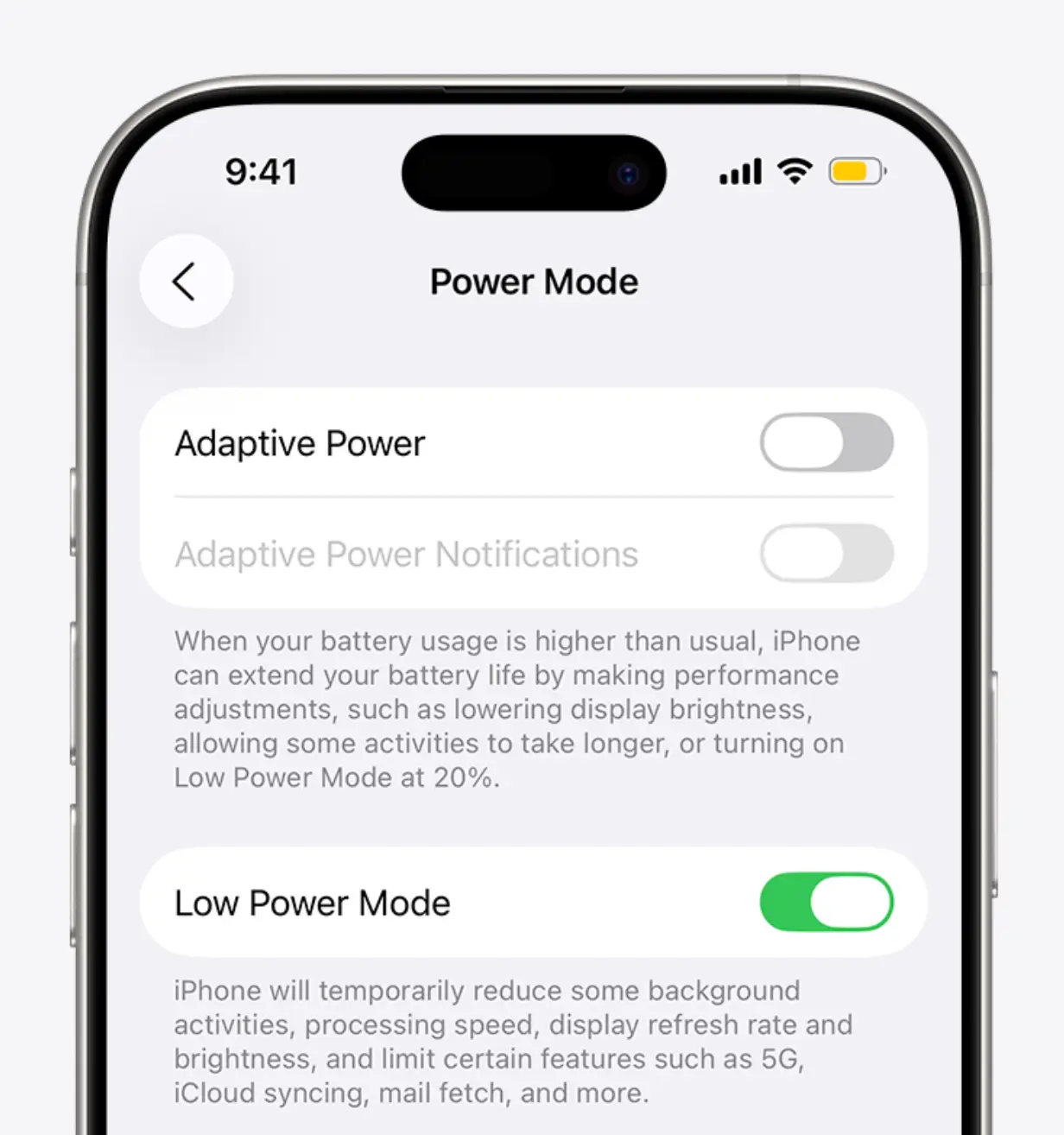
Another easy way to save battery is to enable Low Power Mode, which can be found in Settings under Battery.
Apple explains: “Low Power Mode reduces display brightness, optimises device performance and minimises system animations. Apps including Mail will not download content in the background, and features like AirDrop, iCloud sync and Continuity will be disabled. You can still use key functions like making and receiving phone calls, email and messages, accessing the Internet and more. And when your phone charges up again, Low Power Mode automatically switches off.”
Battery myths for the iPhone
It turns out that, despite what you might have heard, it’s a myth that WiFi drains your phone battery.
A WiFi connection alone actually uses less power than a mobile network, so turn the feature on in your settings to save battery charge.
Also, force closing apps you’re not using won’t help as much as you think it will. This is because the apps that are not being used are paused, but relaunching will take up more battery power than leaving them idle while you’re not using it.