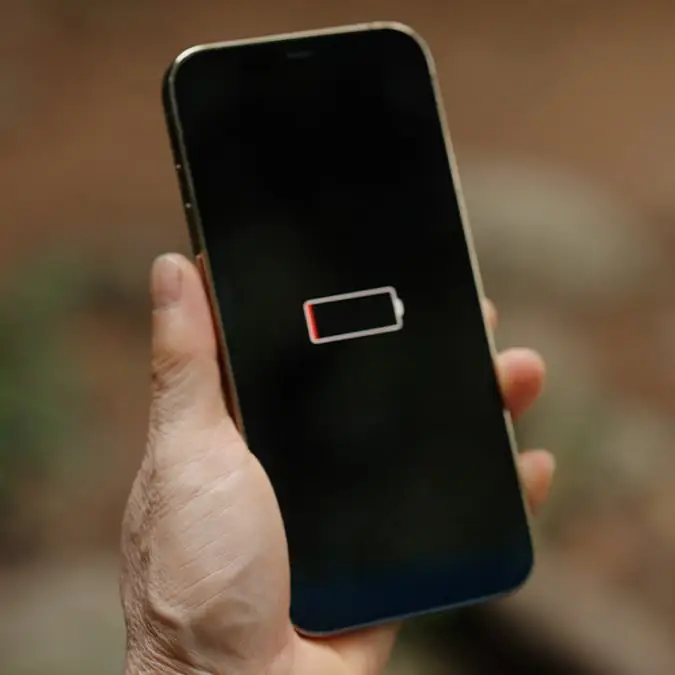
If your phone battery drains fast then lingers on 1%, try this software trick


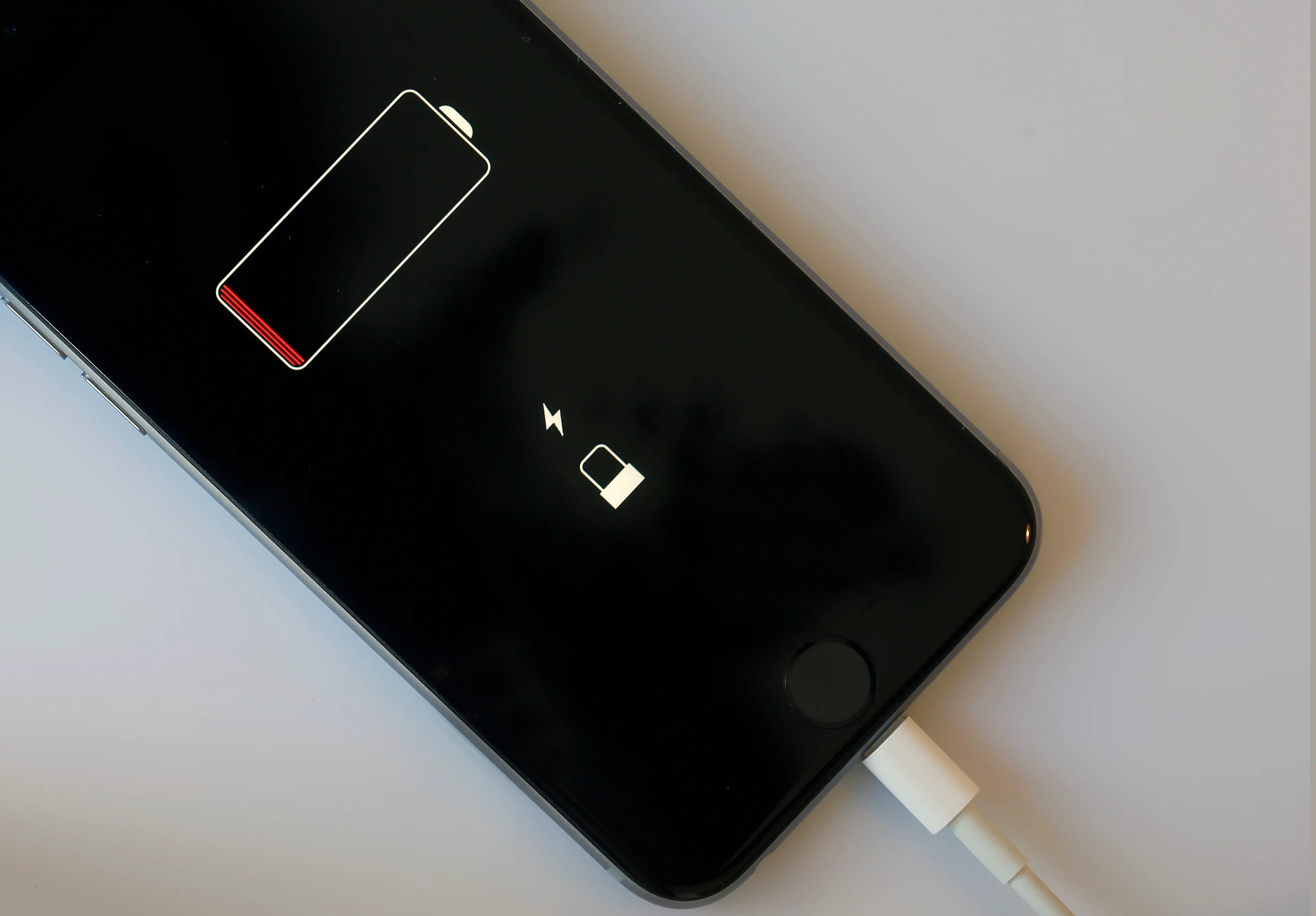
If your iPhone seems to be draining its battery unusually fast then lingering for a while on a low percentage, then there might be a simple software trick that could help.
You know the situation - your device appears to be happily sitting at 30%, only for the number to suddenly plummet, and then it reaches 1% and then somehow manages to survive for what feels like an eternity.
It can be incredibly frustrating, especially when you’re relying on those final few percentage numbers to get you through the day, but before you rush out to replace the battery, there is actually a troubleshooting step worth trying: recalibrating the battery meter.
Recalibrating your iPhone battery
Your battery can suffer from wear and tear as it is repeatedly used to recharge your device, so it stands to reason that eventually, it’s not going to work as well as it did when your iPhone was brand new. But recalibrating the battery is one way to fix the problem.
Advert
This can be done by first, making sure your iOS is up to date before charging your phone to 100%.
After that, leave your device plugged in for a further 30 to 60 minutes. Then use the iPhone as normal throughout the day before it naturally powers down due to low battery.
Leave the phone with no power for 30 minutes and then charge back up to 100% in one consistent charge, and leave it for another 60 to 90 minutes after it is fully charged. This should recalibrate your battery to start running smoothly again.
If you’ve completed the cycle and the percentage is still behaving strangely, you can try a force restart. The process depends on which iPhone you have.
For iPhone 8 and newer, including the second and third-generation iPhone SE, quickly press and release the volume-up button, quickly press and release volume-down, then hold the side button until the Apple logo appears.
For an iPhone 7 or 7 Plus, hold the side button and volume-down button together until the Apple logo appears.
And for an iPhone 6s or older, including the first-generation iPhone SE, hold the Home button and side or top button simultaneously until the Apple logo appears.
If this hasn’t done the trick then unfortunately it might be time for a replacement battery.
Don't expect calibration to fix an old battery
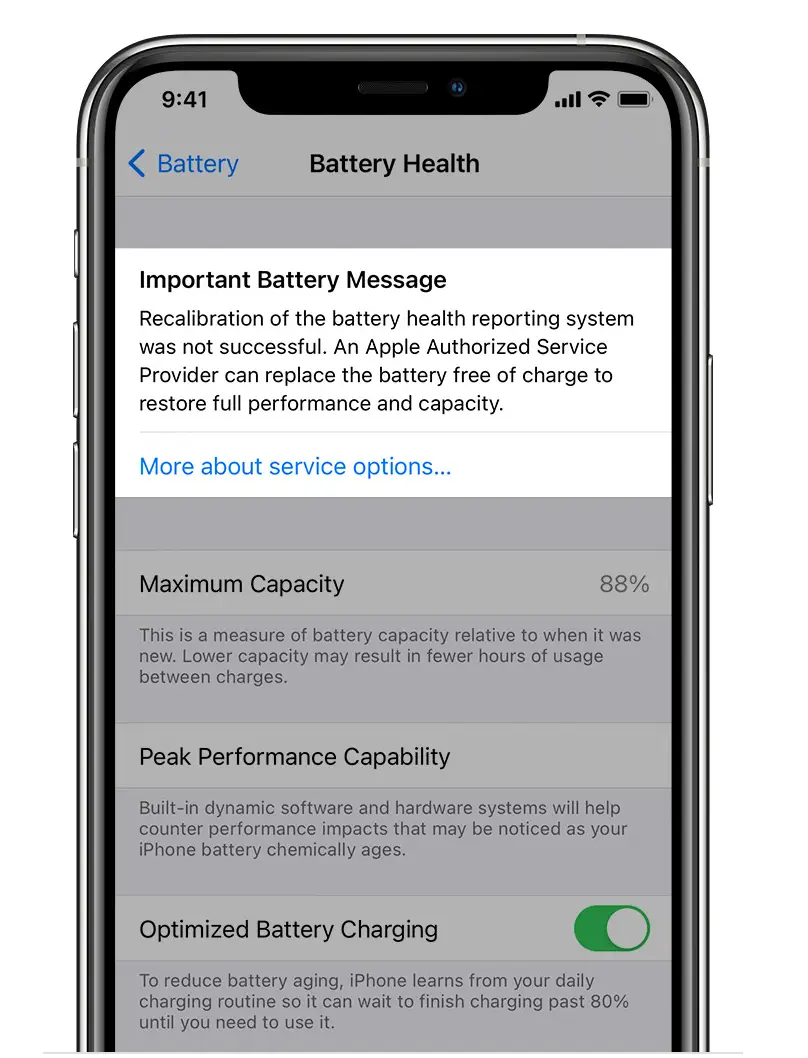
According to Apple, your recalibration is unsuccessful if you see this message pop up: “Recalibration of the battery health reporting system was not successful. An Apple Authorised Service Provider can replace the battery free of charge to restore full performance and capacity. More about service options…”
If your battery’s maximum capacity has fallen significantly, or the phone continues to behave erratically after recalibration, physical battery wear is a more likely explanation.
In that situation, replacing the battery is likely to address the underlying problem rather than repeatedly trying to reset the percentage.
But, if your iPhone is mysteriously clinging to that final 1%, a recalibration could be worth a shot.