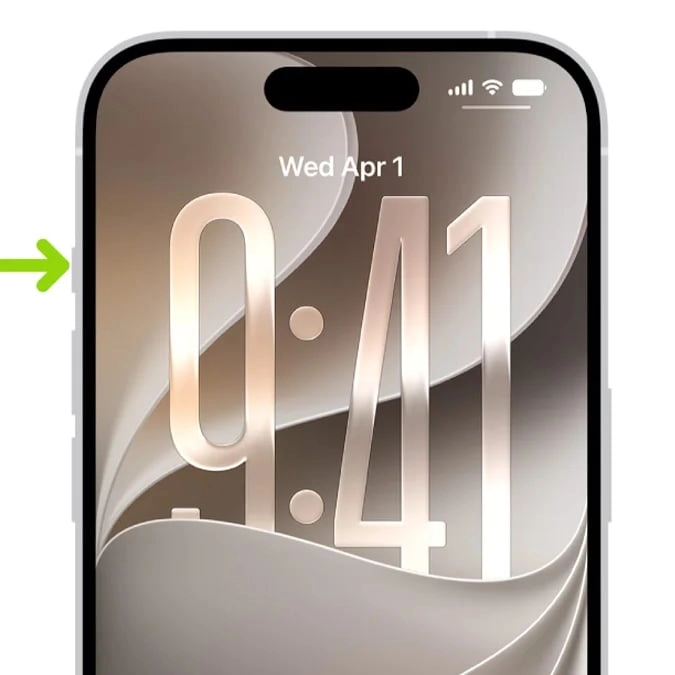
Apple rumored to drop ‘iconic’ button next year in design move users ‘hope isn’t true’


With Apple expected to announce its base model for the iPhone 18 in the coming months, rumors are swirling about what aspects of the device the firm might be set to switch up.
This comes a couple months after the tech giant released its latest range of gadgets including the iPhone 18 Pro and Pro Max and the company’s first ever foldable smartphone, the iPhone Duo.
Now, according to MacRumors, Apple could be set to make some more changes to the way its devices work and fans are split on the idea.
The outlet reported that the firm could be expected to drop its ‘iconic’ action button next year, with some users taking to social media to share their hopes that it ‘isn’t true’.
Advert
On Reddit, one user wrote: “Being a longtime Android user before switching to an iPhone, that was one of my favorite features the iPhone has that many Android phones lacked.”
Another said: “I hope this isn’t true, absolutely love using it for the torch.”
A third person commented: “I have mine bring up a menu of my most commonly-used shortcuts: connecting/disconnecting my hearing aids, toggling silent mode, toggling the personal hotspot, and a couple of things for work.”
And a fourth added: “Almost everybody uses this button for something. Almost nobody uses the camera control button for anything.”
How does the iPhone Action Button work?
On supported iPhone models, there is an Action Button in place of the Ring/Silent switch, that allows you to choose which function you want the Action Button to perform when you press it.
According to Apple, because the button is so accessible, it’s useful for actions you perform often and it is easy to change the Action Button to perform a different function.
To customize it, all you need to do is head to your Settings app and click on Action Button.
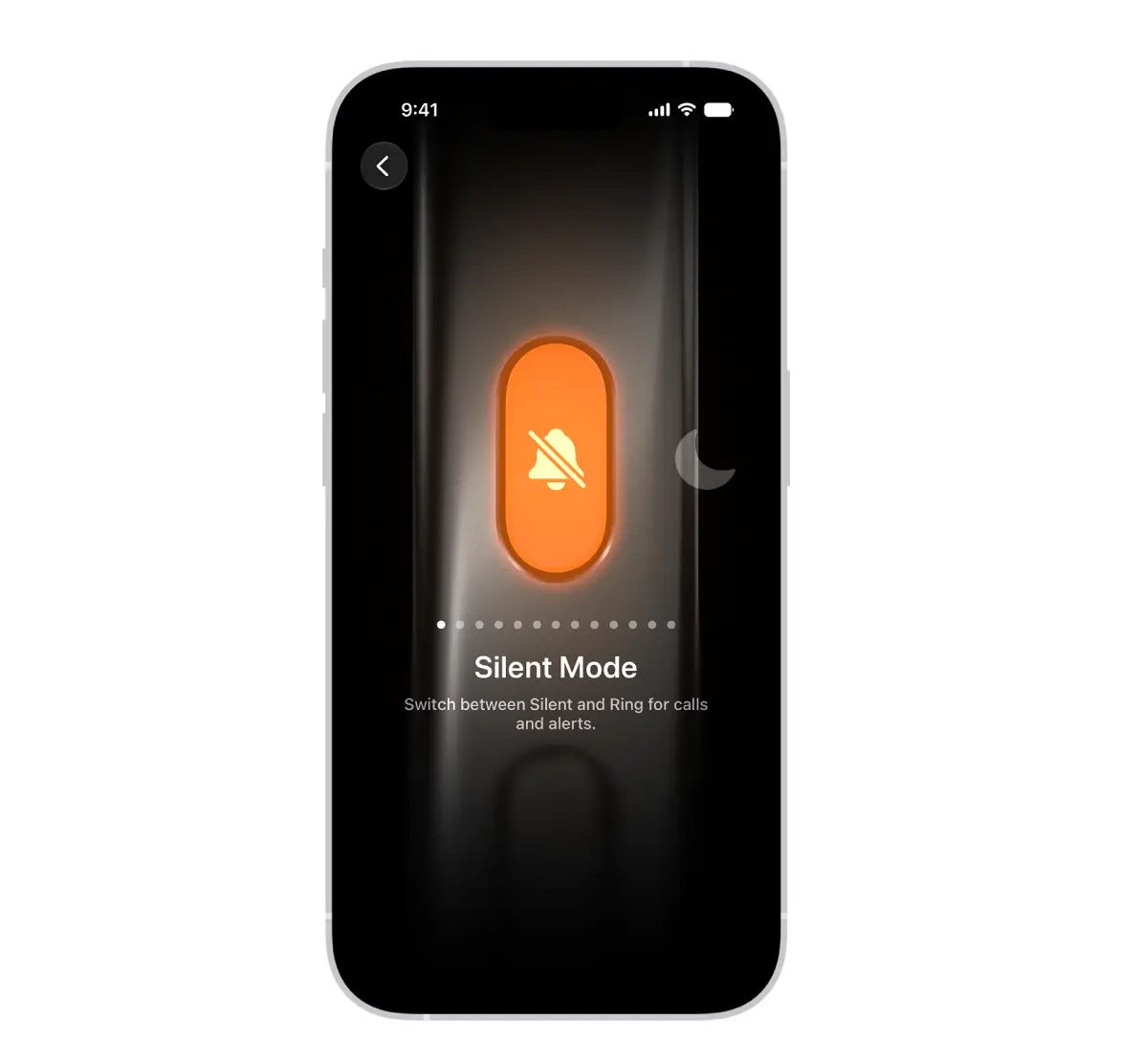
From there, an image of the side of the iPhone will appear with icons representing actions you can assign to the Action Button.
To choose an action, such as Silent Mode, simply swipe to the action you want to use and its name will appear below the dots.
If there are additional options for the selected action, arrows will appear below the action, so you can tap them to see the list of options.
For the Controls, Shortcut, and Accessibility actions, you will need to click the button below the action and select a specific option.