iOS settings you should change immediately on your iPhone to free up storage fast


There are certain iOS settings you should change immediately on your iPhone in order to free up storage fast.
Every Apple fan hates the dreaded moment when the ‘storage full’ alert pops up on your iPhone screen.
Having to scroll through your endless photos and videos to find ones you’re happy to delete is arduous, not to mention looking for old apps you don’t use anymore.
However, before you start to panic delete all your precious memories, it turns out that there is a handy tech trick you can use to make some room without having to get rid of photos.
Advert
In fact, there are two settings built into your iOS that can assist you with clearing up some storage on your device.
First up, is optimizing your photos and videos, which can be done by heading to Settings, followed by Photos and then clicking on Optimize iPhone Storage.
In order for this to work, you’ll need to have iCloud Photos enabled but once activated, you should see more space on your phone.
All your full-res images and videos will transfer over to iCloud to free up some room.
Another way to save storage space is to delete apps you don’t need, and there is a simple way to do this without scrolling aimlessly through your phone.
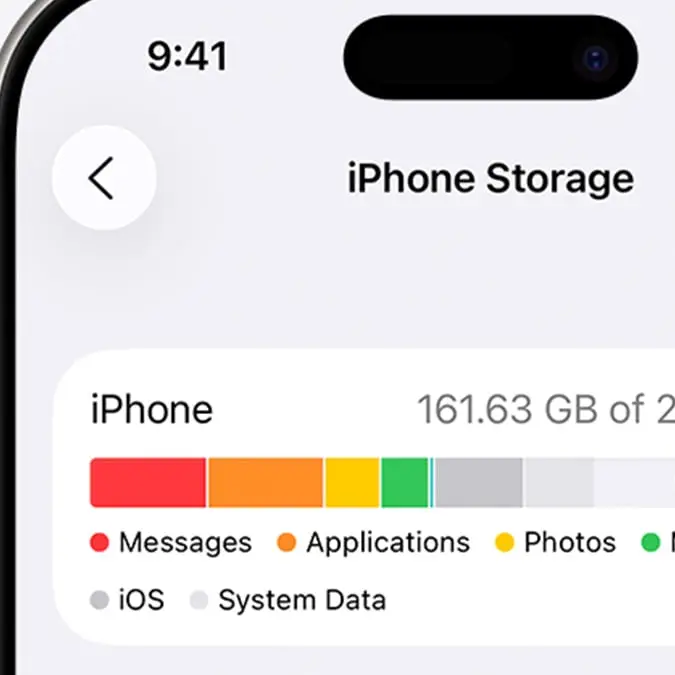
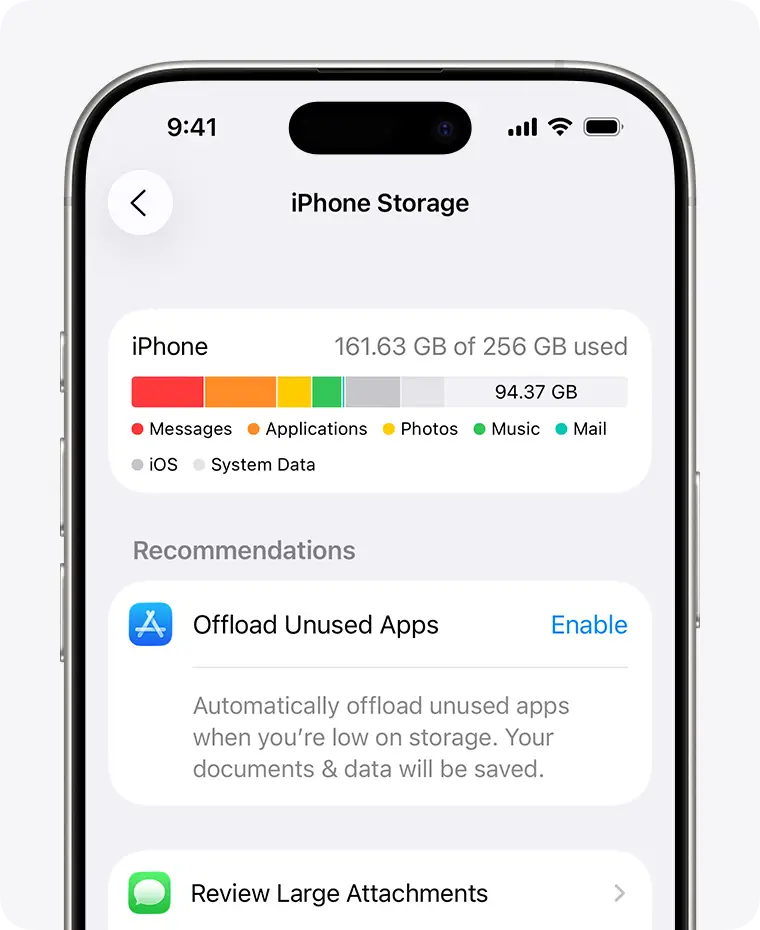
First, head to your Settings app, followed by General and then iPhone Storage. From there, you’ll be able to see which apps are taking up the most space on your device.
When you see an app that you want to remove, click on and hit Offload App.
In other Apple news, drivers are now able to add their license to their iPhone’s Apple Wallet in a long awaited update.
Apple took to social media to share information on the new update that enables them to digitally upload their driving licenses to their devices.
One user took to Reddit to share the news, writing: “California Drivers License can now be added to wallet. I already had my passport on my Apple wallet, but I was just curious when California was going to join the party.
So completely on a lark, I checked and found out there's a pilot program happening. Now I don't need my wallet at all! Yippee.”
This prompted responses from others, with many sharing mixed reactions to the update.
Another said: “The digital ID is mainly for TSA checkpoints and airports. I don't think it's considered a valid ID for anything else. Not even identifying to police. You can't use it to buy age restricted items like alcohol or gambling. It also is not a valid drivers license. So you'll still need to carry a physical ID. I think the goal for Apple and Google is make that possible but it's really up to the government to make that happen. So far no one in the US is really pushing for that unfortunately.”
And a third person added: “…. until you need to buy alcohol or pulled over and they require you to show the physical card. You know, the only two occasions where you actually need your ID.”