
uniladtech homepage
  • News
    • Tech News
    • AI
  • Gadgets
    • Apple
    • iPhone
  • Gaming
    • Playstation
    • Xbox
  • Science
    • News
    • Space
  • Streaming
    • Netflix
  • Vehicles
    • Car News
  • Social Media
    • WhatsApp
    • YouTube
  • Advertise
  • Terms
  • Privacy & Cookies
  • LADbible Group
  • LADbible
  • UNILAD
  • SPORTbible
  • GAMINGbible
  • Tyla
  • FOODbible
  • License Our Content
  • About Us & Contact
  • Jobs
  • Latest
  • Archive
  • Topics A-Z
  • Authors
Facebook
Instagram
X
TikTok
Snapchat
WhatsApp
Submit Your Content
People left amazed after realizing iPhone has a built in white noise feature they never knew about

Home> Apple> iPhone

Published 16:17 4 Oct 2024 GMT+1

People left amazed after realizing iPhone has a built in white noise feature they never knew about

Forget ASMR videos, your iPhone has been able to help you sleep all along

Rosalie Newcombe

Rosalie Newcombe

google discoverFollow us on Google Discover
Featured Image Credit: Daly and Newton/NIC COURY/Contributor via Getty images.
Apple
Smartphone
iPhone
Youtube

Advert

Advert

Advert

People generally advise against blasting white light in your face if you’re trying to catch some beauty sleep. However, your iPhone can give you instant access to YouTube, and its magnitude of ASMR and sleep-aid-related content.

YouTube also plays host to a ton of ‘white noise’ videos. These videos can be multiple hours long, providing the restless with all the crackly static sounds one could hope for.

Using platforms like YouTube for white noise can be the ultimate sleeping aid.
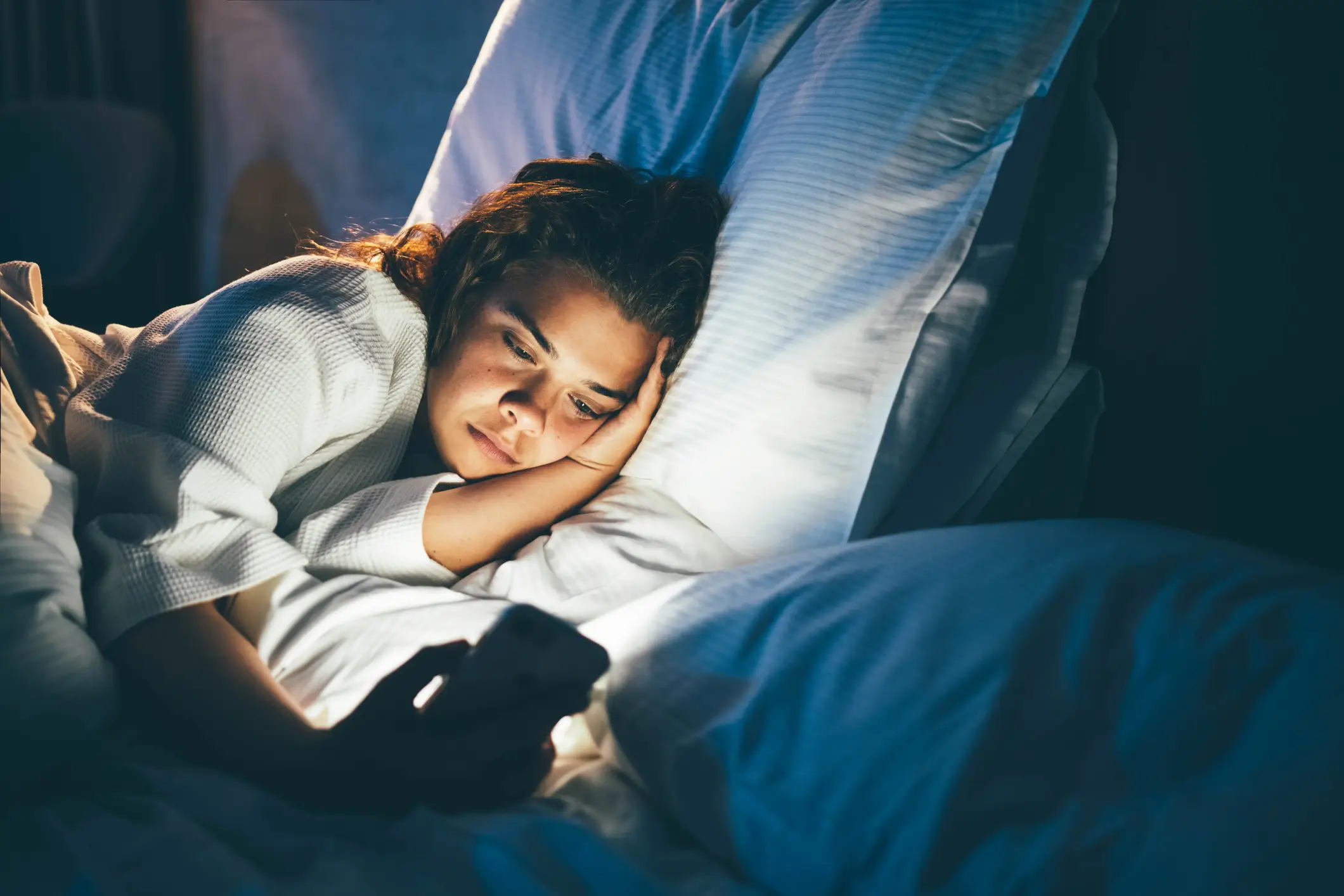
Your iPhone can be a major sleep disrupter, until now (Maria Korneeva via Getty images.)

Advert

However, it can also mean constant ad interruptions, especially if you don’t have a premium subscription.

The alternative, white noise sound machines, can also cost up into the hundreds if you want a trusted brand.

If you’re still desperate for that white noise goodness, your iPhone holds the key. This entire time, your beloved Apple smartphone has a built-in white noise feature.

How to enable white noise on your iPhone

To set up your iPhone’s built-in portable white noise machine, just follow the simple steps below:

  • Go to Settings
  • Navigate to ‘Accessibility;
  • Scroll to ‘Accessibility Shortcuts’
  • Select ‘Background Sounds’

The feature, dubbed ‘background sounds’ can be simply activated through your iPhone’s settings. Once turned on, you’ll be met with calming white noise, without the YouTube interruptions, and hopefully, have a good night’s sleep.
You can also adjust the volume of the iPhone's background sounds (John Keeble/Contributor via Getty)

Users of the r/LifeProTips subreddit were left amazed when a fellow user shared the fact that the iPhone is also a ‘portable white noise machine.’

One Reddit user stated, “Omg thank you I just bought white noise machines but this is more convenient sometimes.”

Meanwhile, another stated, “I never knew my phone had this feature, thanks for sharing.”

While many users in the Reddit comments just found out about the feature's existence, others shared even more useful tips. According to another user, you can also change the noise and volume of the white noise to your liking.

Another user shared a shortcut to access the feature. Rather than going through the steps outlined above, iPhone users with access to iOS 15 and above can simply swipe down to access the Control Center.

Afterwards, selecting the ‘ear icon’ will also give you access to the built-in background sounds.

According to multiple Apple fans, the number of different background sounds available through the feature can be limiting. With that in mind, apps such as ReSound Relief were recommended as viable alternatives.

Featured image credit: Daly and Newton/NIC COURY/Contributor via Getty images.

Choose your content:

4 hours ago
21 hours ago
22 hours ago
2 days ago
  • NurPhoto / Contributor via Getty
    4 hours ago

    Apple's most anticipated iPhone to date delayed after facing major issues

    It could push the release date back by months

    Apple
  • NurPhoto / Contributor via Getty
    21 hours ago

    Chart shows exactly when your iPhone will stop accepting iOS updates

    Some older models are losing iOS 26 support

    Apple
  • NurPhoto / Contributor via Getty
    22 hours ago

    Bizarre Japanese law that prohibits all iPhone owners from silencing camera feature

    It's worth being aware of

    Apple
  • Fiordaliso / Getty
    2 days ago

    Apple delivers urgent response to 'darksword' attack hitting iPhone users

    Your security could be at risk thanks to a major vulnerability

    Apple
  • iPhone users blown away at unbelievable tracking feature they never knew existed
  • Apple delivers urgent response to 'darksword' attack hitting iPhone users
  • iPhone users beg 'please don't do this' as Apple announces plan to add 'ridiculous' new maps feature
  • NASA unveils photos taken on iPhone 17 Pro Max during historic Artemis 2 journey to the Moon