Apple confirms swiping apps closed causes your iPhone to slow down and lose battery life


If you’re used to swiping apps closed on your iPhone to save battery, you might want to think again.
I know, it seems illogical to keep apps open thinking that they will save battery but they actually do, according to Apple.
In an official Apple discussion forum, the tech giant confirmed that the iPhone uses less battery life with less power operating the background apps.
"When your recently used apps appear, the apps aren’t open, but they're in standby mode to help you navigate and multitask," Apple explained.
Advert
Apparently these apps might stay active "for a short period of time" after you've stopped using them.
But they soon fall into standby mode, which means they aren't "actively in use, open or taking up system resources."
In fact, constantly closing apps could actually drain your battery more.
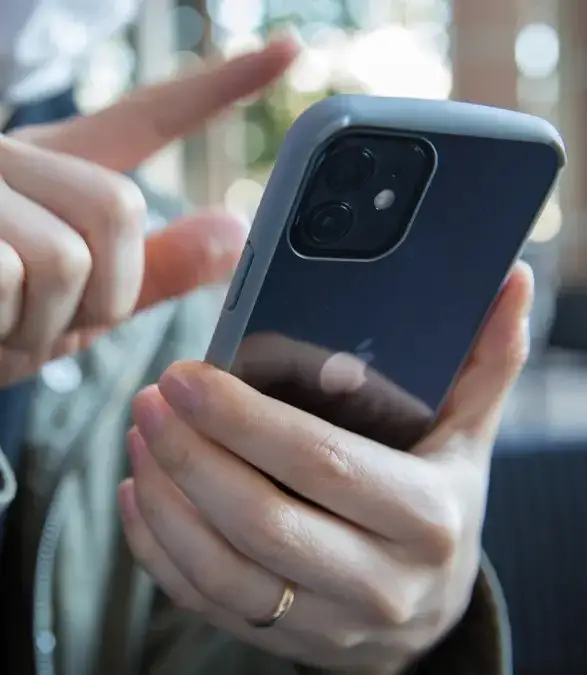
In the case of your iPhone, Apple said: "You should force an app to close only if it’s unresponsive."
Tech blogger John Gruber puts it simply: "Not only does force quitting your apps not help, it actually hurts.
"Your battery life will be worse and it will take much longer to switch apps if you force quit apps in the background."
This is because apps in the background are "effectively 'frozen'," he explained.
This state 'severely' limits what they can do in the background whilst simultaneously 'freeing up the RAM [random-access memory] they were using.'
And this is what makes the iOS software within Apple devices so advanced.
According to Gruber: "Unfreezing a frozen app takes up way less CPU (and energy) than relaunching an app that had been force quit."
CPU is the central processing unit - it basically powers your phone and lets you scroll all day long.
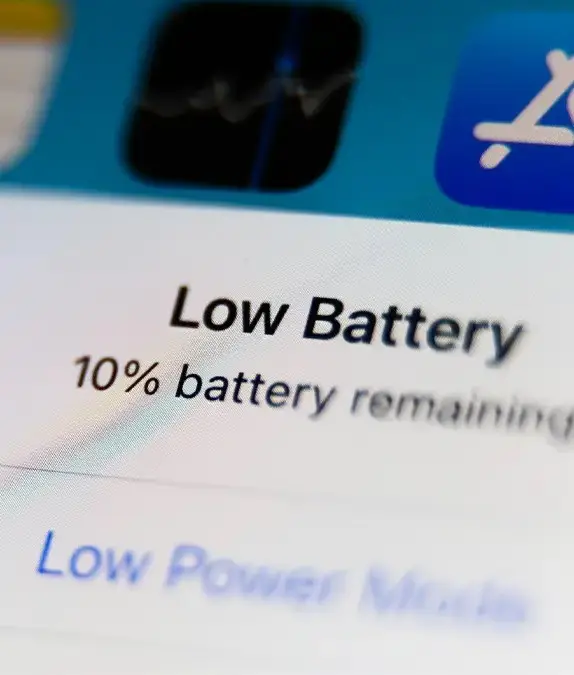
A lot of us are probably at fault here. Over the years of owning smartphones and preserving our precious battery life, it's quite a shock to hear that our logic isn't actually true at all.
But knowing this, we can know save every bit of power and keep our phones running more efficiently in the long run.
Additionally, Apple has also shared some simple tips for maximising your iPhone battery life.
For one, keeping your software up to date is a priority.
You can do this by going to Settings > General > Software Update.
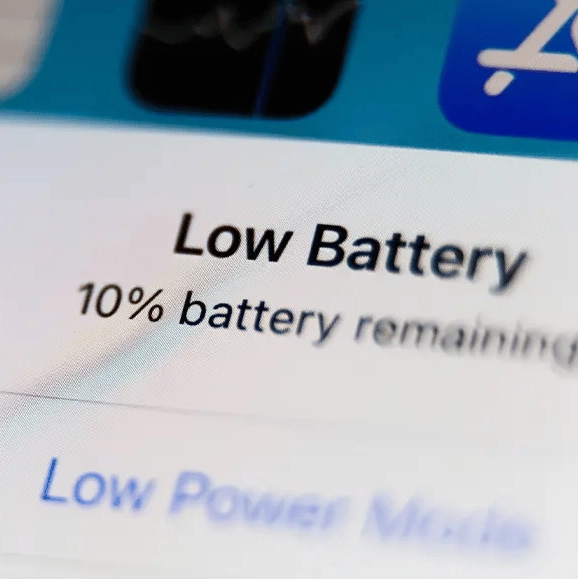
Other things to note are to lower your screen brightness, switch on Low Power Mode and turn off Bluetooth and Location Services when they're not in use.