Experts reveal maximum amount of time you should hold onto phone before upgrading


Experts have revealed the maximum amount of time you should hold onto your phone before deciding to upgrade it.
While some people love nothing more than racing to the store to get their hands on the latest model of their favorite smartphone brand, others try to hold onto their devices for as long as possible.
So, what is the appropriate amount of time to wait between phone upgrades?
Well, the older your device gets, the more likely it is to go downhill in its performance, with it not working as quickly as it did when it was new.
Advert
But even if your phone appears to be fine, the hardware might be on its way out.
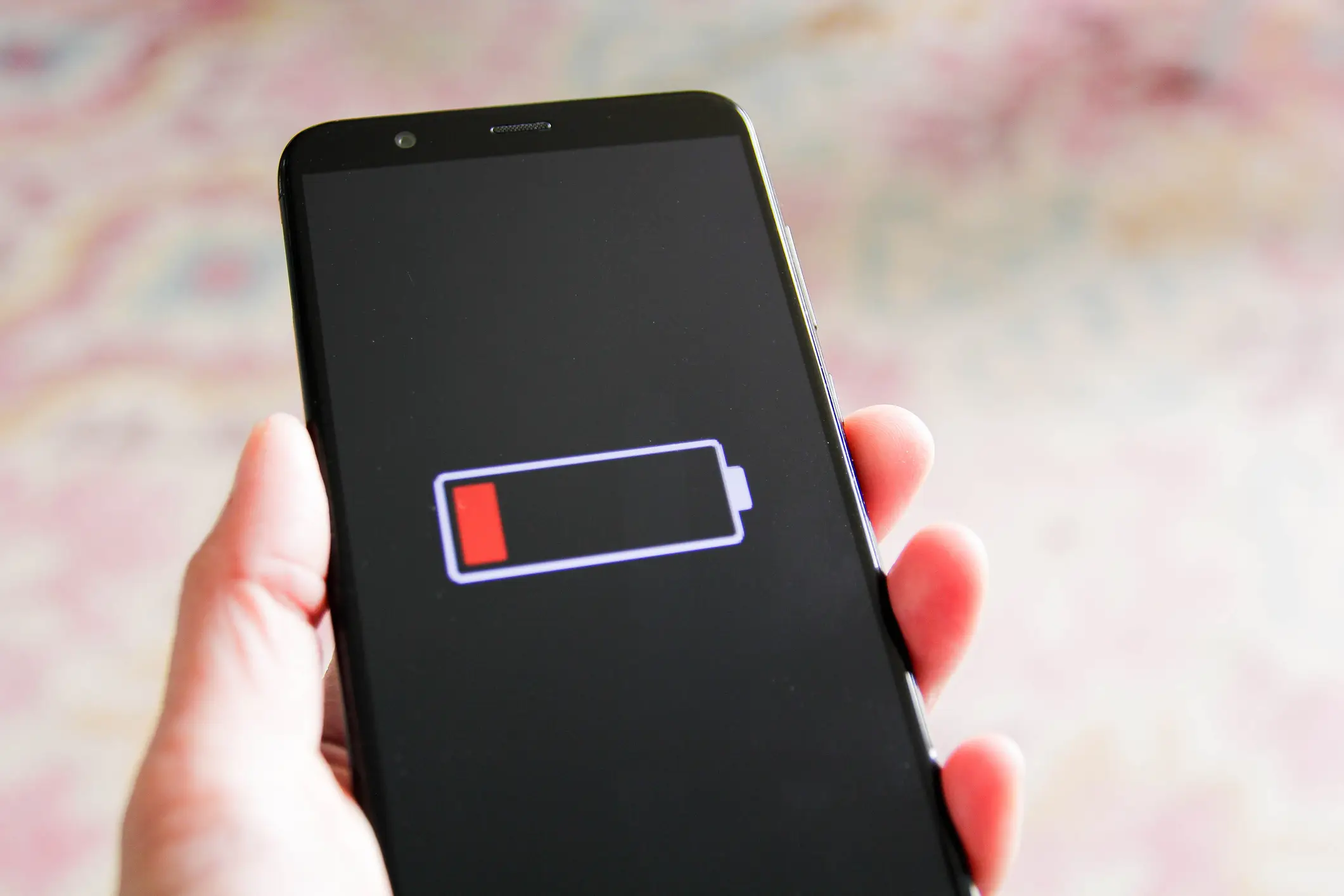
While there are certain things that come with having an older device, including a decline in the battery capacity, there is one key factor that experts say is a tell-tale sign that an upgrade is needed.
This is once your device becomes too old to receive important updates and security fixes.
There are concerns that having a smartphone this old could leave it vulnerable to cyber attacks and also limit its user experience.
Experts estimate that this will impact most devices around the seven year mark as this is typically when manufacturers stop providing system updates.
How to improve battery life and cybersecurity
A little-known iPhone hack is being widely shared and it has the potential to massively extend your device’s battery life.
To get a bit more juice out of your iPhone before it dies, all you need to do is make sure to turn it face down when it’s not in your pocket or bag.
While it might not immediately make sense, this simple change of habit will stop your smartphone from lighting up every time you get a notification.
Each time your phone lights up the screen, it uses a little bit of power, meaning your device will lose battery power quicker.
Instead, it’s best to keep the phone face down in order to avoid it.
But don’t panic, you won’t miss any urgent messages or calls because the phone will still vibrate or make a sound when you get a notification.
And that isn’t the only benefit of turning your phone facedown as there are other factors to consider as well.
This can also improve privacy as it avoids any onlookers from peering at potentially sensitive information.
Let’s say a banking email pops up or a personal text arrives in your inbox, it could contain information that you don’t want others to see and putting your phone facedown eliminates this risk.