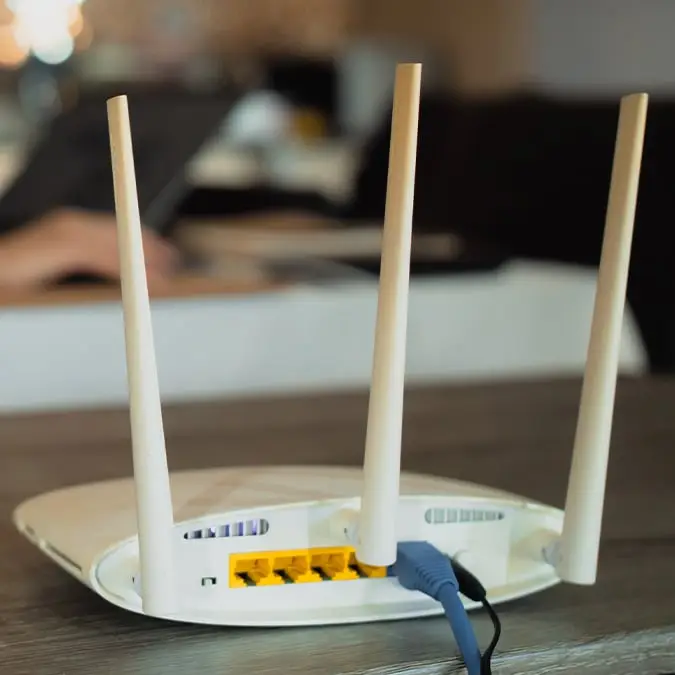
Dangerous truth about what happens if you don't restart Wi-Fi router as NSA issues warning


Earlier this year, the National Security Agency (NSA) reported on Russian threats against WiFi routers and now, people are being urged to restart theirs.
This came after the US Department of Justice, FBI, and international law enforcement partners revealed they had disrupted a Russian GRU network of compromised small-office home-office (SOHO) routers ‘used as part of malicious hijacking operations’.
As a result, all device owners were encouraged to ‘take action to remediate and reduce the attack surface of similar edge devices’.
At the time, the NSA stated: “The FBI, NSA, and co-sealing agencies encourage SOHO router users to change default usernames and passwords, disable remote management interfaces from the Internet, update to latest firmware versions, and upgrade end-of-support devices. Users should also carefully consider certificate warnings in web browsers and email clients.”
Advert
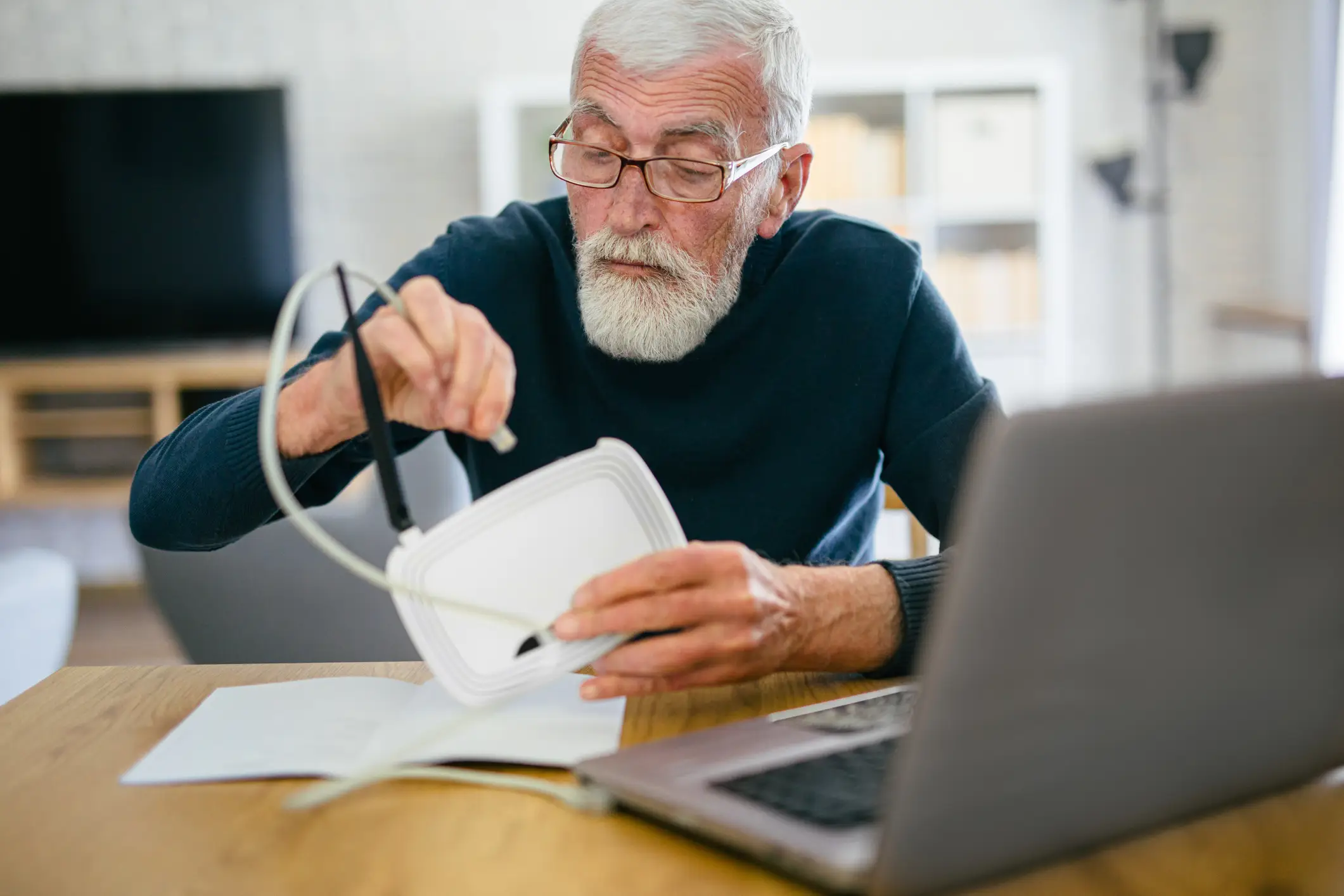
Now, the dangerous truth about what happens if you don’t restart your WiFi router has been revealed.
This is because a ‘simple reboot’ has the ability to interrupt malware and break down any connections that hackers may have to your network.
The National Cybersecurity Alliance offers more advice on how to keep your router protected from attacks, with a major push for people to change their default passwords.
Describing it as a common mistake, on their website it details: “Manufacturers often set generic usernames and passwords, making it easy for attackers to gain unauthorized access. Sometimes, lists of these login credentials are published online, or they can be stolen and sold to hackers. Changing these default credentials needs to be the first step after setting up your router.

“If your router’s password is short or easily guessable, your digital gateway is cracked open. Create a strong, unique password that combines letters, numbers, and symbols. A router password should be 16 characters long, and you can store these passwords in a password manager. The best routers allow you to enable multi-factor authentication to gain administration access, so always turn on MFA for another layer of security.”
It is also important to keep your WiFi router up to date to make sure any bugs and security vulnerabilities are repaired.
The National Cybersecurity Alliance goes on to say: “Cybercriminals often target outdated systems because they know they're easier to compromise. They are also aware of patches the router manufacturer has fixed in the past, so they will be on the prowl for unpatched routers. Stay proactive about updates and strengthen your home or organization's main internet access point.”