iPhone thief trap setting that photographs whoever steals your device and emails their location


It turns out that there is a little-known hack hidden within your iPhone settings that enables you to photograph a thief in the event that your device gets stolen.
Even better - it also emails you their location so you can track down your iPhone, giving you the best chance of getting it back.
According to X user @PhoenixQwin, there is a way to configure your Apple settings to help you track down the thief who has taken your device.
How to set up an iPhone thief trap with shortcuts
This comes after another user wrote: “You know there’s a way to set your phone so that if it’s stolen and plugged on charge it will take a photo of whoever stole it and email it to you with the location of the person.”
As explained by PhoenixQwin on social media, all you need to do is set up a series of shortcuts associated with your phone being plugged into the charger.
Advert
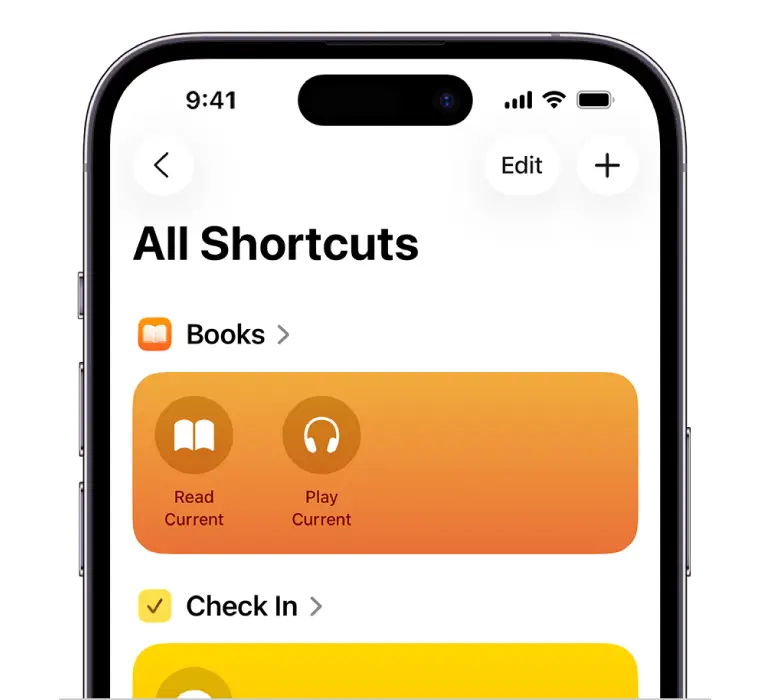
This includes taking a photograph and emailing yourself the phone’s location every time it gets plugged in.
In theory, this means that the device should do the same if it gets stolen and the thief plugs your phone into a charger.
However, there is a bit of a catch, because in order for this to work, your phone will be following the same instructions every time you plug your phone into a charger - meaning that your camera roll will probably be full of candid shots of yourself.
Other Apple features to protect your iPhone from theft
This is not the only way to boost your device’s security in the event that it’s stolen as there are multiple features you can enable to protect your iPhone.
Apple’s built-in theft protections work differently to configuring shortcuts on your phone, with an important one being Find My.
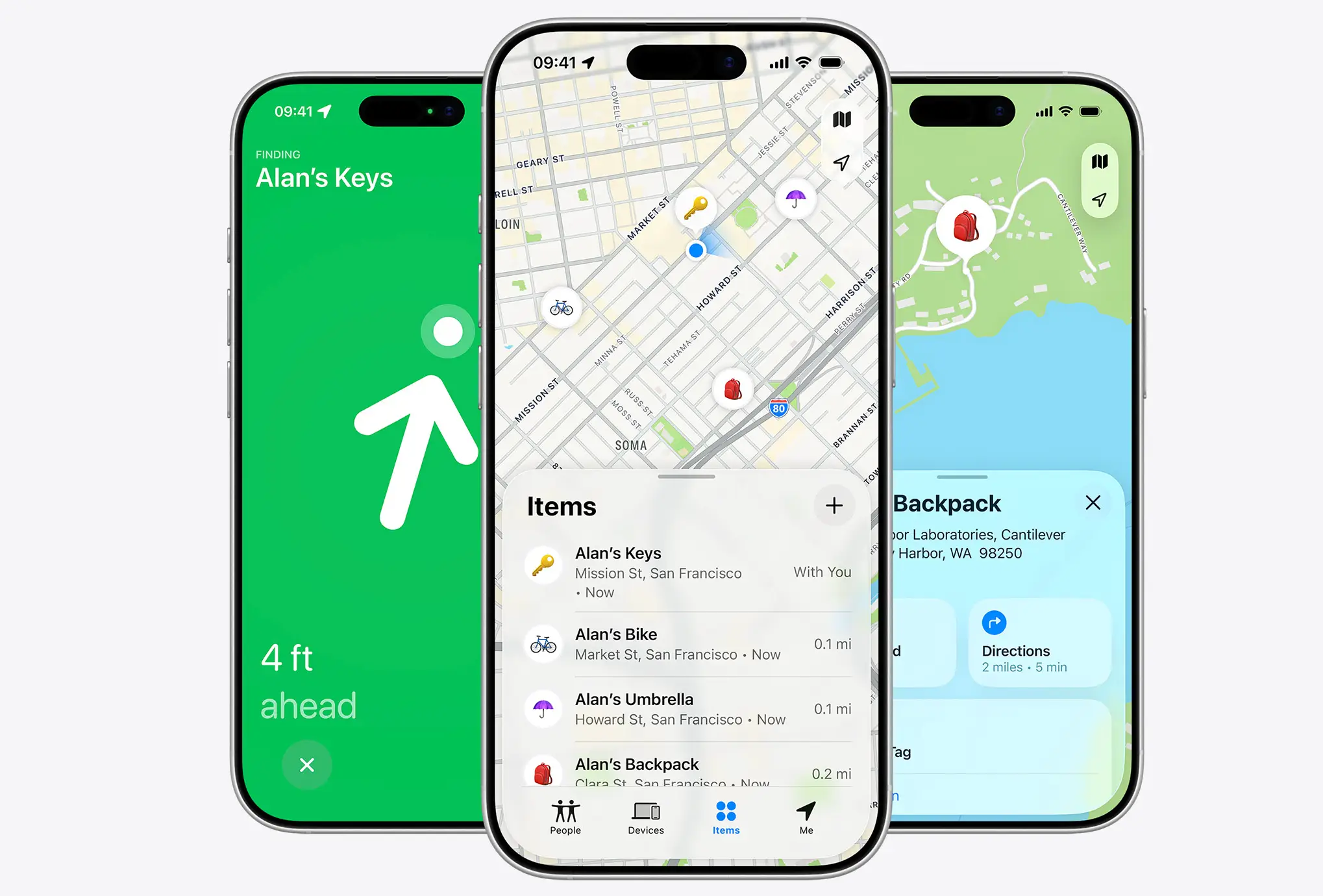
This feature needs to be enabled before your phone is taken as Find My can help you locate a missing device and, if you’ve enabled the relevant settings, can continue to help locate it even when it’s offline.
There is also Stolen Device Protection, which Apple introduced specifically to make it harder for a thief who knows your passcode to make critical changes to your account or device.
So, while a charging-triggered shortcut could be an interesting extra layer, it might be best to not replace it with Apple’s already built-in security features.