Rockstar Games is giving away massive free upgrade ahead of GTA 6 release


We're only months away from the release of Grand Theft Auto 6 now, and developer Rockstar Games has given fans of the series a massive free upgrade, letting you jump from the regular versions to the enhanced current gen editions of GTA 5 for no extra cost.
This should definitely help you pass the time as you wait for GTA 6 – especially if another dreaded delay is announced, however unlikely that is increasingly becoming – as the upgraded version gives a glimpse of what's to come with the new game.
It's easy to forget that GTA 5 originally came out 13 years ago now, launching on the PS3 and Xbox 360 back in 2013. Since then it's undergone a number of significant visual overhauls, with the jump to PlayStation 5 and Xbox Series X|S consoles bringing it into the modern day.
Now, following the reveal of The Kortz Center Heist in GTA Online, anyone who owns any PS4 version of GTA 5 – alongside the digital version on Xbox One – will be able to upgrade for free, as this previously required players to buy the game again.
What does the GTA 5 free upgrade introduce?
By far the biggest difference between the PS4 and PS5 versions of GTA 5 is the graphical quality, as the latter introduces numerous fidelity and frame rate options which allow players to experience resolutions of up to 4K alongside smoother gameplay.
Advert
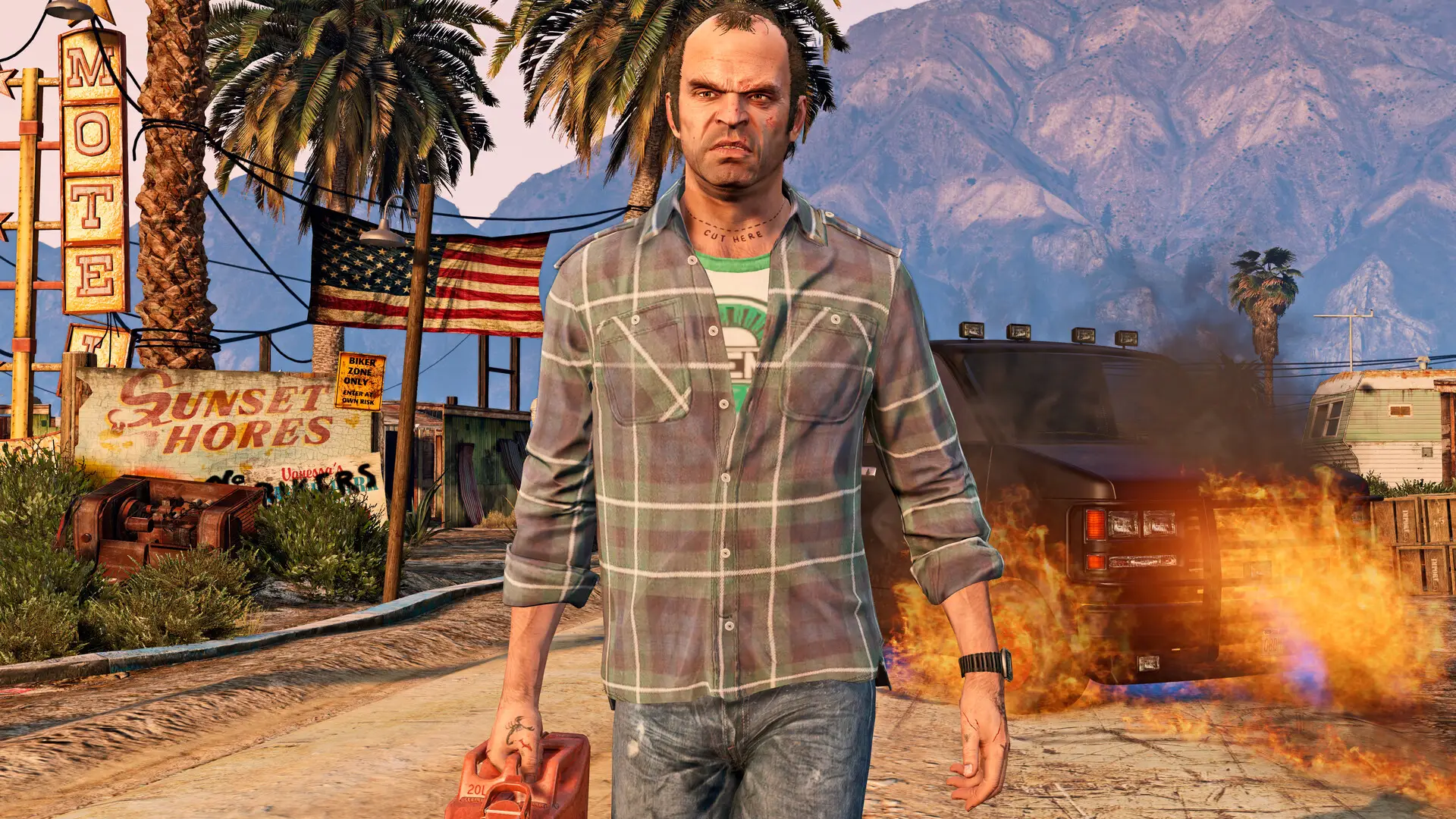
The upgraded version also features ray traced reflections and lighting in some of its graphics modes, allowing the game to feel more realistic than ever before — something that could help you prepare for the stunning visuals of GTA 6.
Another visual upgrade comes in the form of High Dynamic Range (HDR) support, which is ideal if you have a supported TV, alongside enhanced textures and an increased draw distance in-game.
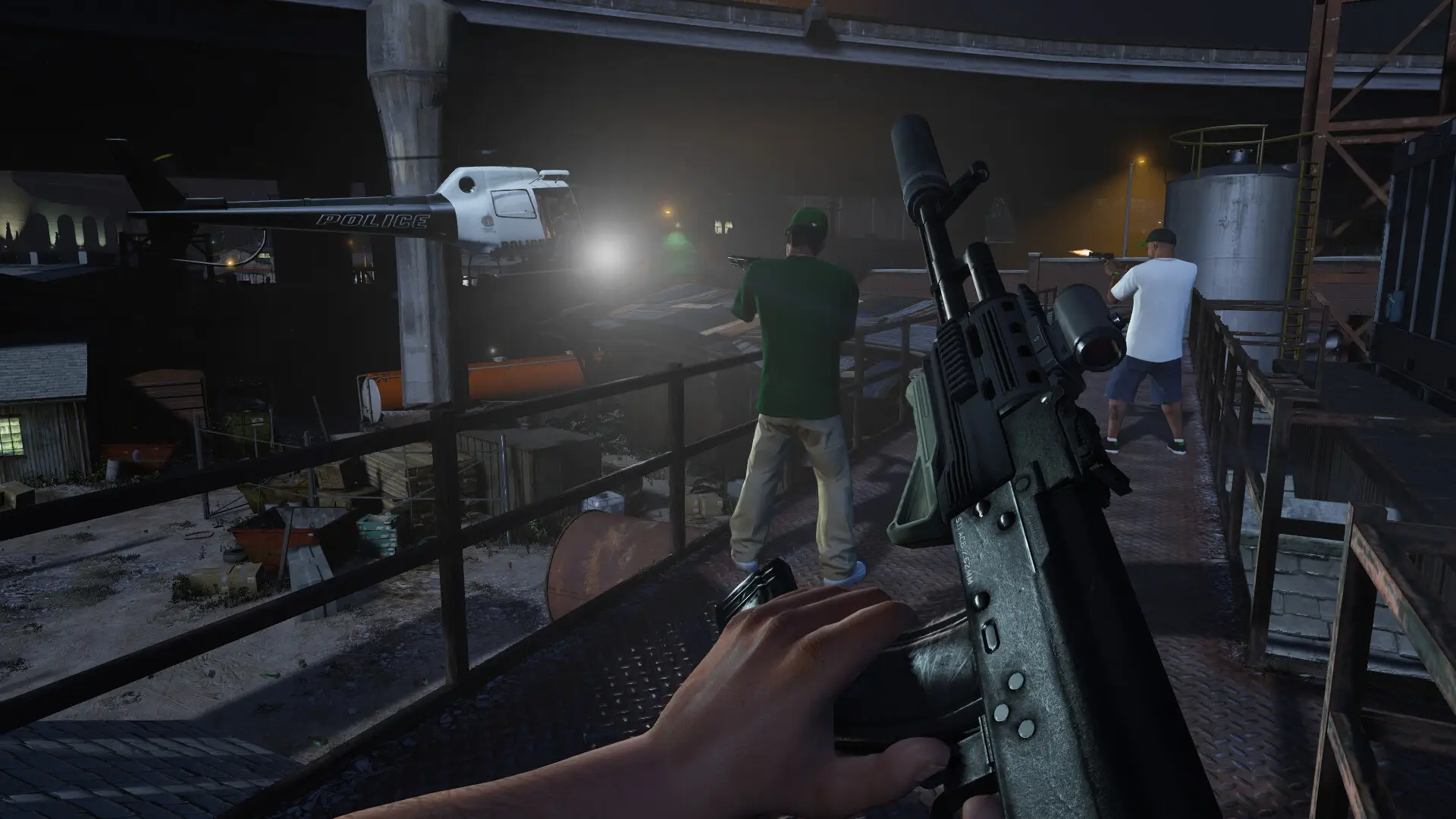
You'll also be able to take advantage of PlayStation specific features like 3D audio and haptic feedback through the DualSense controller, and this can provide a far more immersive experience when playing.
How to carry over story and GTA Online progress
Rockstar has thankfully introduced an easy migration method that allows you to carry over both Story and GTA Online progression to the upgraded version, meaning that there's no downsides to making the switch.
To transfer your Story progress, you'll want to first log on to the PS4 version and head into the pause menu. From there, scroll to the 'Game' tab and select the option 'Upload Save Game'.
Once you've done that, head onto the PS5 version and navigate to the 'Game' tab once more, and select 'Download Save Game' to migrate your progress.
Carrying over progression for GTA Online is also super simple, and can be done either through the game's landing page, or through the pause menu at a later date.
If you want to get back into things straight away with your current character, the landing page is the best course of action:
- Select 'Online' from the GTA 5 landing page
- Choose the platform you want to take your progress from on the Migrate Profile screen
- Confirm the migration selection
One thing to bear in mind is that any unspent GTA$ are not carried over as part of this procedure, so make sure it's all spent on the previous version before making the jump.
If you don't want to do this right away though you can make the switch later on through the pause menu:
- Open up the pause menu in-game, and select the 'Online' tab
- Find the 'Migrate Profile' option and select the platform you want to carry over from
- Confirm the migration selection
Any progress you then make on the previous generation version won't be carried over to the current gen character, so make sure you only play on the PS5 or Xbox Series X|S version going forward.