
These 4 apps could seriously be slowing your Android phone down in plain sight


Before you start eyeing up a shiny new iPhone or Android, it might be worth taking a closer look at what's already on your phone.
Many people assume a sluggish device or a rapidly draining battery means it's time for an upgrade. But sometimes, the culprit is hiding in plain sight on your smartphone's home screen.
With that, here are four apps that could be slowing down your Android phone, according to MakeUseOf.
Advert
TikTok
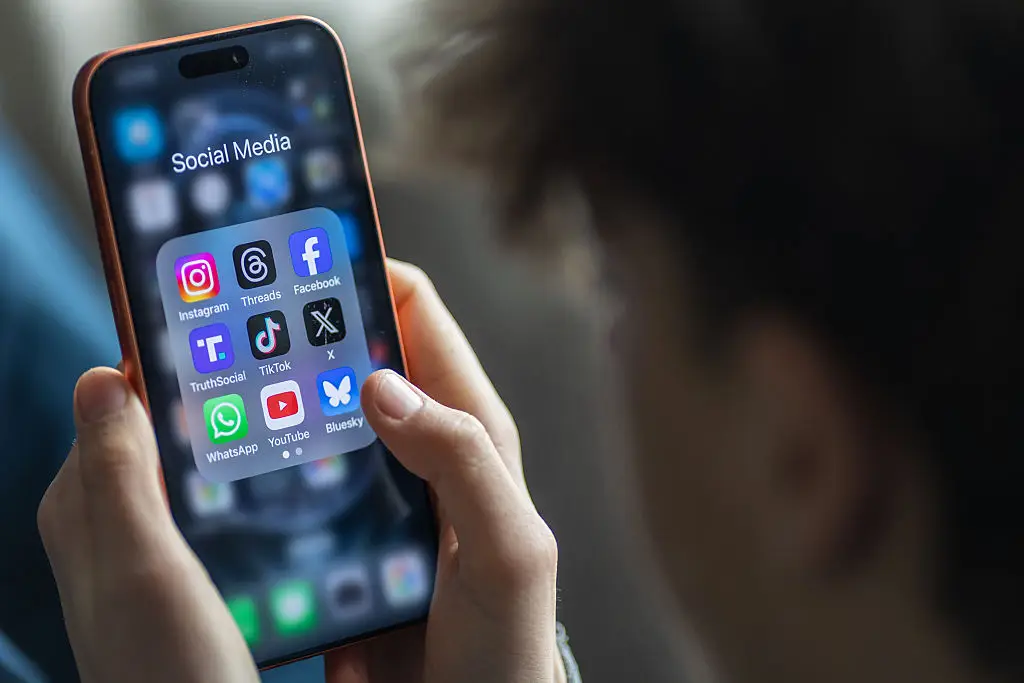
Like many other social media platforms, TikTok is one of the most power-hungry apps you can have on your device.
The problem is it doesn't just use power when you're scrolling on it. In the background, it constantly preloads videos, syncs notifications and tracks engagement data, all of which prevent your phone from ever entering sleep mode.
Moreover, the infinite scroll feed, constant on-screen effects and layered interface cause something called UI overdraw, which puts strain on your GPU and makes everything feel noticeably less smooth.
If you're finding TikTok to slow down your phone's performance, try TikTok Lite. The stripped-back version loads faster, uses less storage and reportedly runs better on older devices.
Google Maps
Similarly, navigation apps like Google Maps can be surprisingly power-hungry on your phone. Continuous GPS tracking, real-time data updates and constant background processes all combine to drain your phone's battery and processor.
If Google Maps is set to 'Allow every time,' it can access your GPS even when you're not using it.
Even after you close the app, it can continue running background processes for a while, especially if you've recently been using navigation. This increases CPU usage and can cause the battery to drain abnormally.
Clearing the cache won't help much here either, as the app simply rebuilds it based on your location. Fortunately, if you're on a Google Pixel 10, you can enable the in-app power-saving mode to help extend the battery life.

Spotify
Spotify is another app that seems lightweight but can chew through your battery in the background.
Like other music streaming apps, Spotify runs background services to keep playback smooth, syncs your playlists and listening history, refreshes recommendations and caches content for offline use.
Over time, that cache can grow surprisingly large and when Android starts running low on space, it causes lag across the whole system. It's one to keep an eye on if you're finding your Android regularly stuttering and lagging when you're jumping between apps.
Google Photos
While Google Photos is a helpful app to store your Instagram-worthy photo collection, its cloud services can wreak havoc on your Android's performance.
Every time you take a photo, the app indexes the image and uses AI to generate thumbnails and tags, before uploading it to the cloud. This background activity uses both CPU and network resources and can cause sudden processing spikes, increased heat and performance slowdowns.
Additionally, if you have large media files or have recently transferred many photos to Google Photos, your phone could slow down even further.
The good news is that turning off or limiting automatic backups can make a huge difference by reducing network usage, preserving battery life and freeing up storage all in one go.