
Tech expert shares 'life-changing' iPhone trick that gets rid of annoying banner ads on Safari


A tech expert has shared a ‘life changing’ iPhone trick that gets rid of annoying banner ads on Safari.
This simple tip could drastically improve the phone experience of Apple fans.
And one YouTuber has lifted the lid on how to remove the ad banners on iPhone Safari for yourself.
Advert
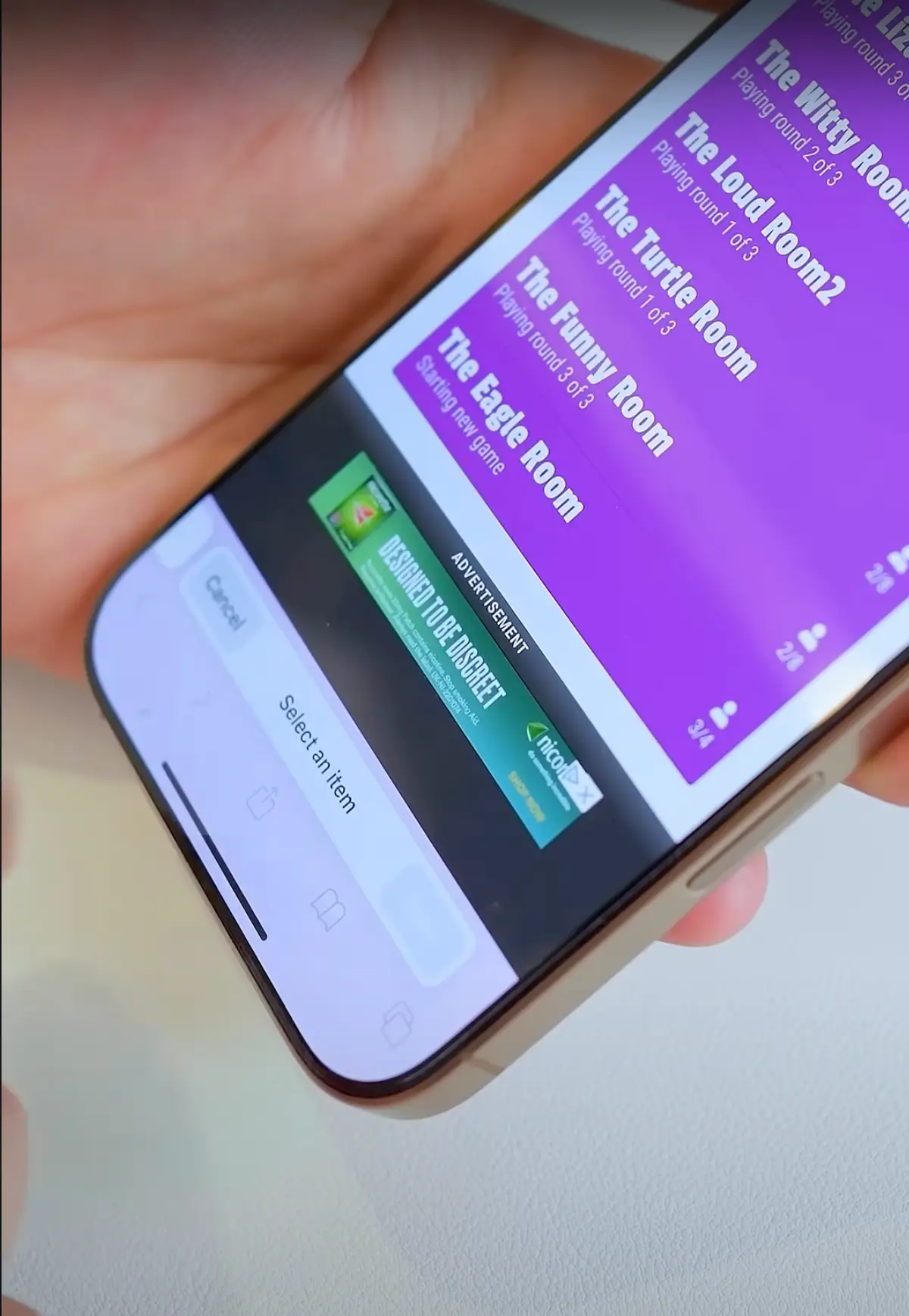
Arun Maini, who is known online as Mrwhosetheboss, recently uploaded a video to his YouTube channel where he explained how to implement the trick, which he said ‘will change your life’.
He said: “if you ever find these annoying banner ads stuck at the bottom of your screen click here, ‘hide distracting items’ and then literally tap on the things that you want to Thanos snap out of existence.”
The YouTuber demonstrated on his own phone where he clicked on the banner to bring up the ‘hide distracting items’ button.
By selecting it, he then clicked to ‘hide’ the banner, which subsequently vanished from his screen.
And that wasn’t the only trick that Maini had up his sleeve.
He continued: “Airdrop is great when it works but it fails way too often. If you plug in a cable while airdropping though, you’ll not only guarantee that it works but you will also make the transfer practically instant.”
Explaining another tip, the YouTuber said: “If you struggle to select text while you’re on your phone here’s what you need to do.
“Double tap on a word to just select that word, triple tap on that word to select the entire paragraph and then you might know that you can tap hold on your space bar to manually navigate through that text, but what you probably didn’t know is you can then tap the keyboard with a second thumb to start selecting that text manually, giving you much more precise control.
“But let’s say you accidentally delete everything, you want to undo it, well now you don’t need to shake your phone like a lunatic.
“Just swipe left with three fingers you want to redo, you swipe right with three fingers and then if you want to see all of these formatting options at once on your screen you just tap with three fingers.
“Now if you want to activate basically anything on your phone with a simple voice command all you need to do is to jump into Accessibility settings and set up a vocal shortcut, I can do things without even needing to activate Siri.”